
Match, sort and order
Timeline builder
Pupils put dated events in chronological order.
Marked automaticallyOn paper: read and marked
Pupils choose a theme:
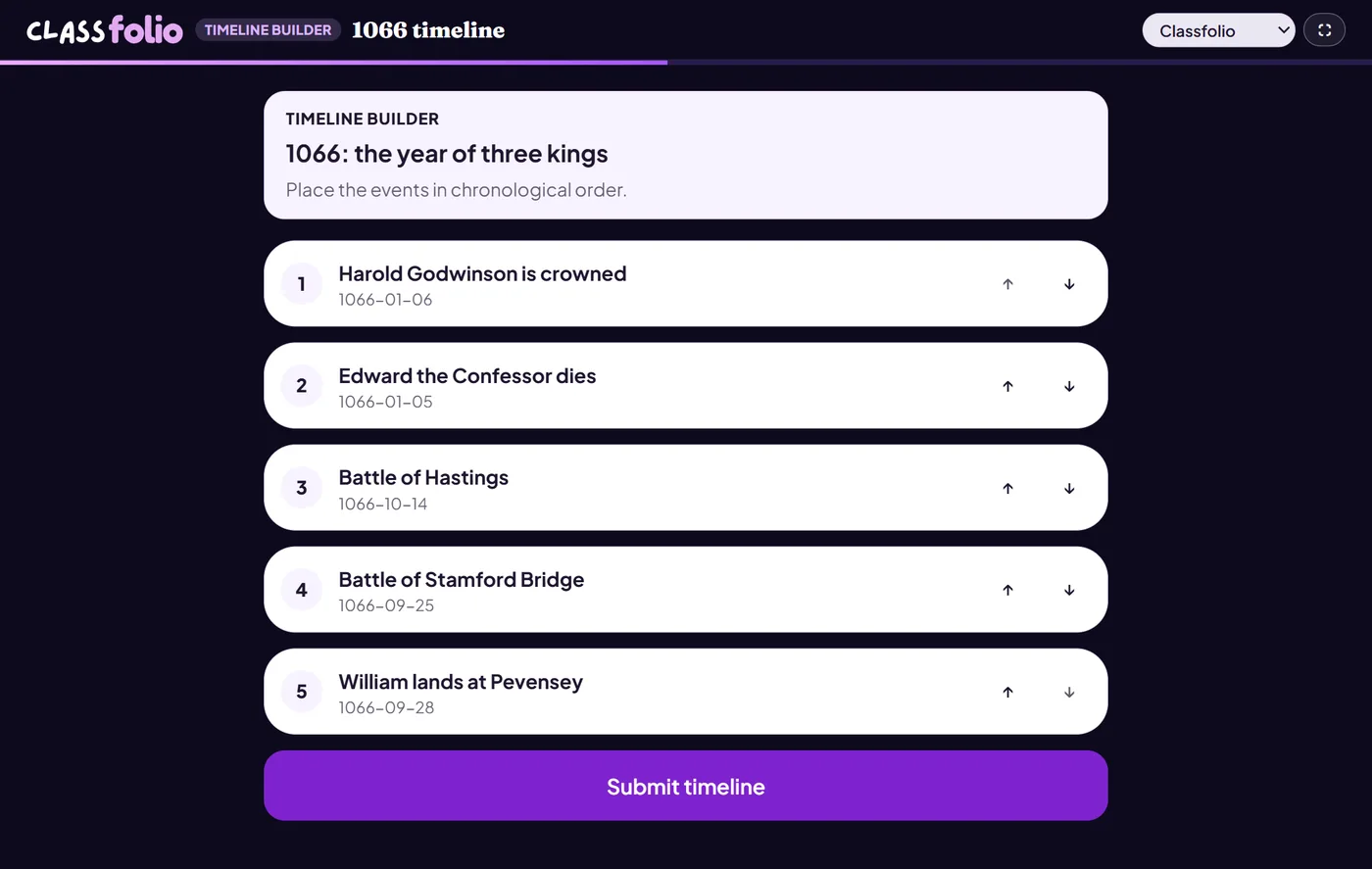
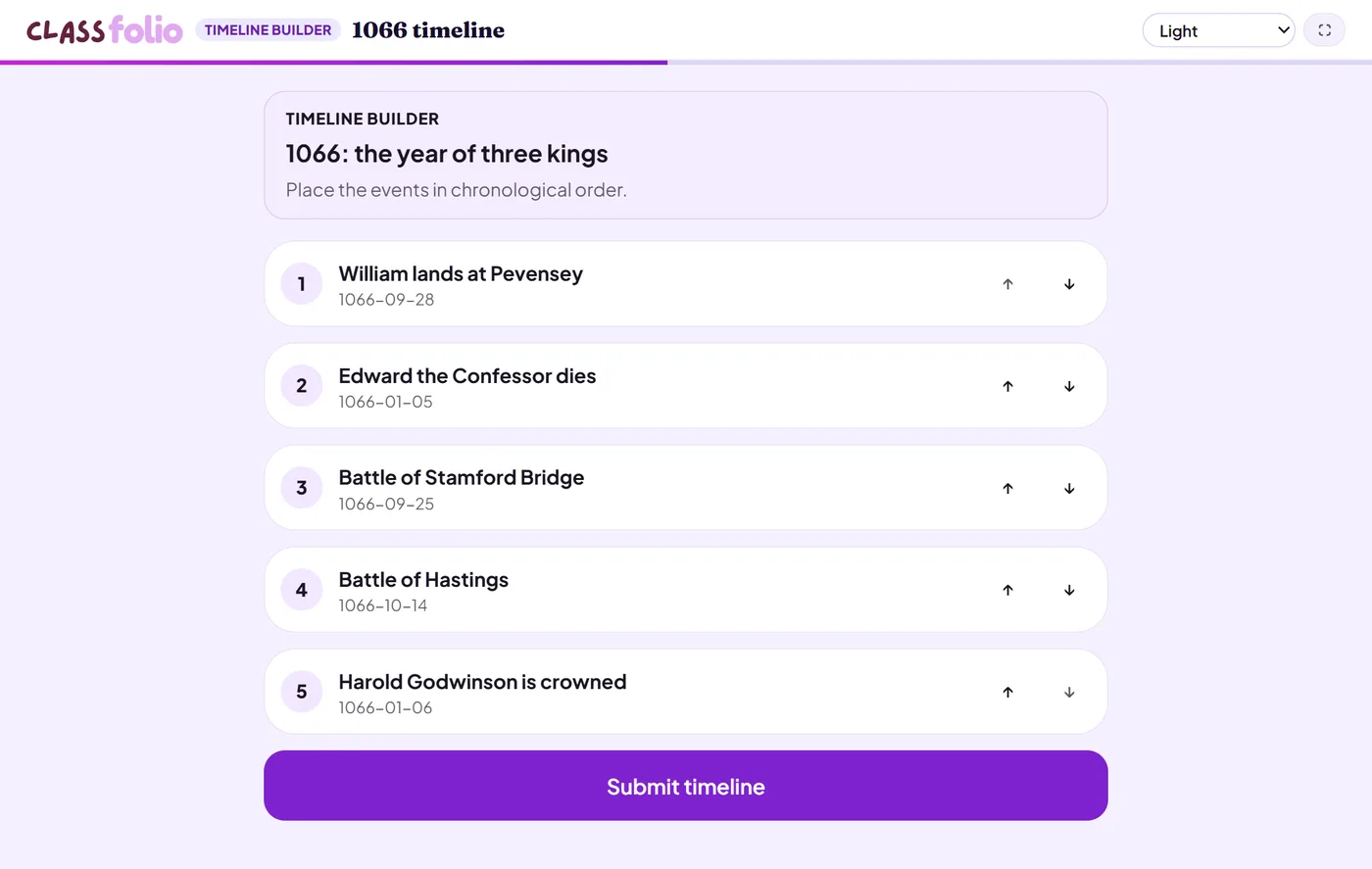
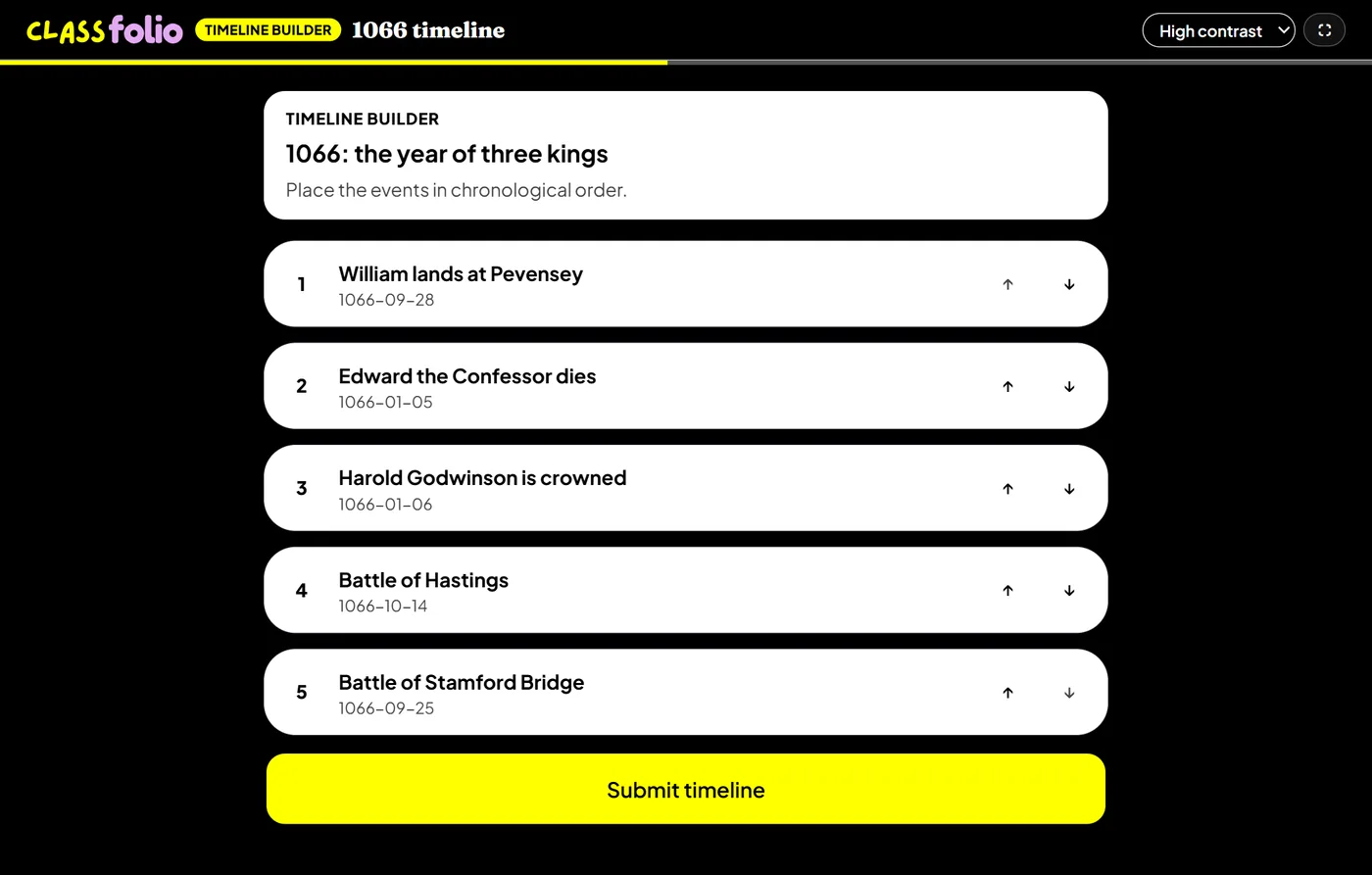
Good for
History and RE chronology, or the history of a scientific idea.
How to set it up
- 1In the lesson editor, choose Add slide and pick Interactive activity, then choose Timeline builder.
- 2Add each event with its title and date, and a description if you like.
- 3Preview it as a pupil, then run the Readiness check before you launch: it flags anything still missing.
Tips from the classroom
- On the evidence sheet only the titles are printed: the dates are the answer.
- Mix events from different strands so pupils cannot simply follow one story.