
Match, sort and order
Drag and drop
Pupils drag cards into labelled zones, or onto places on a picture.
Marked automaticallyOn paper: read and marked
Pupils choose a theme:
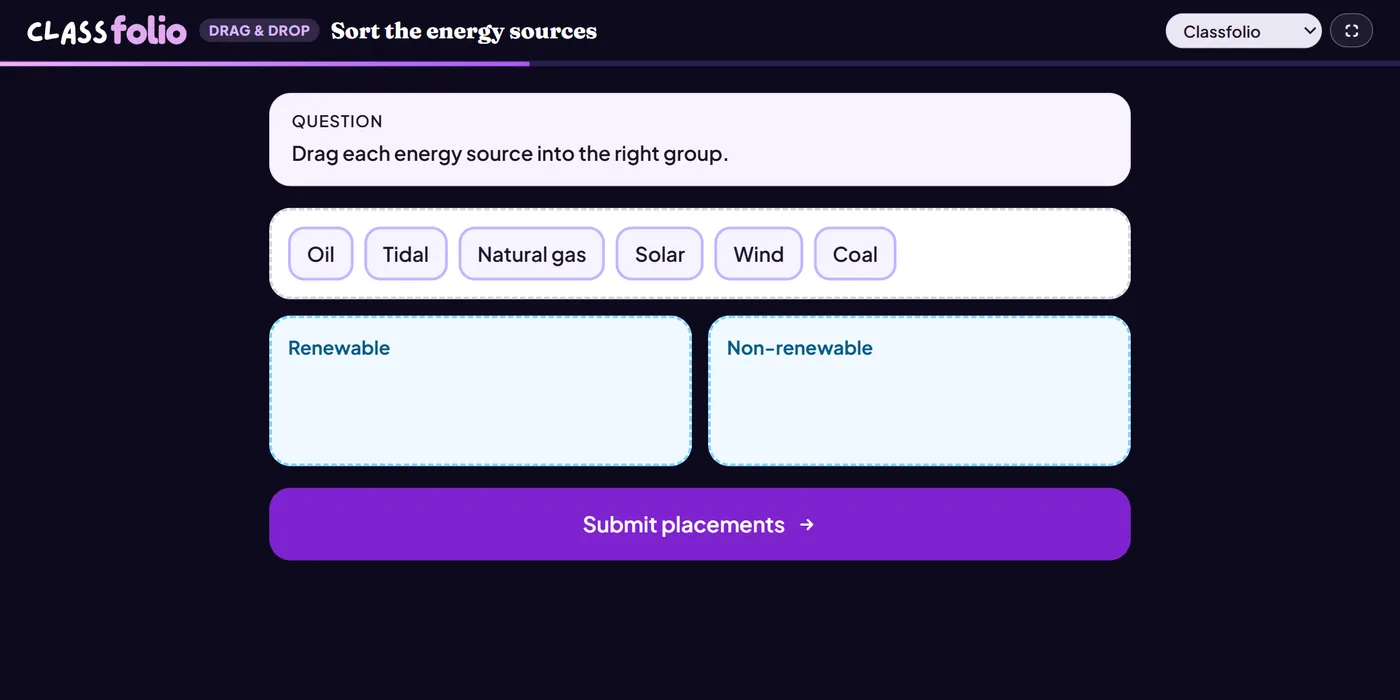
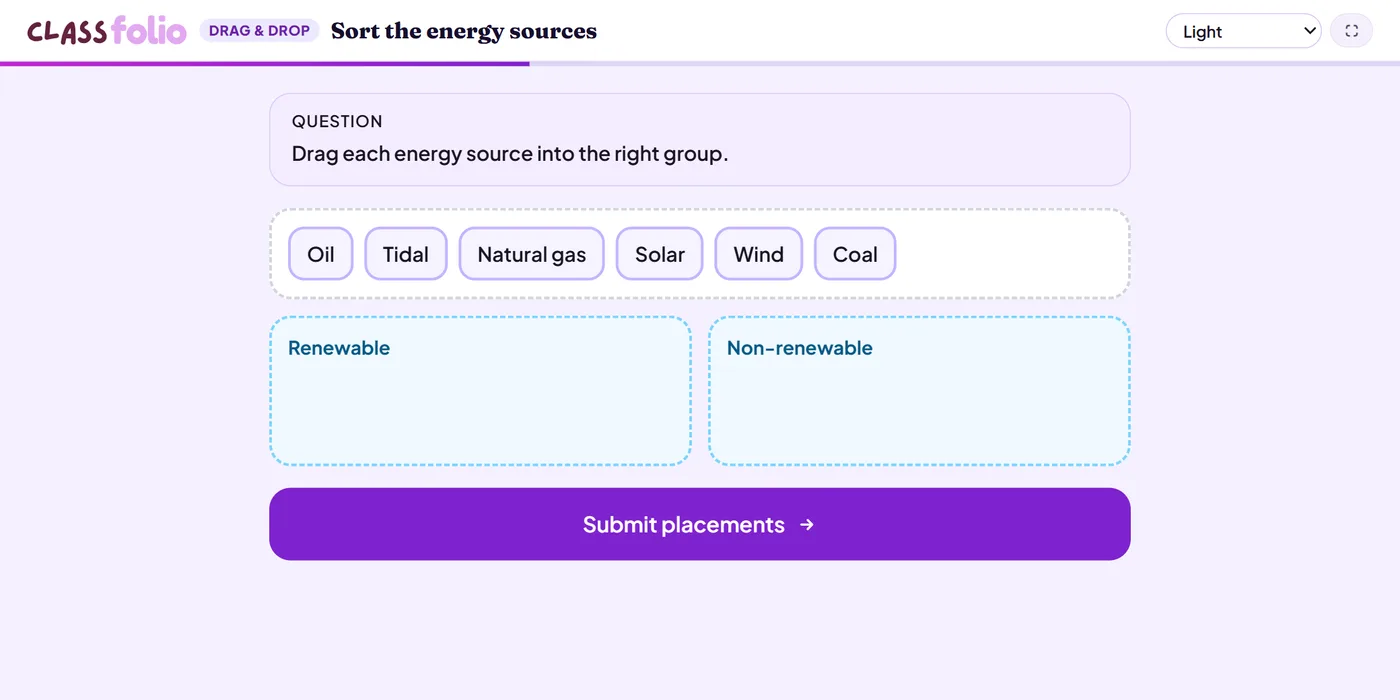
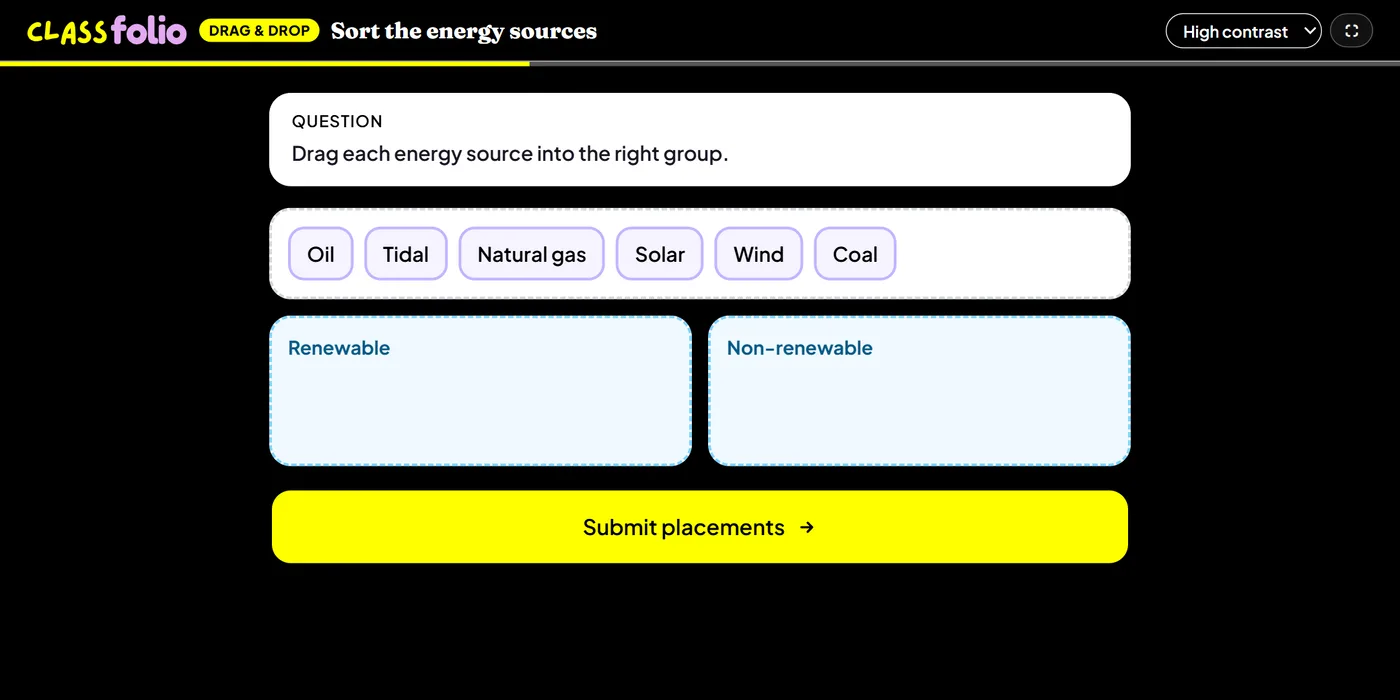
Good for
Sorting into groups (renewable or not), or placing labels on a map or diagram.
On paper only when it sorts text cards into named zones: a picture or picture cards need a device.
How to set it up
- 1In the lesson editor, choose Add slide and pick Drag and drop.
- 2Add at least two drop zones and at least three cards.
- 3Set the right zone for every card, and choose how it is scored.
- 4Preview it as a pupil, then run the Readiness check before you launch: it flags anything still missing.
Tips from the classroom
- Use text cards and named zones if you want it on the evidence sheet.
- For labelling a picture, put the zones on the background image.