
Match, sort and order
Table fill
A table with some cells for pupils to complete; you choose which.
Marked automaticallyOn paper: read and marked
Pupils choose a theme:
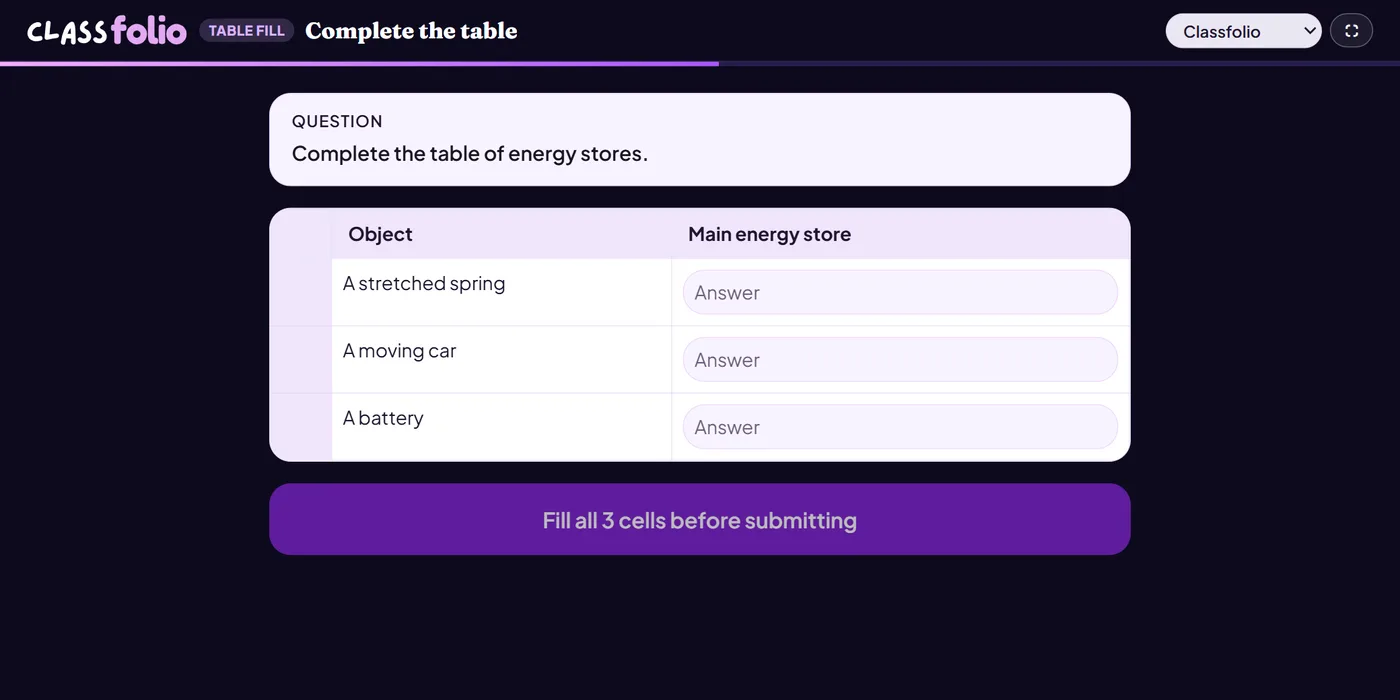
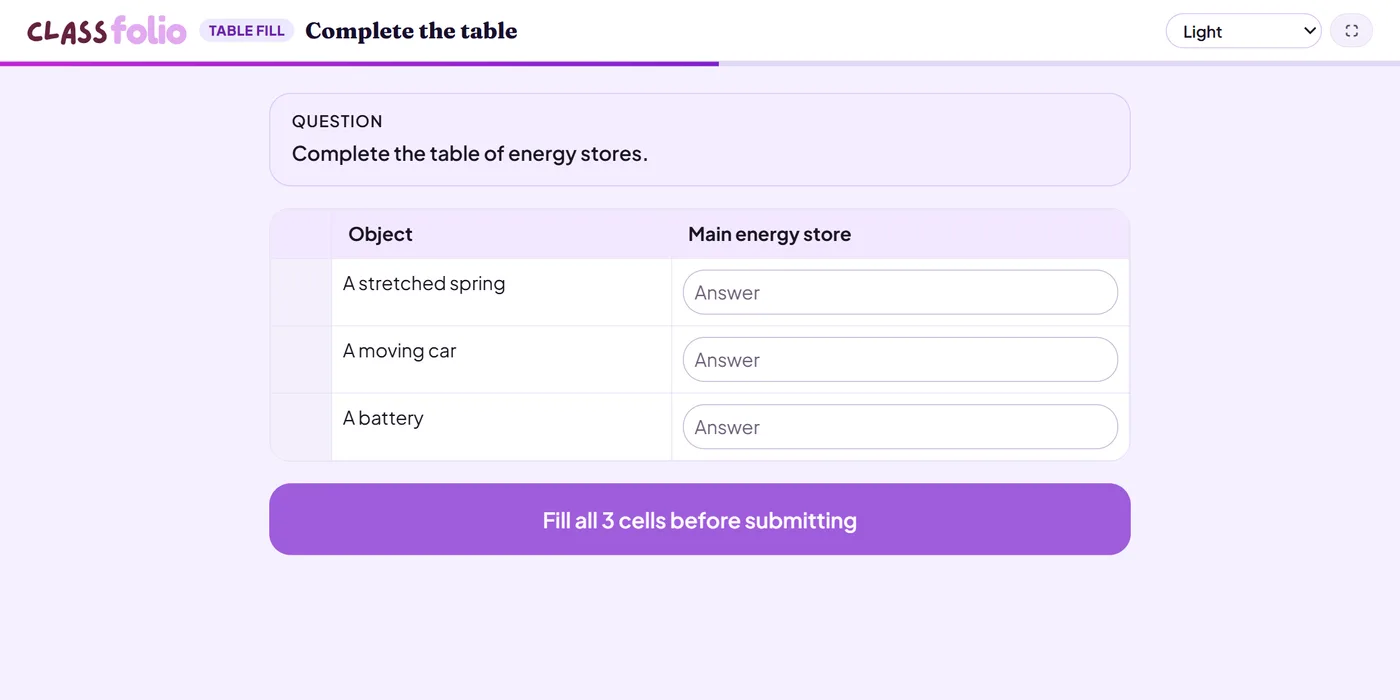
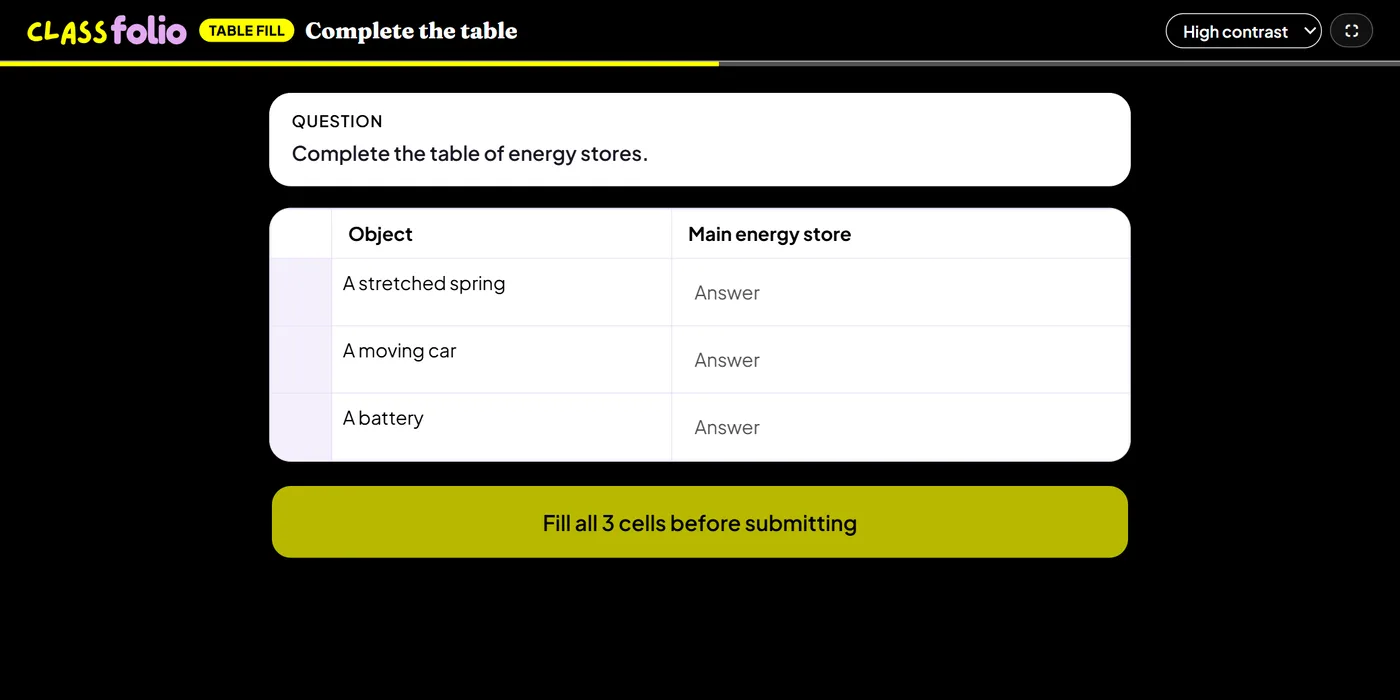
Good for
Comparison tables, results tables, and (in Computing) truth tables, number conversions and trace tables it can build for you.
Cells that need a phrase rather than a single answer are marked by AI.
How to set it up
- 1In the lesson editor, choose Add slide and pick Table fill.
- 2Set at least two columns and one row, and choose which cells pupils fill in.
- 3Give the correct answer for each cell pupils fill in; add a word bank if you like.
- 4In Computing, let it build a truth table, a number conversion or a trace table for you.
- 5Preview it as a pupil, then run the Readiness check before you launch: it flags anything still missing.
Tips from the classroom
- Fill some cells in for pupils, so the pattern is clear.
- Cells that need a phrase are marked by AI; single answers are marked exactly.