
Match, sort and order
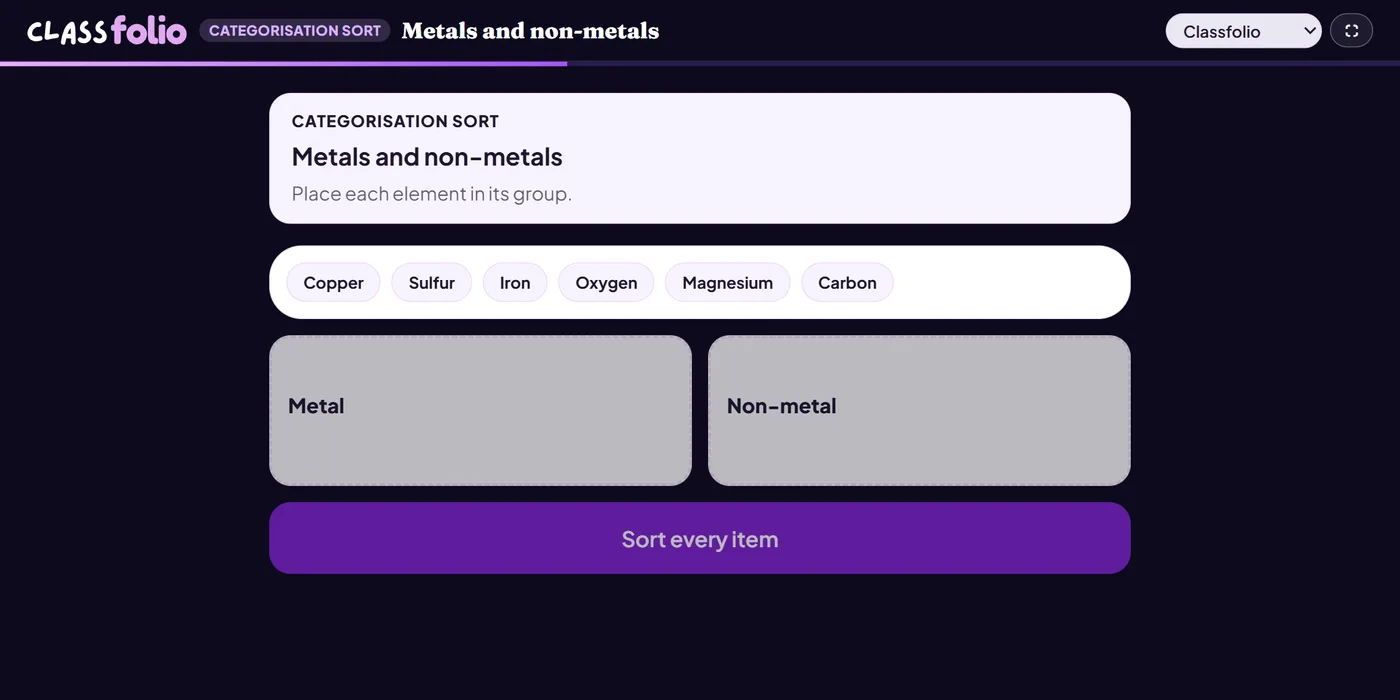
Categorisation sort
Pupils sort examples into the groups you set.
Marked automaticallyOn paper: read and marked
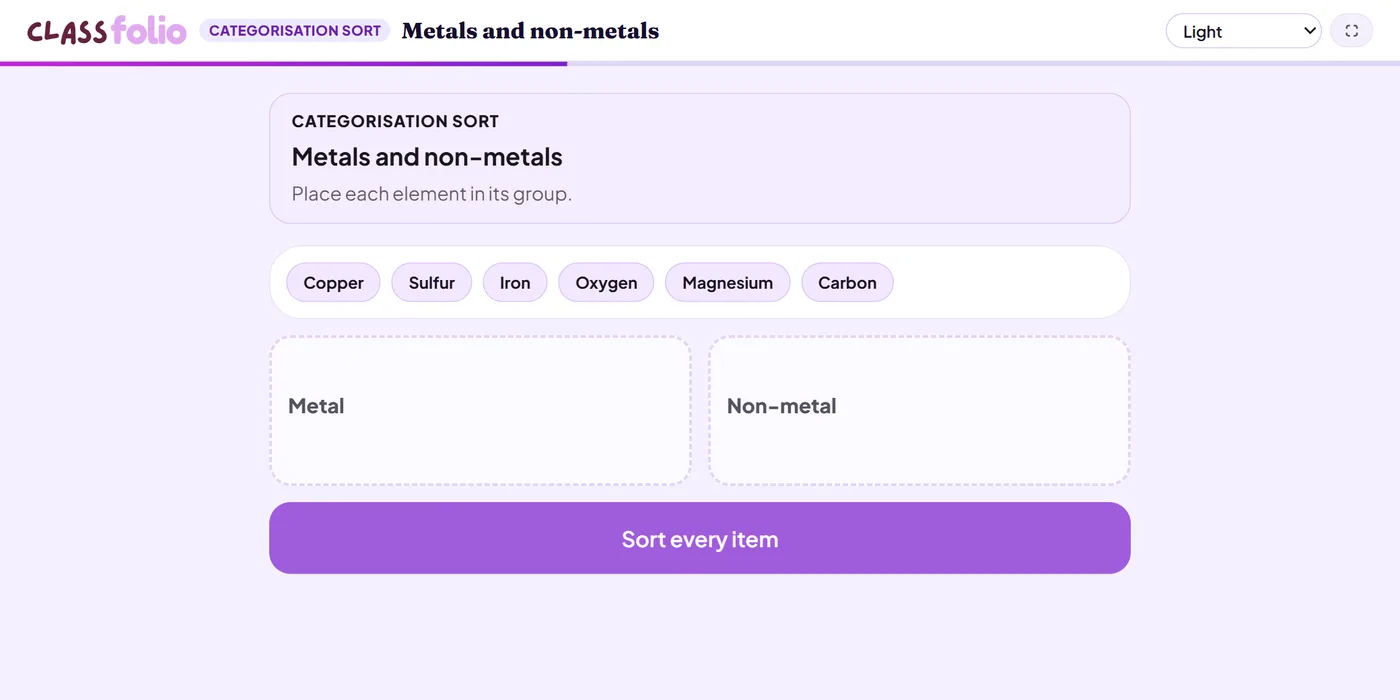
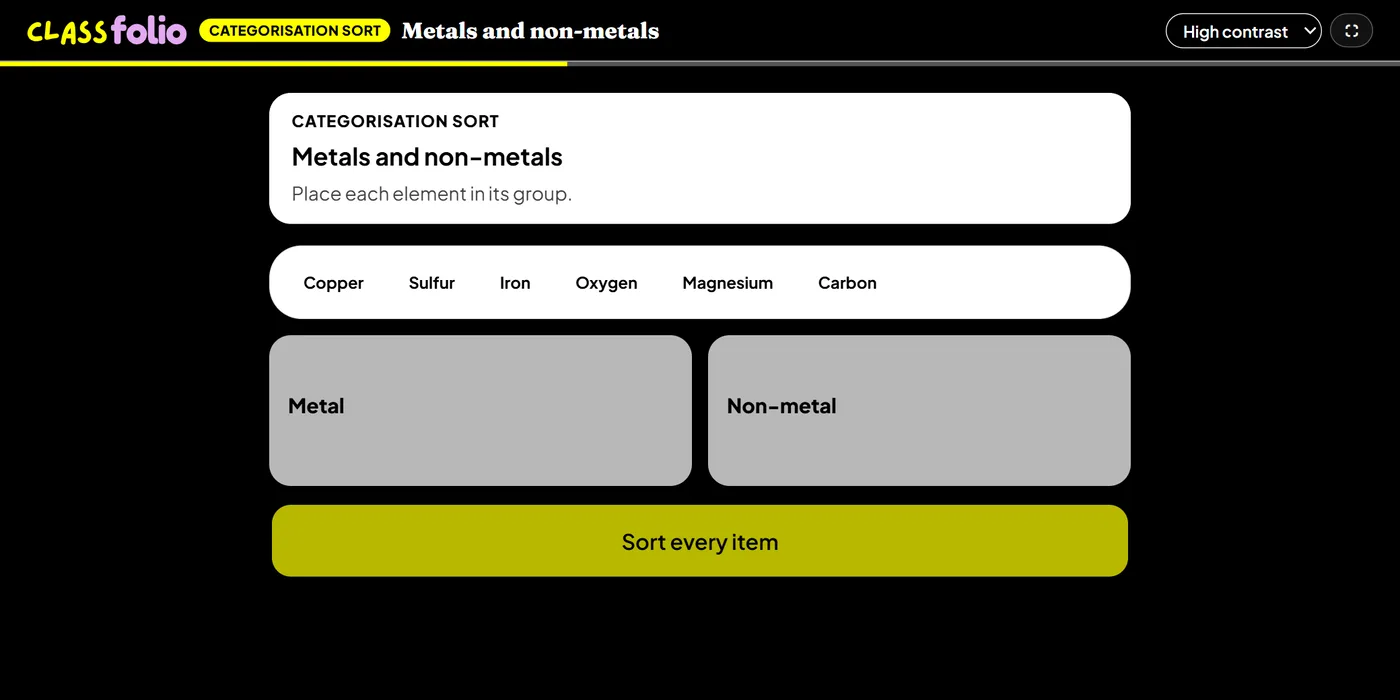
Pupils choose a theme:
Good for
Metals and non-metals, primary and secondary sources, fact and opinion.
How to set it up
- 1In the lesson editor, choose Add slide and pick Interactive activity, then choose Categorisation sort.
- 2Name the groups, then add each example with the group it belongs to.
- 3Preview it as a pupil, then run the Readiness check before you launch: it flags anything still missing.
Tips from the classroom
- Include one or two examples that are hard to place: they start the best discussions.
- On paper pupils tick a group for each example.