
Match, sort and order
Fill missing keywords
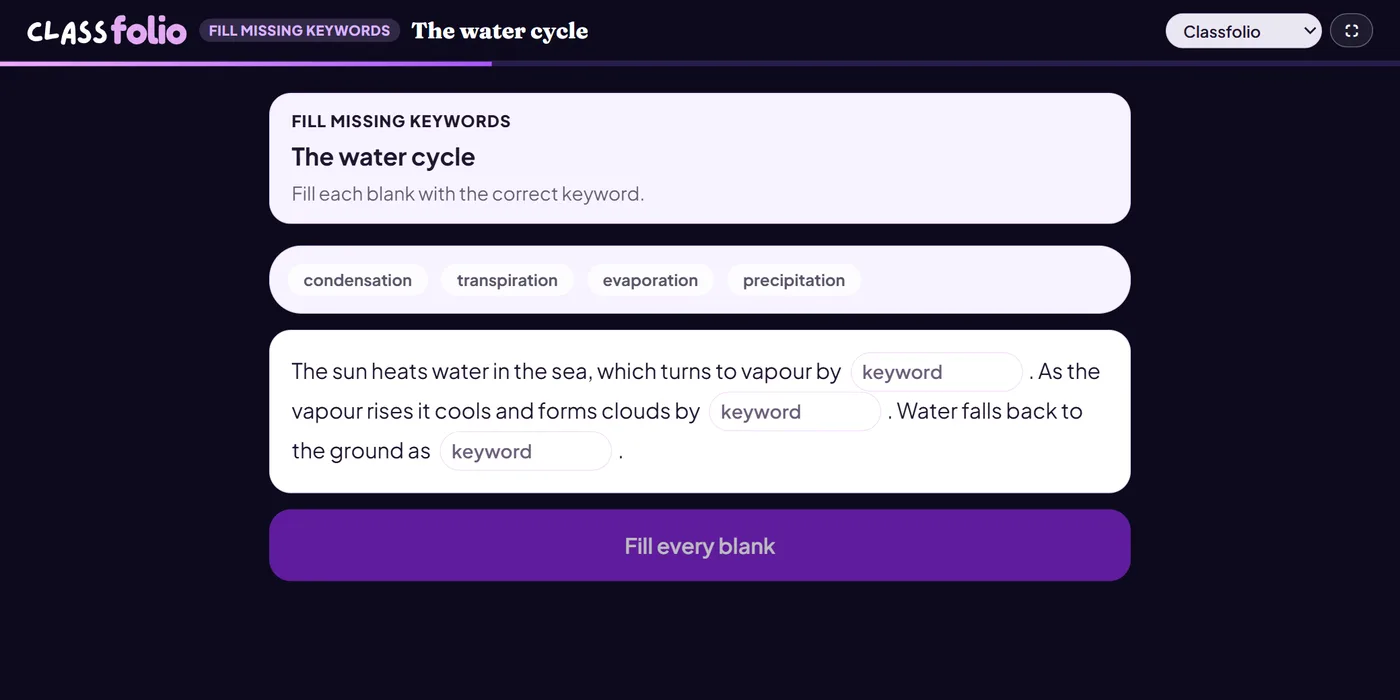
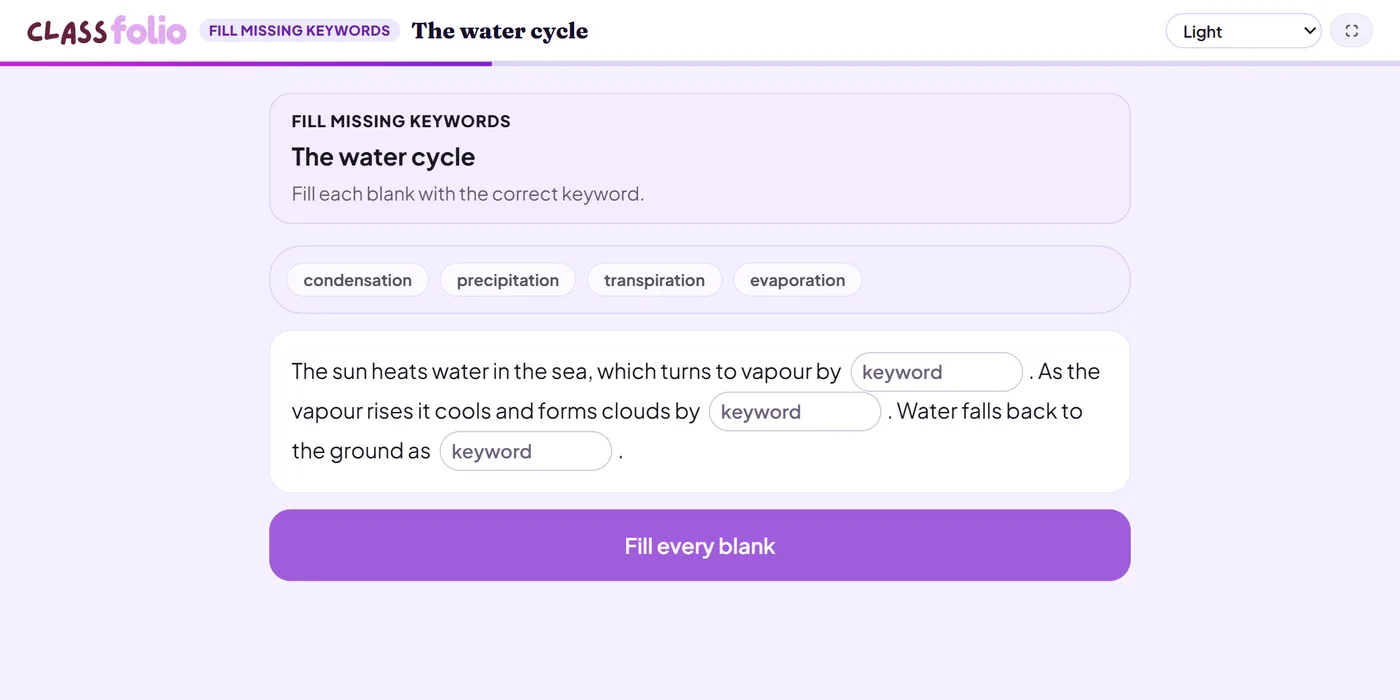
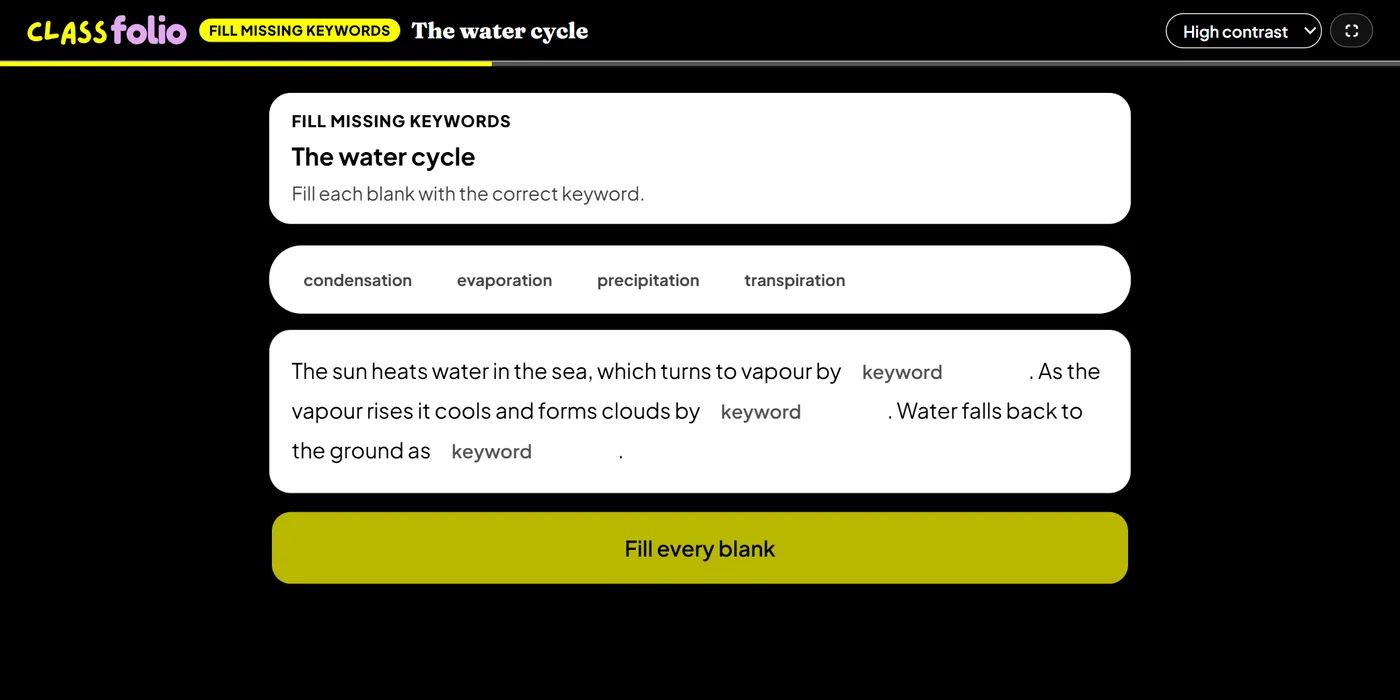
A paragraph with keywords taken out; pupils fill each blank, optionally from a word bank.
Marked automaticallyOn paper: read and marked
Pupils choose a theme:
Good for
A summary paragraph at the end of a topic, using its key terms.
How to set it up
- 1In the lesson editor, choose Add slide and pick Interactive activity, then choose Fill missing keywords.
- 2Write the paragraph and mark the keywords to take out.
- 3Give the answer for each blank and any others you accept; add a word bank if you like.
- 4Preview it as a pupil, then run the Readiness check before you launch: it flags anything still missing.
Tips from the classroom
- Use it to finish a topic: one paragraph that uses all of its key terms.
- Add distractors to the word bank to stop pupils working by elimination.