
Match, sort and order
Keyword match
Pupils choose the definition for each keyword, from a list that can include extra wrong definitions.
Marked automaticallyOn paper: read and marked
Pupils choose a theme:
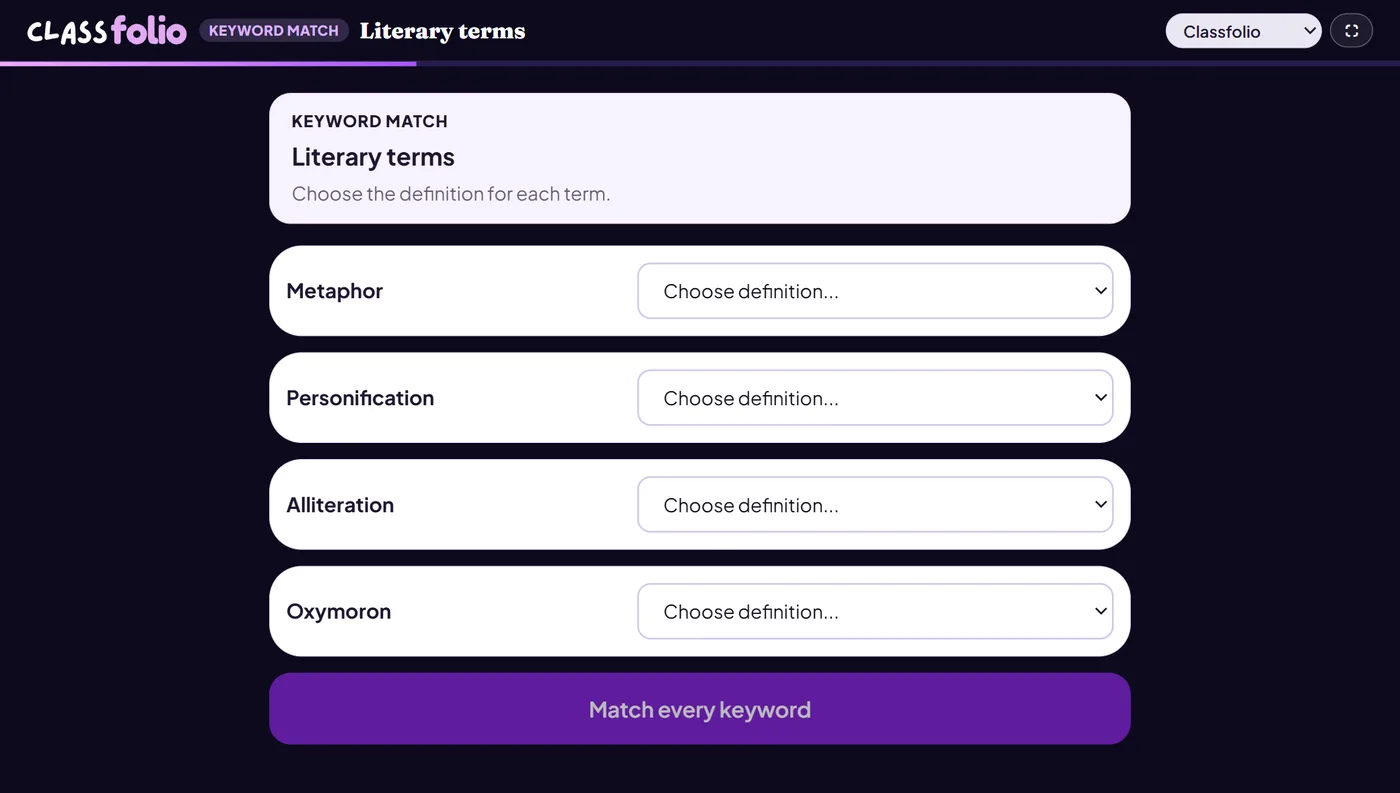
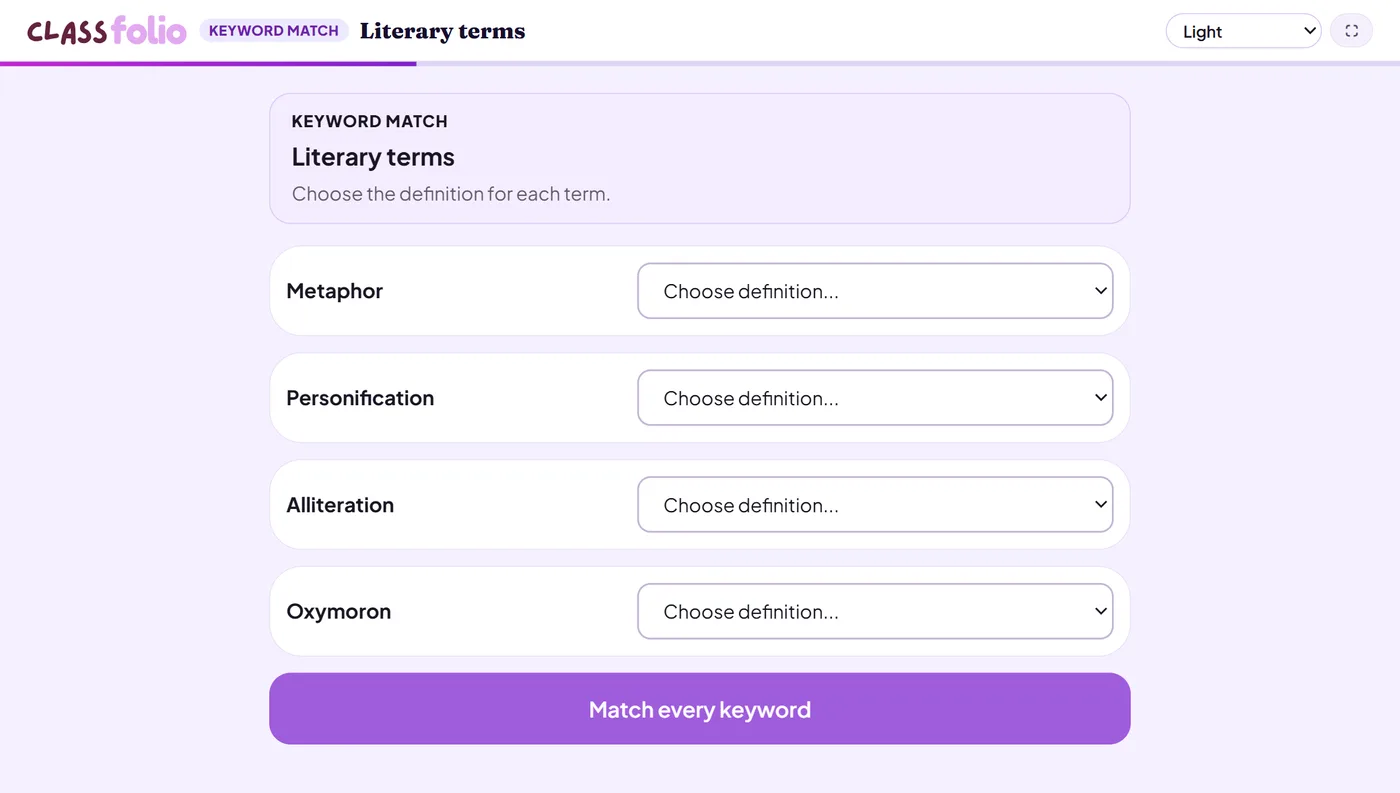
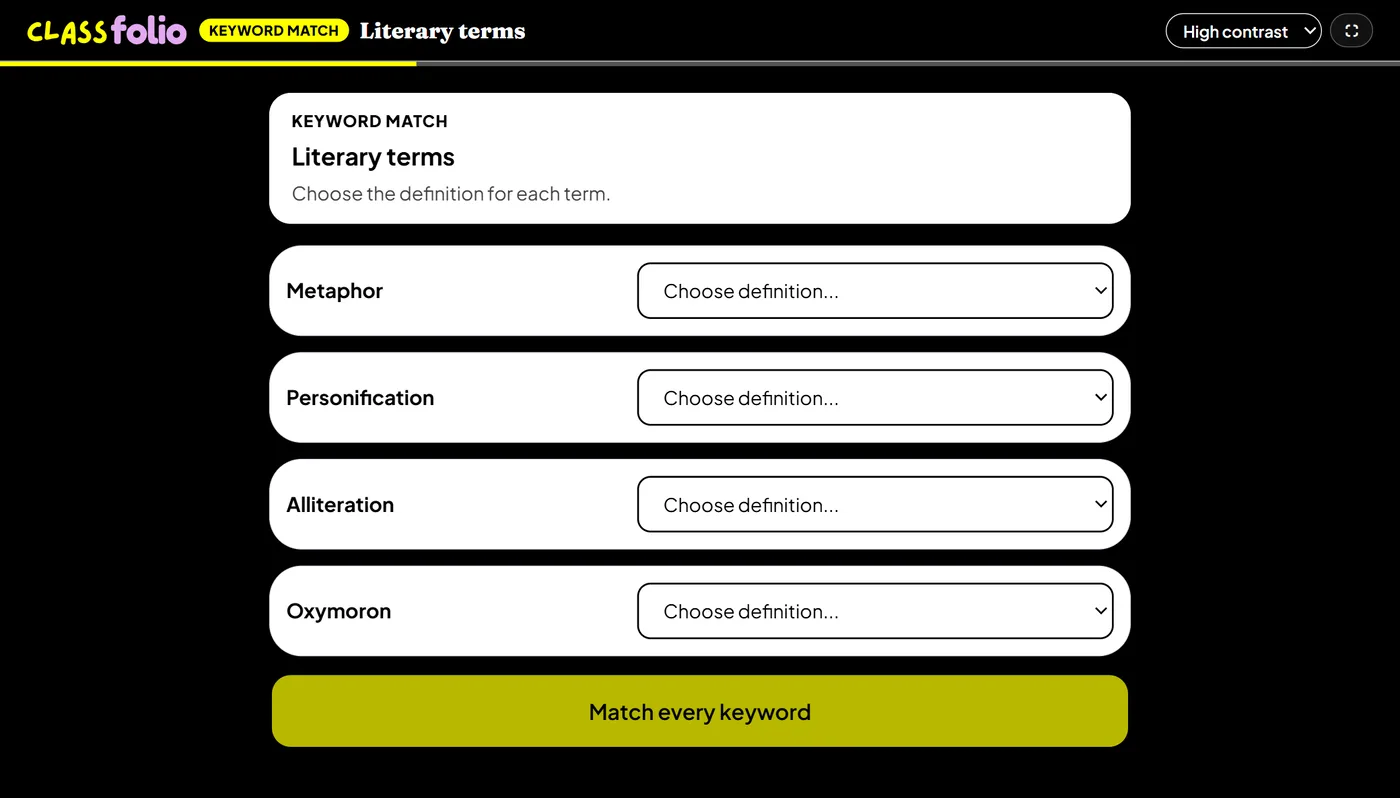
Good for
Vocabulary retrieval where you want distractors that catch near-misses.
How to set it up
- 1In the lesson editor, choose Add slide and pick Interactive activity, then choose Keyword match.
- 2Add each keyword with its definition.
- 3Add a few wrong definitions as distractors, if you want them.
- 4Preview it as a pupil, then run the Readiness check before you launch: it flags anything still missing.
Tips from the classroom
- Write distractors that are nearly right: they catch the pupils who half-know it.
- On the evidence sheet the distractors are left off, so the printed list is the keywords' own definitions.