
Match, sort and order
Match pairs
Pupils match each item on the left to one on the right.
Marked automaticallyOn paper: read and marked
Pupils choose a theme:
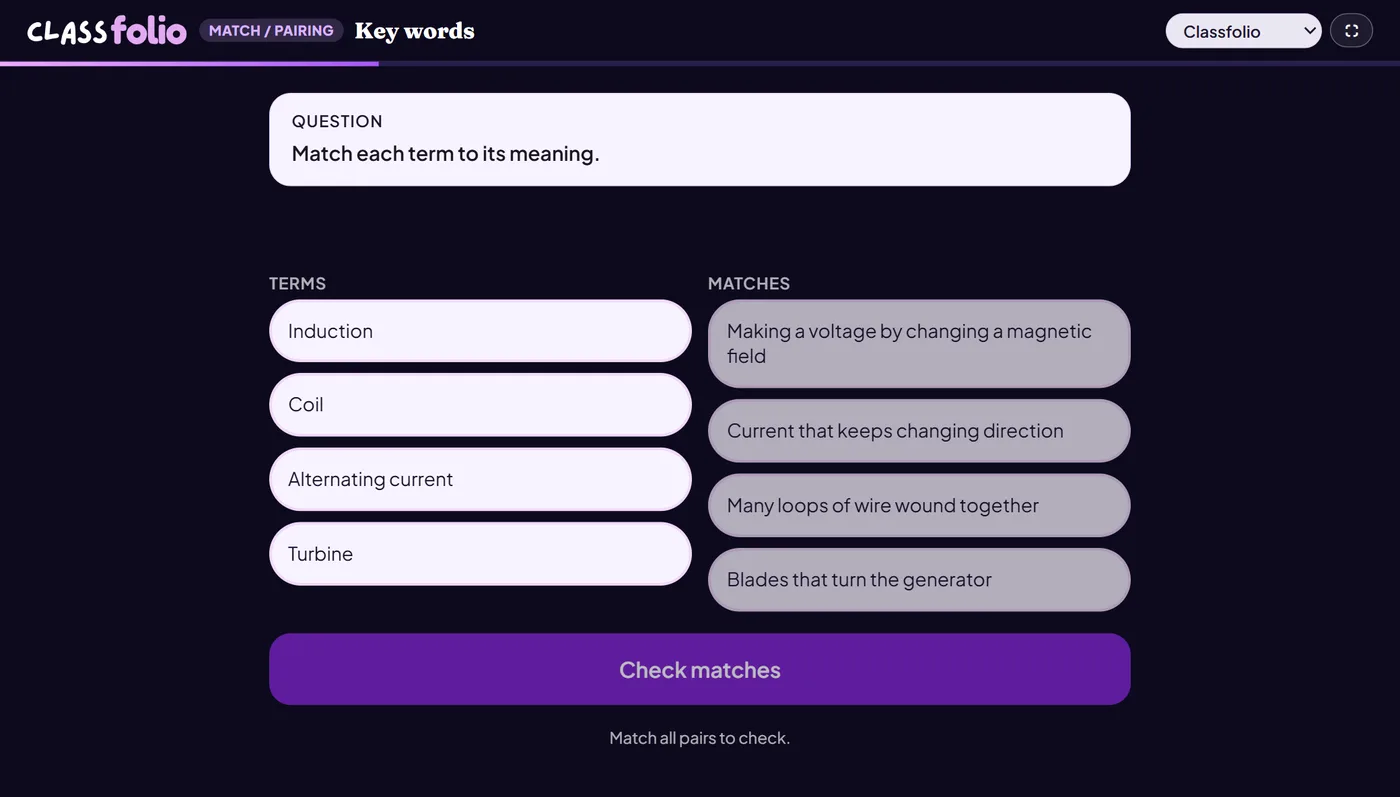
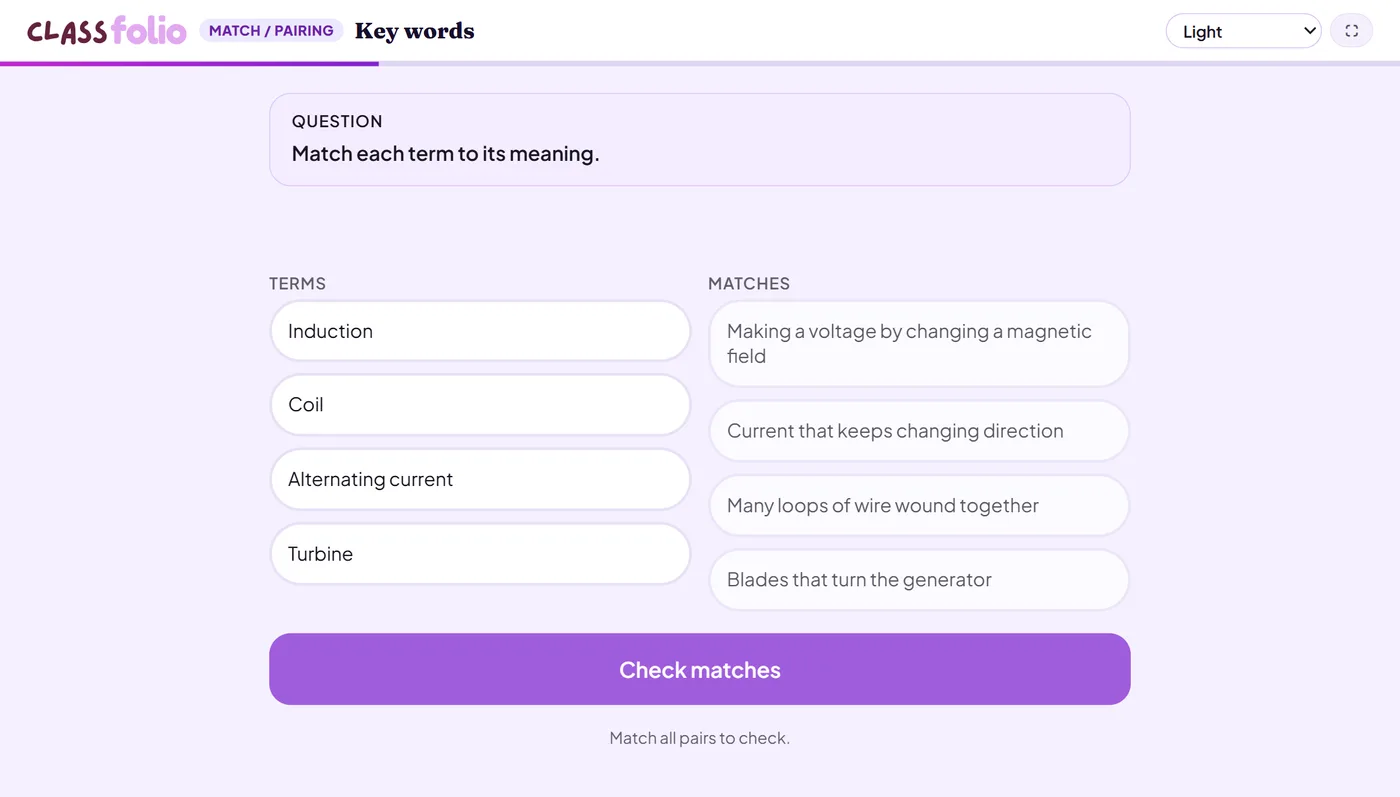
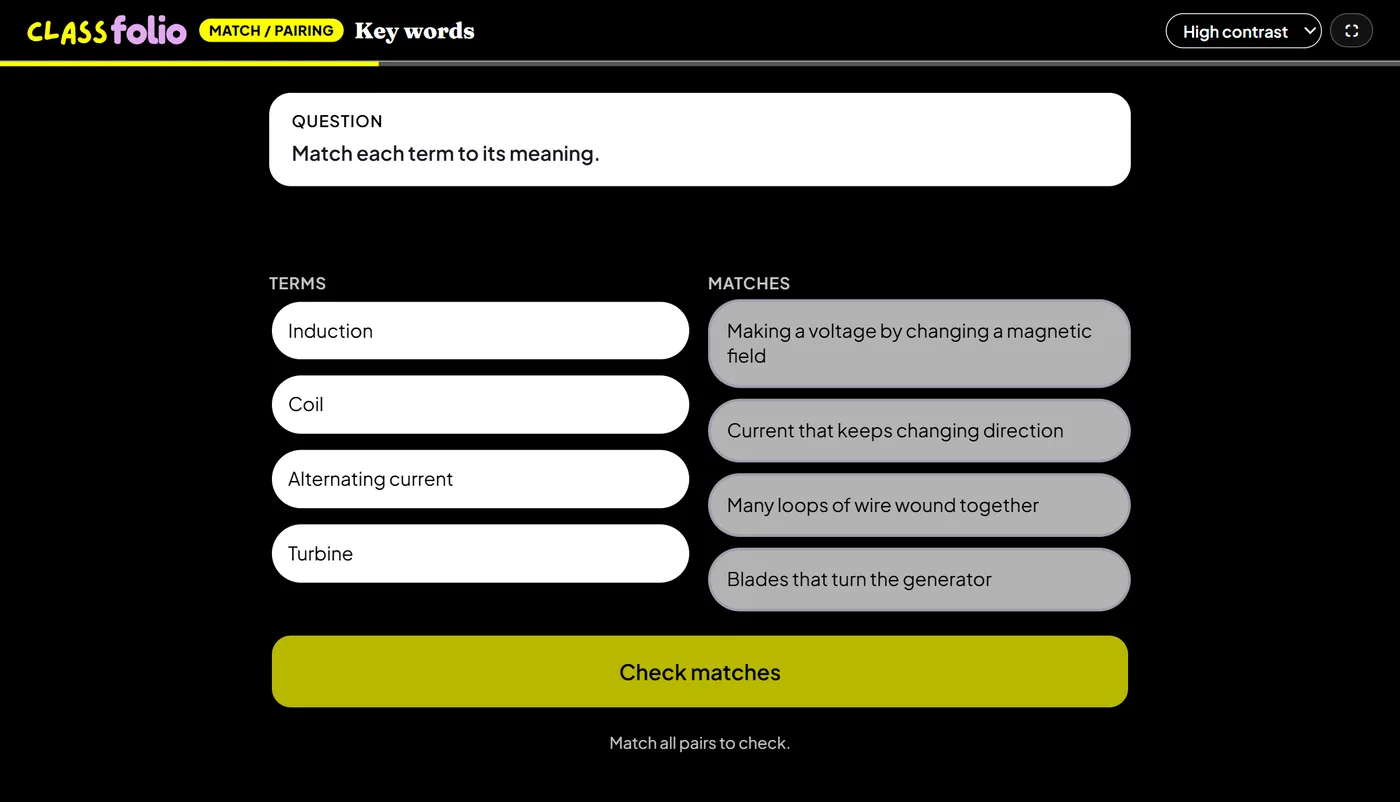
Good for
Keywords to definitions, causes to effects, or quotations to the characters who say them.
How to set it up
- 1In the lesson editor, choose Add slide and pick Match pairs.
- 2Add at least two complete pairs: each left-hand item with its right-hand match.
- 3Choose whether the right-hand side is shuffled.
- 4Preview it as a pupil, then run the Readiness check before you launch: it flags anything still missing.
Tips from the classroom
- Five to eight pairs is plenty for one slide.
- Use it for quotations and characters as well as keywords and definitions.