
Match, sort and order
Sequence builder
Pupils put the steps of a process in order; each step can carry more detail.
Marked automaticallyOn paper: read and marked
Pupils choose a theme:
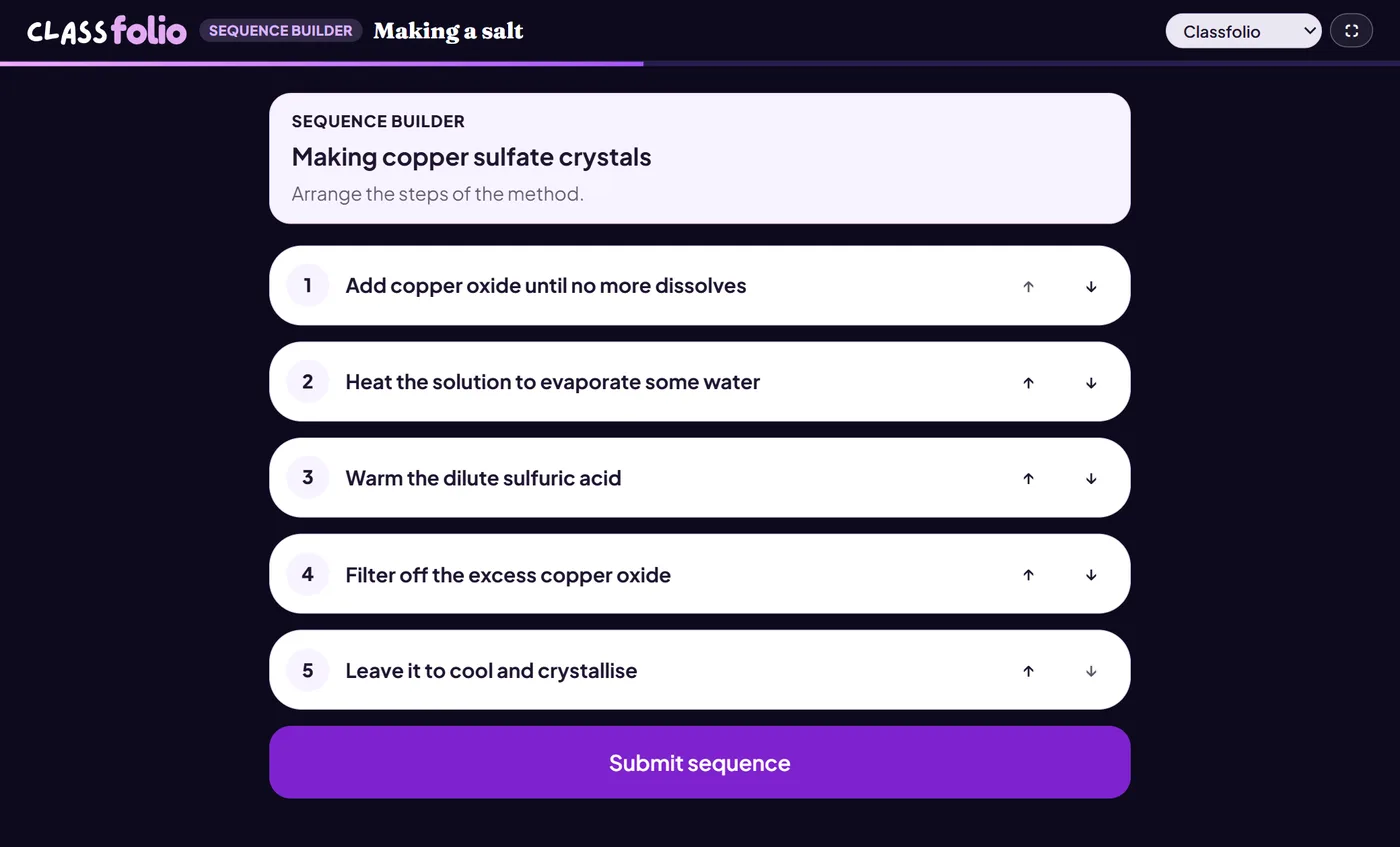
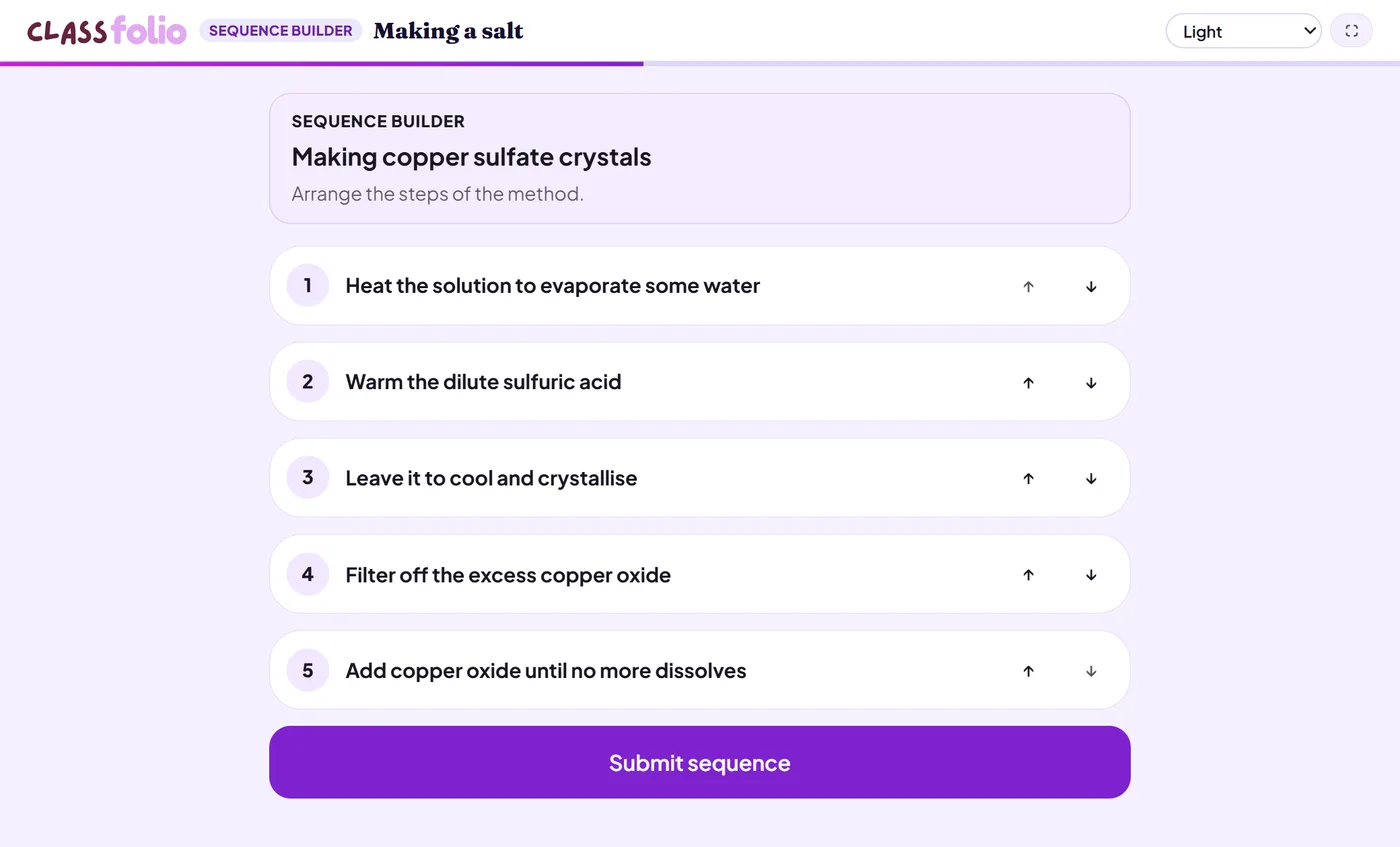
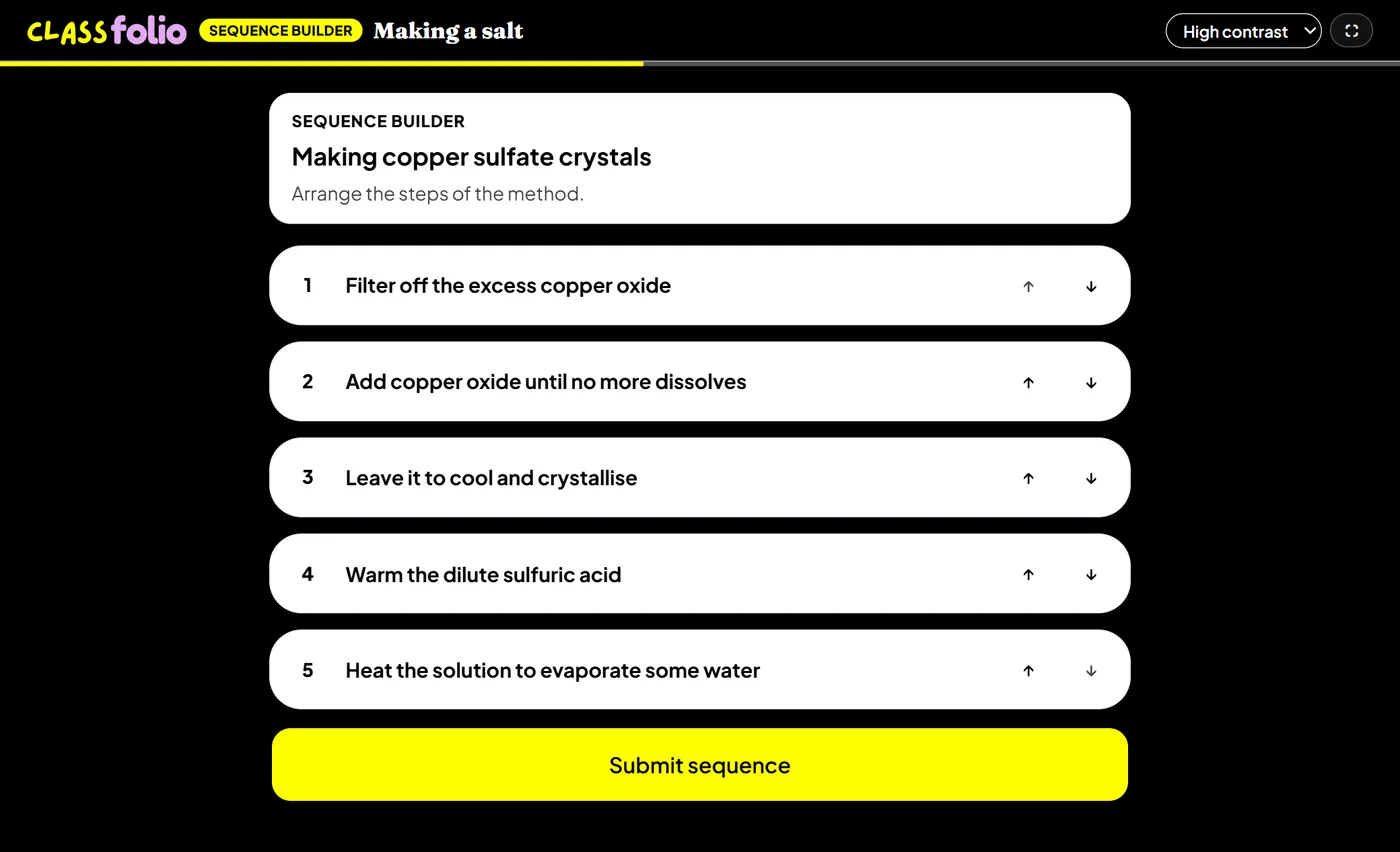
Good for
A practical method or a recipe, where each step needs explaining.
How to set it up
- 1In the lesson editor, choose Add slide and pick Interactive activity, then choose Sequence builder.
- 2Add each step of the process in the correct order, with more detail if a step needs it.
- 3Preview it as a pupil, then run the Readiness check before you launch: it flags anything still missing.
Tips from the classroom
- Use it for practical methods: pupils who can order the steps can carry them out.
- Keep each step to one action.