
Think and explain
Spot the mistake
Pupils find the errors you planted in a piece of text, code or an image, and can explain each one.
Marked automaticallyOn paper: read, you mark
Pupils choose a theme:
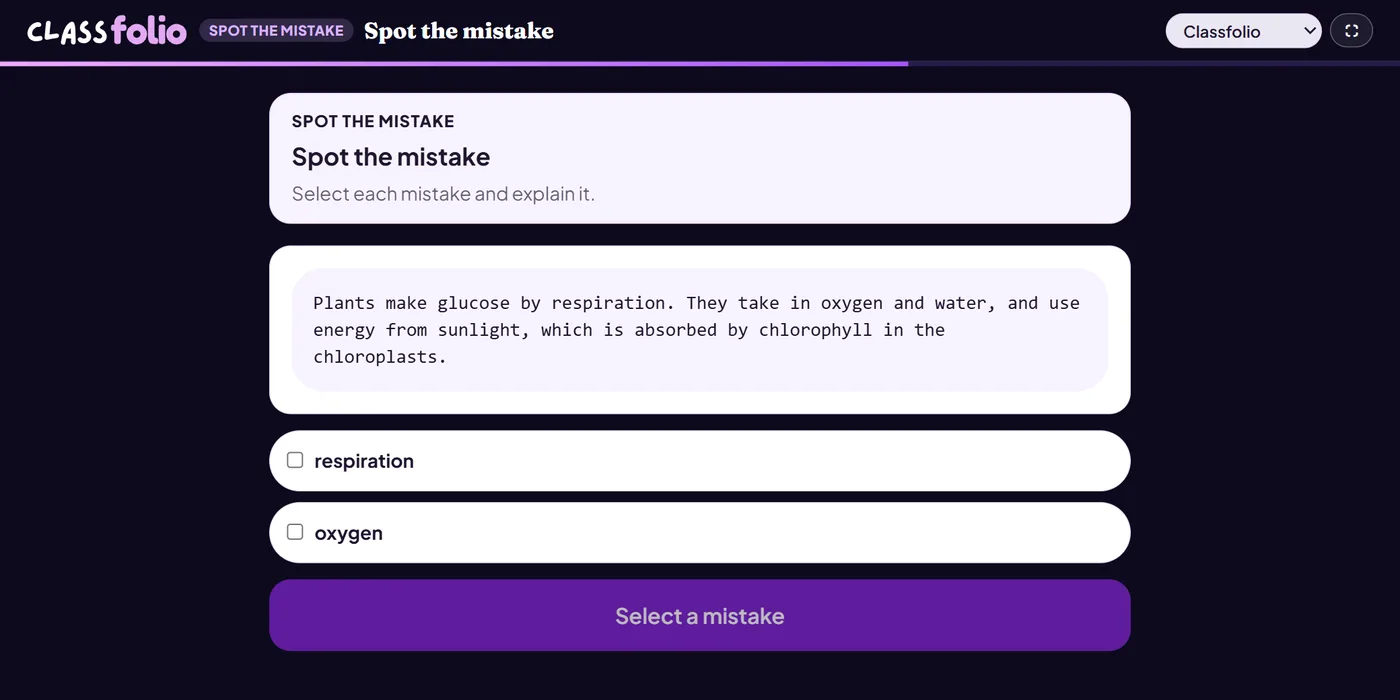
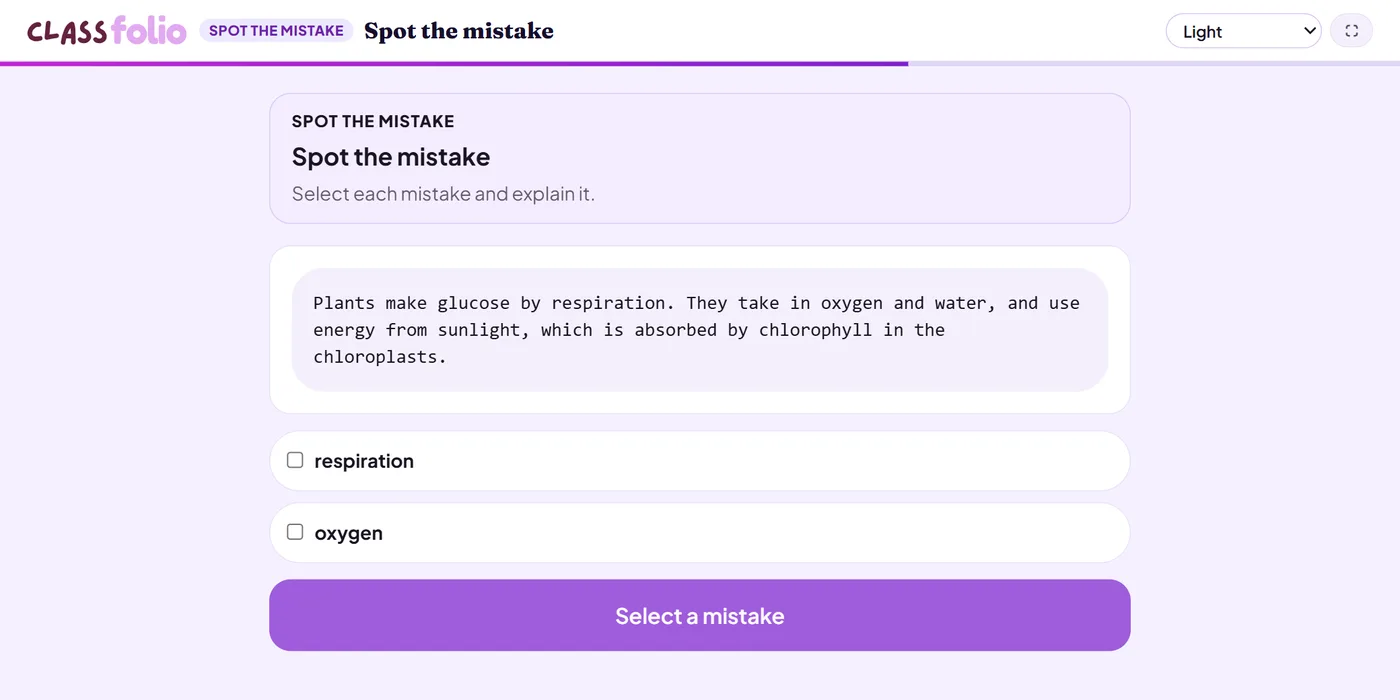
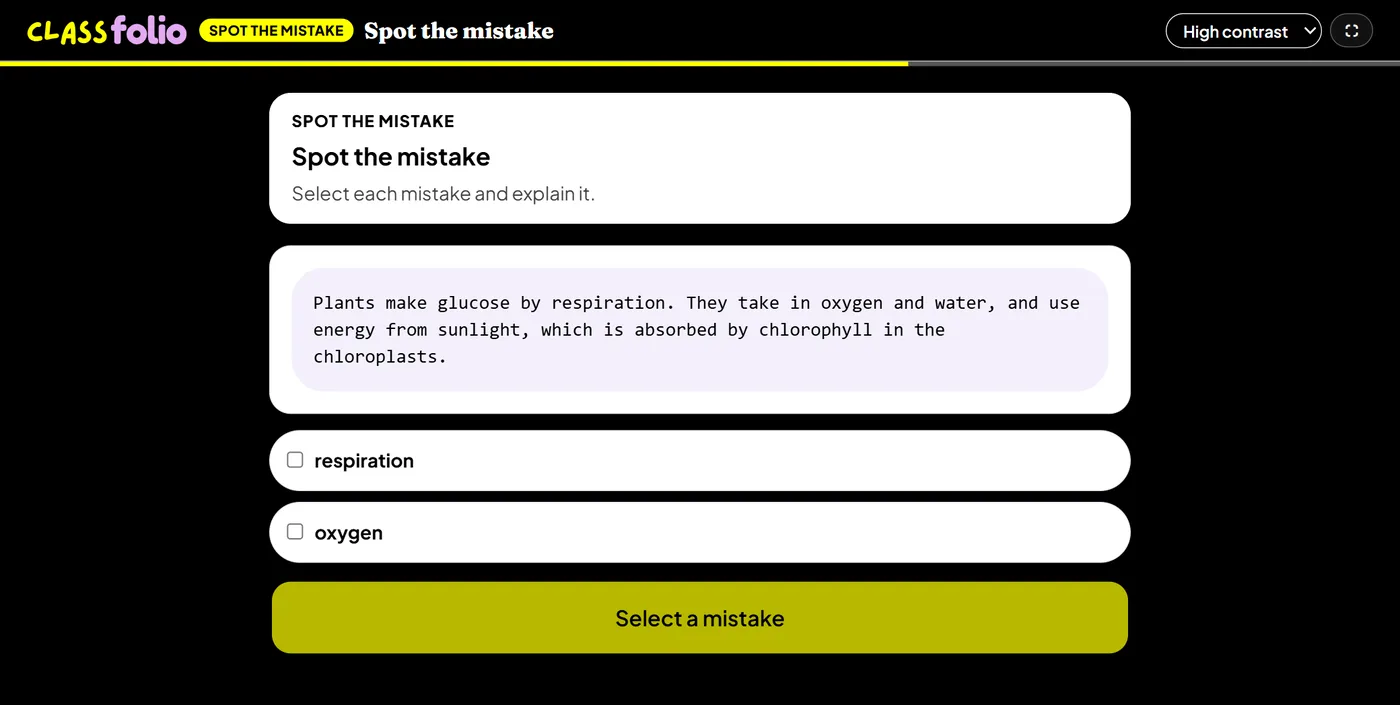
Good for
A model answer with mistakes in it, a bugged program, or a misplotted graph.
On paper pupils write what they found, and you mark it.
How to set it up
- 1In the lesson editor, choose Add slide and pick Interactive activity, then choose Spot the mistake.
- 2Add the text, code or image with the mistakes in it.
- 3Add each mistake, with what is wrong; choose whether pupils must explain each one.
- 4Preview it as a pupil, then run the Readiness check before you launch: it flags anything still missing.
Tips from the classroom
- Plant mistakes pupils really make, not typing errors.
- Ask for the explanation: finding the mistake is half the work.