
Think and explain
Annotation
Pupils highlight words in an extract, or boxes on a picture, and comment on each highlight.
AI, against your pointsOn paper: a picture you mark
Pupils choose a theme:
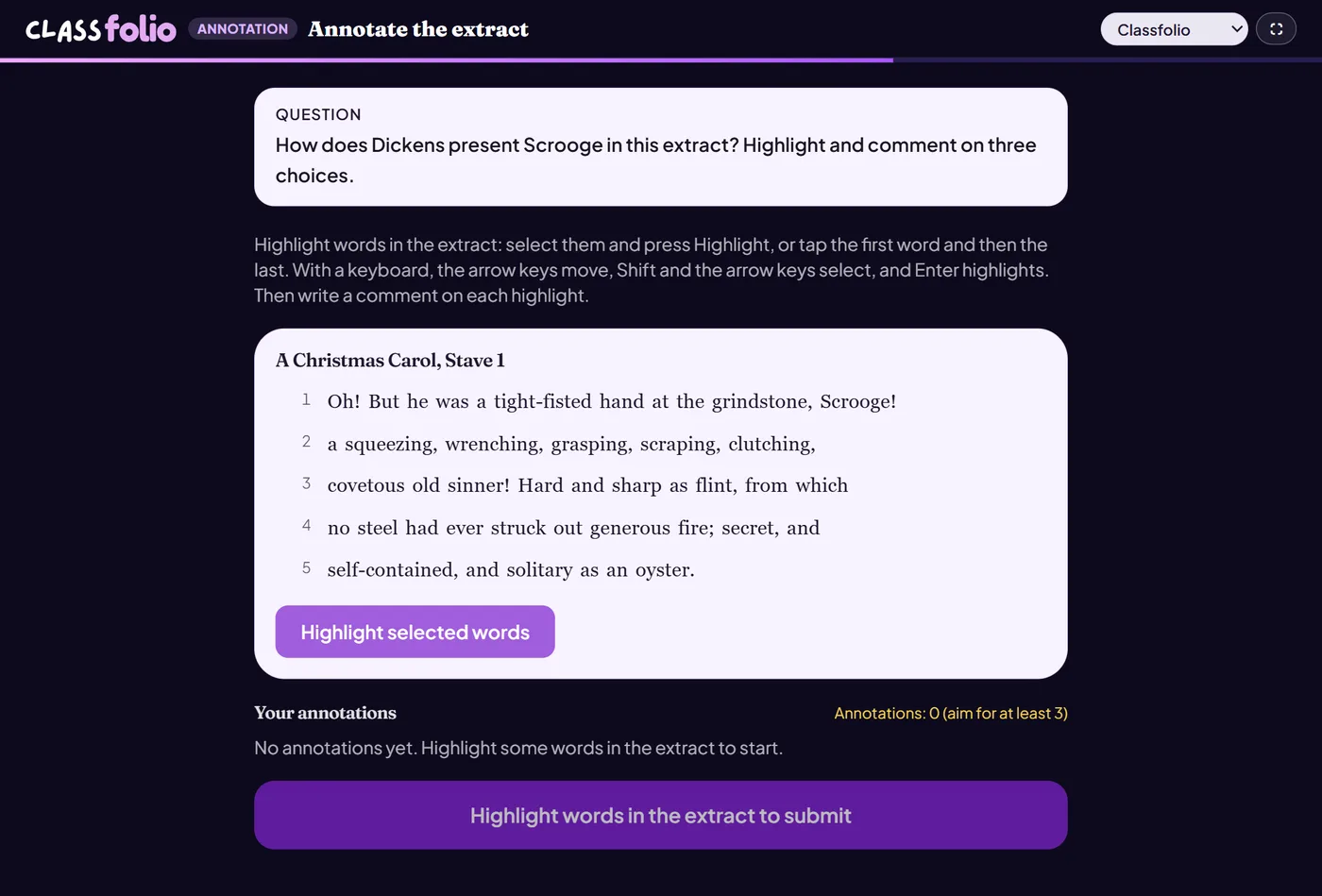
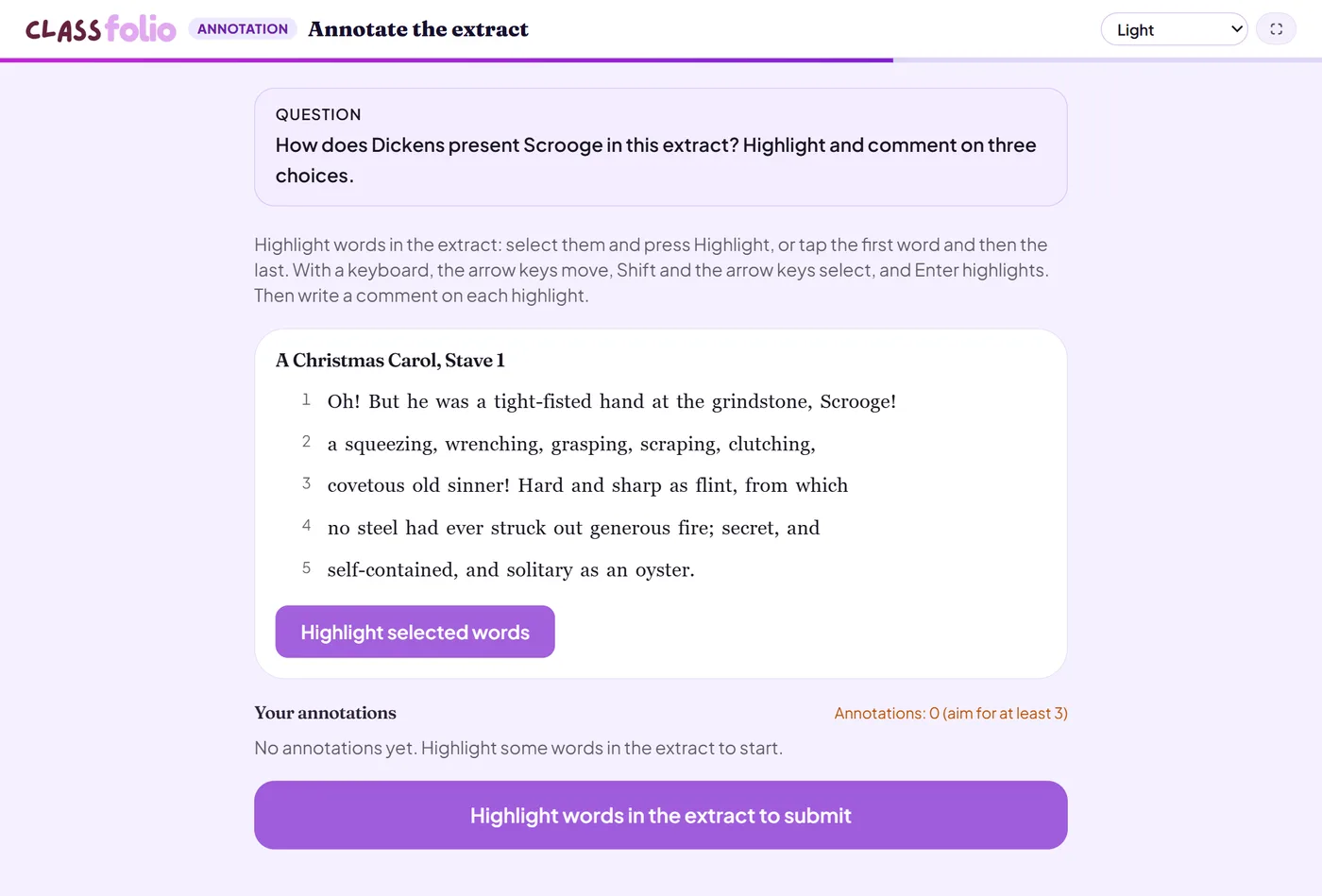
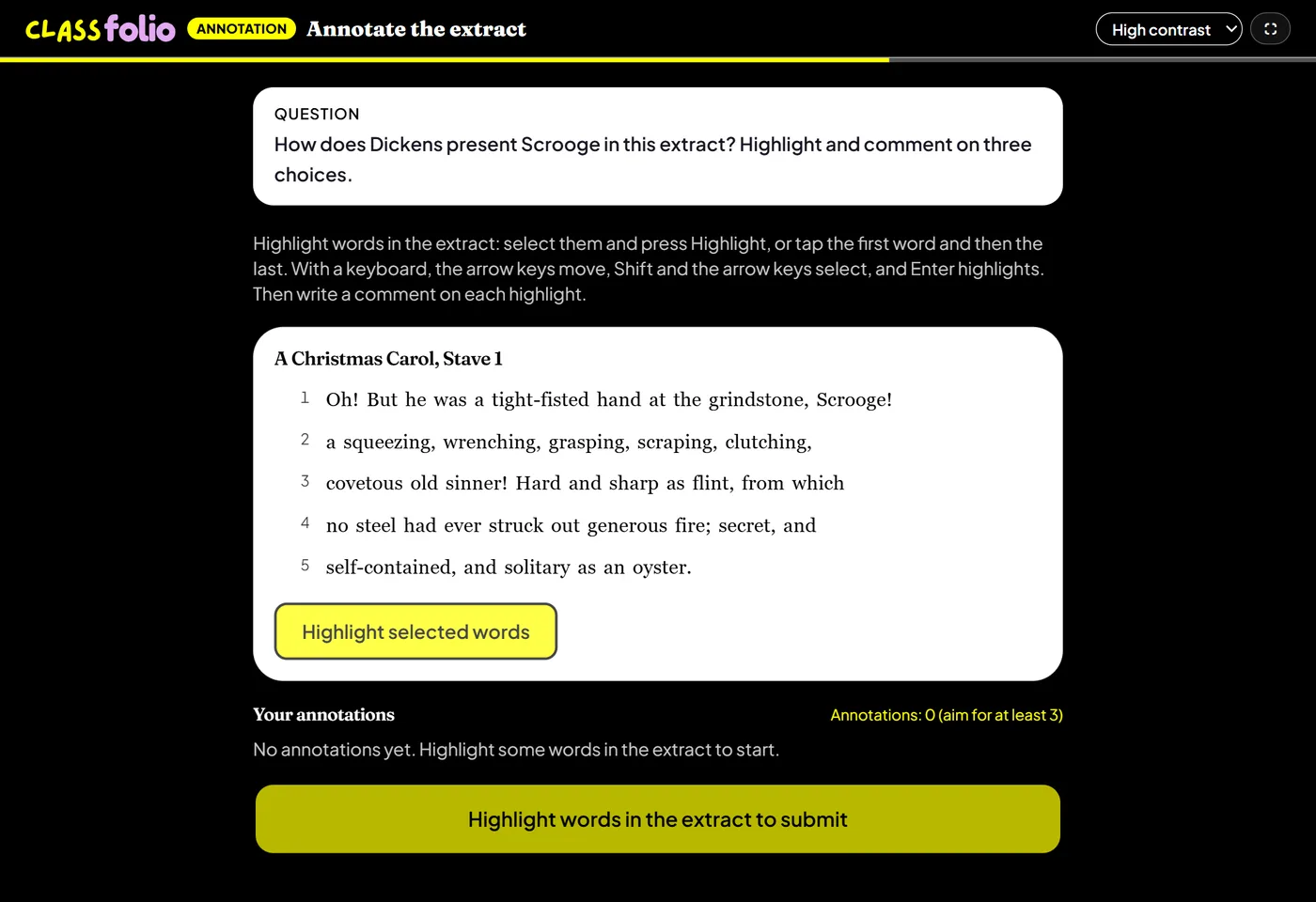
Good for
Language analysis of an unseen extract, annotating a source in History, or labelling the features of a photograph in Geography.
You write the annotation points the AI marks against. On paper, the extract is printed for pupils to annotate by hand, and you mark it.
How to set it up
- 1In the lesson editor, choose Add slide and pick Annotation.
- 2Paste the extract to annotate, or choose a picture.
- 3Write the annotation points the AI marks against, and set how many annotations you expect.
- 4Preview it as a pupil, then run the Readiness check before you launch: it flags anything still missing.
Tips from the classroom
- Write the points as you would want a pupil to say them: they are your mark scheme.
- Line numbers help pupils refer to the extract in their written answers afterwards.