
Think and explain
Word cloud
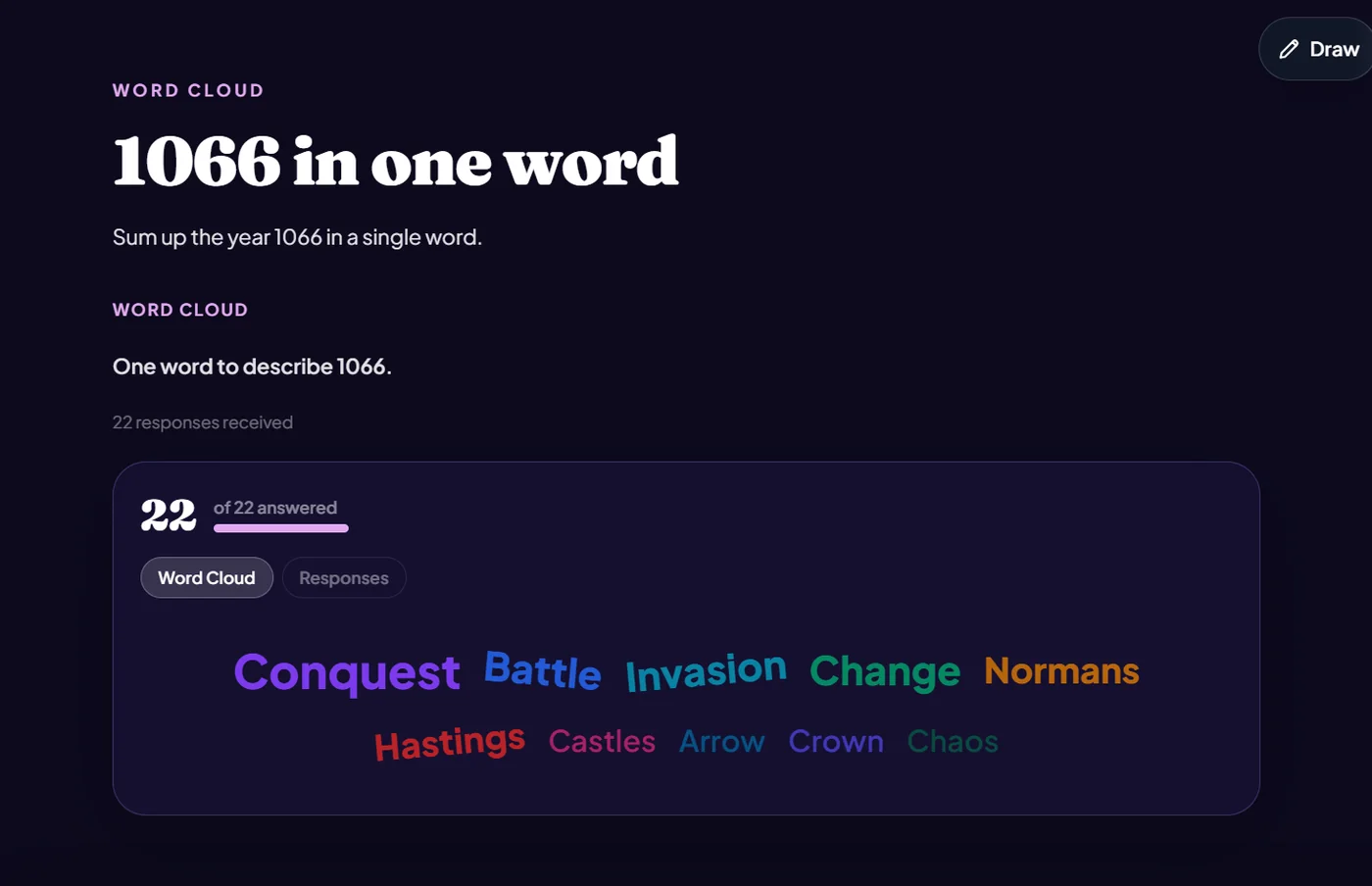
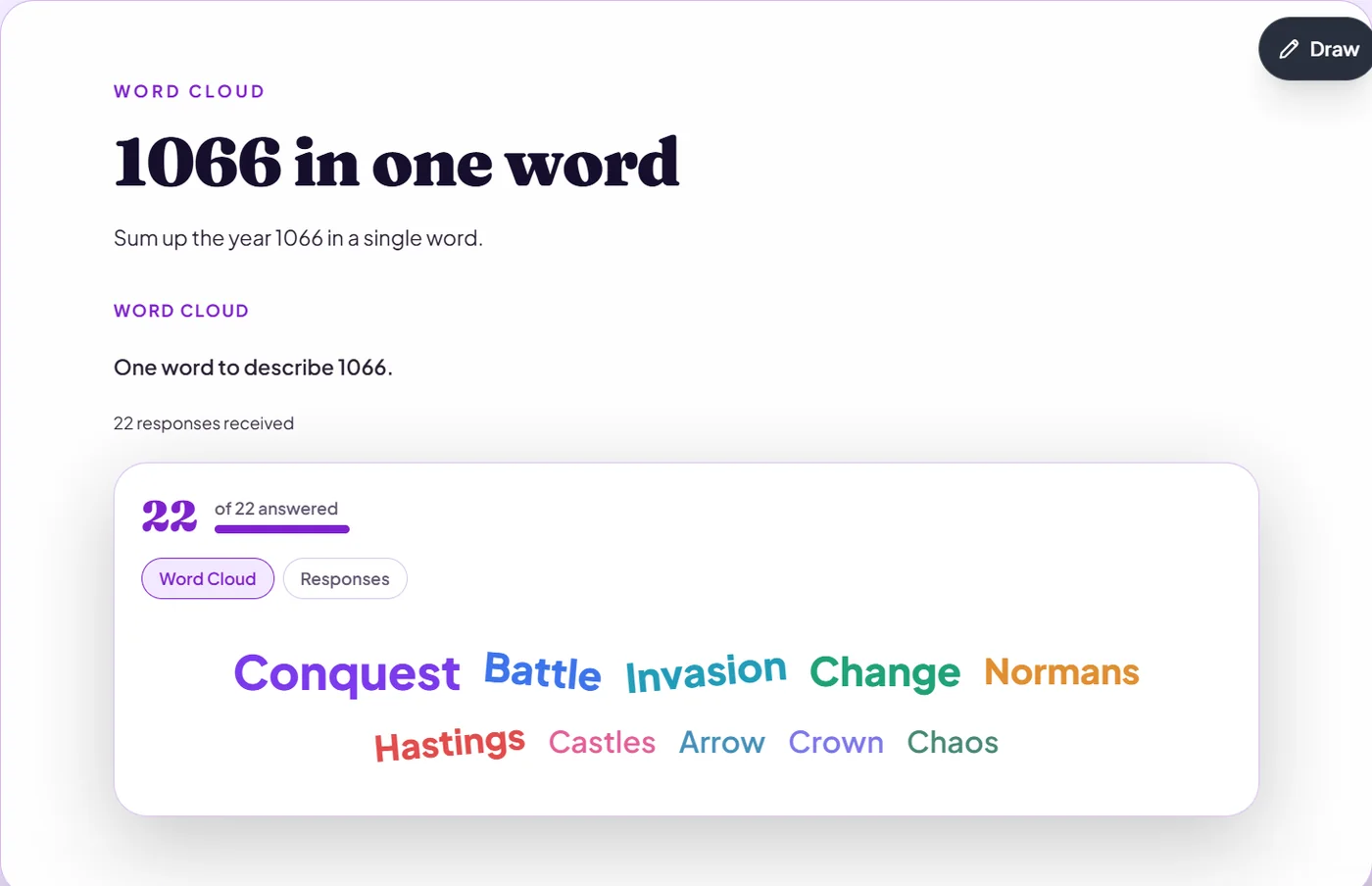
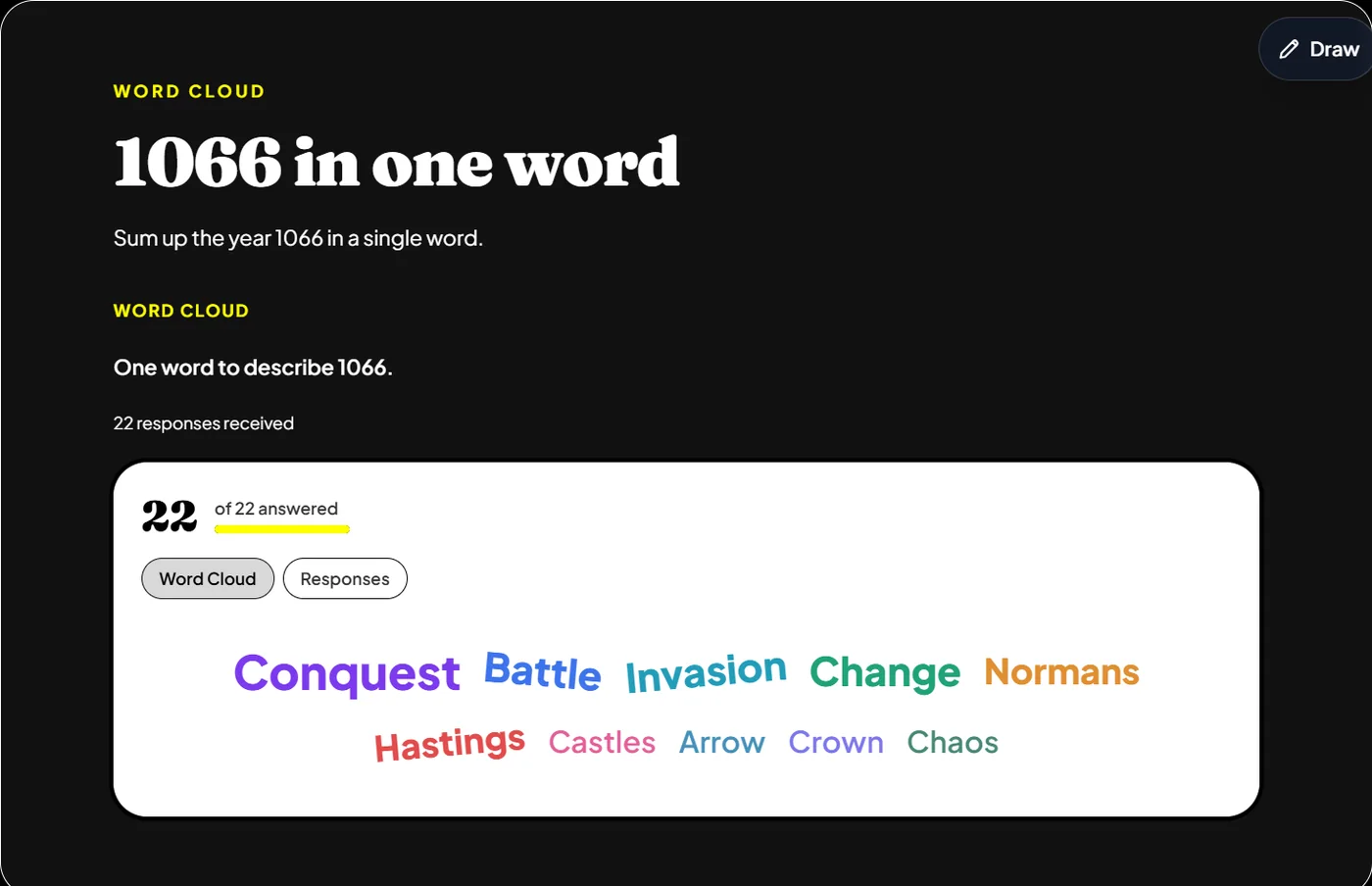
Pupils submit a word or two; the most common grow largest on the live cloud.
Not markedNot on paper
The board has three themes:
Good for
“One word that describes the main character”, then discussing the biggest words.
How to set it up
- 1In the lesson editor, choose Add slide and pick Word cloud.
- 2Write a prompt that asks for a word or two.
- 3Preview it as a pupil, then run the Readiness check before you launch: it flags anything still missing.
Tips from the classroom
- Ask for one word: the cloud is clearer and quicker.
- Discuss the biggest words, and the surprising small ones.