
Visual and data
Draw question
Pupils draw on a blank canvas or on top of an image you provide.
You review itOn paper: a picture you mark
Pupils choose a theme:
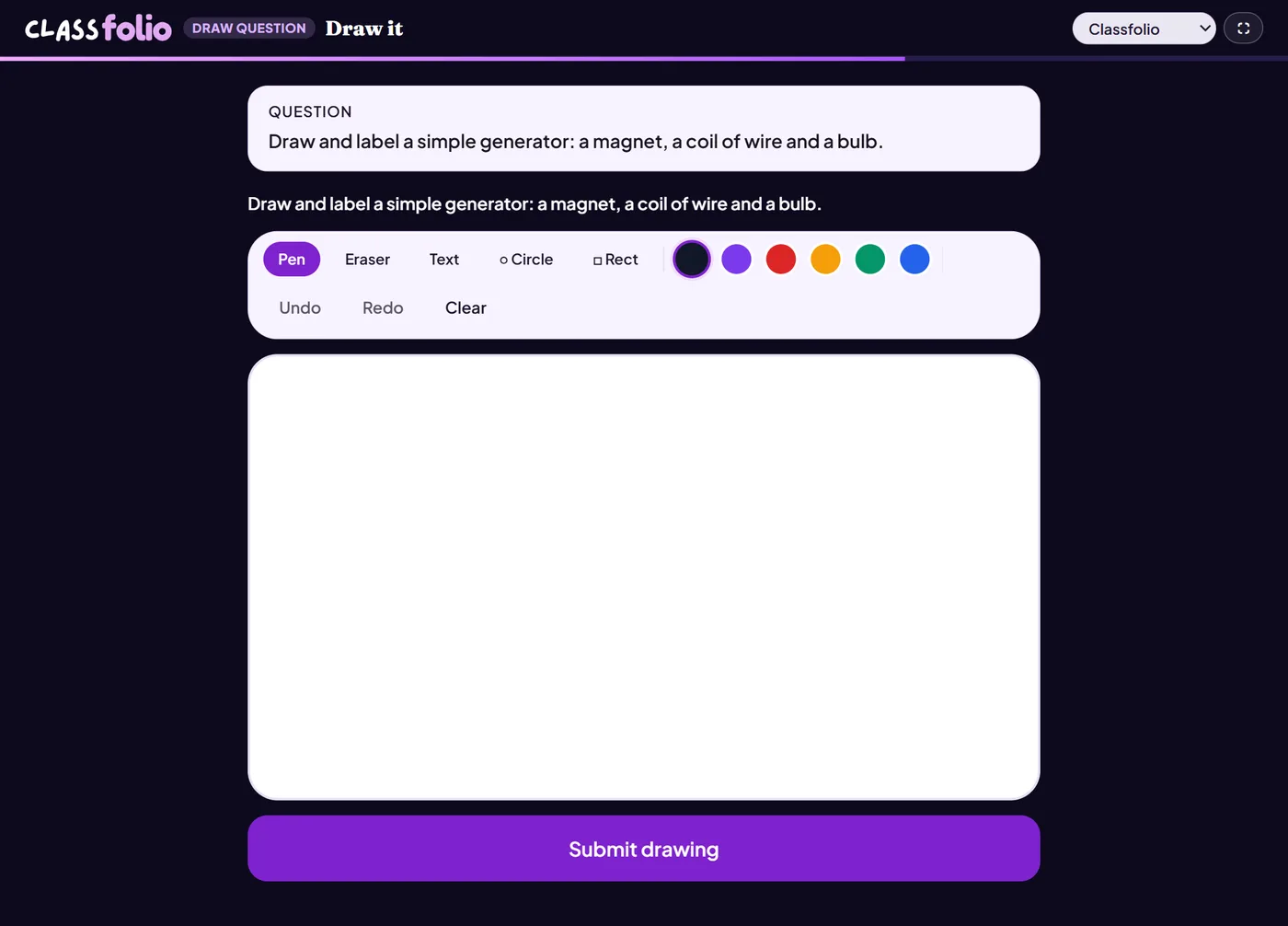
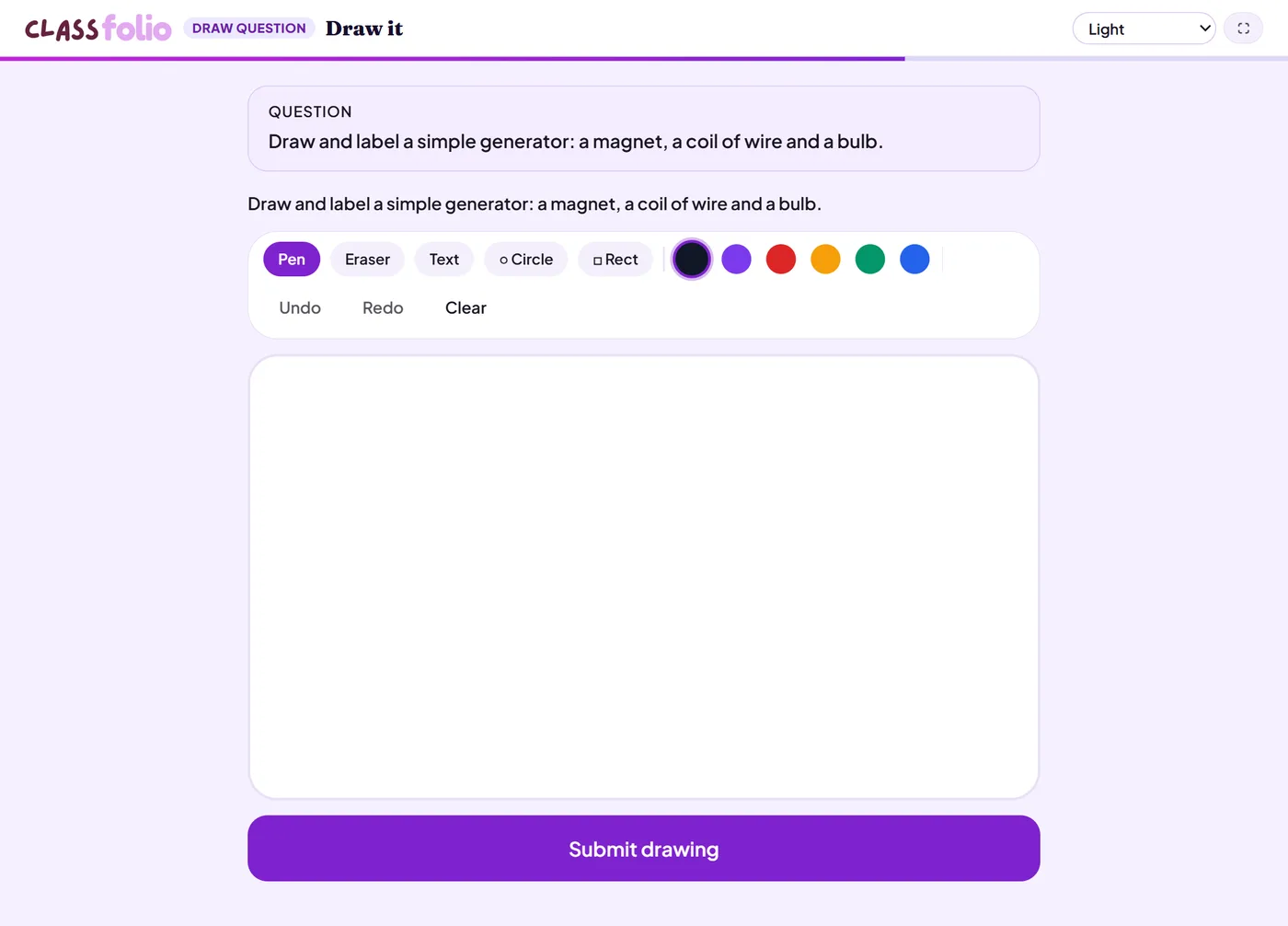
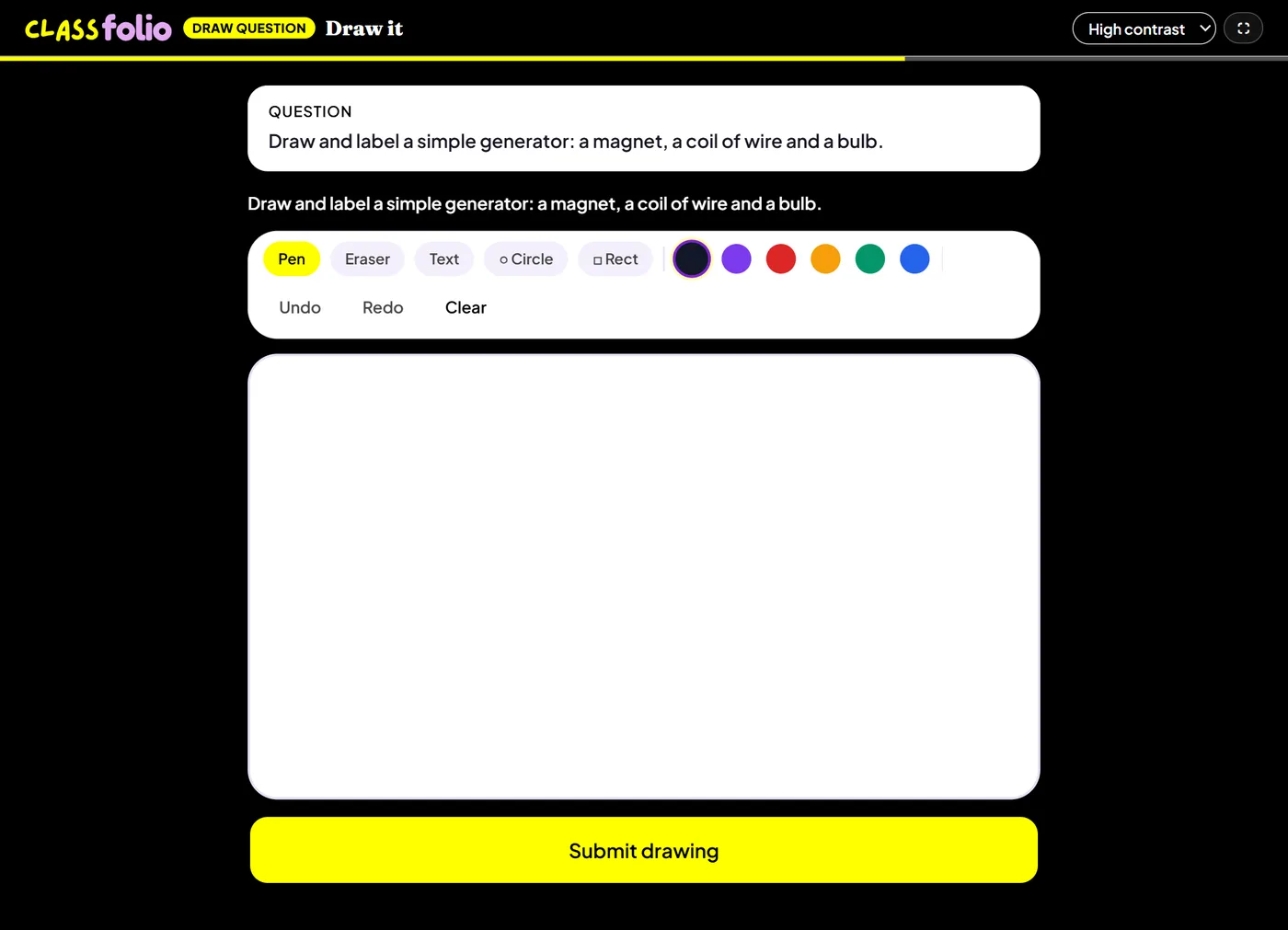
Good for
Sketching a graph, drawing a circuit, or labelling a diagram freehand.
How to set it up
- 1In the lesson editor, choose Add slide and pick Draw question.
- 2Write the task, and add a background image if pupils draw on top of one.
- 3Preview it as a pupil, then run the Readiness check before you launch: it flags anything still missing.
Tips from the classroom
- A background image of axes or a blank diagram saves pupils time.
- Done on paper, the drawing appears in the pupil's Folio for you to mark.