
Visual and data
Diagram labelling
Pupils label the marked points on a diagram.
Marked automaticallyOn paper: read and marked
Pupils choose a theme:
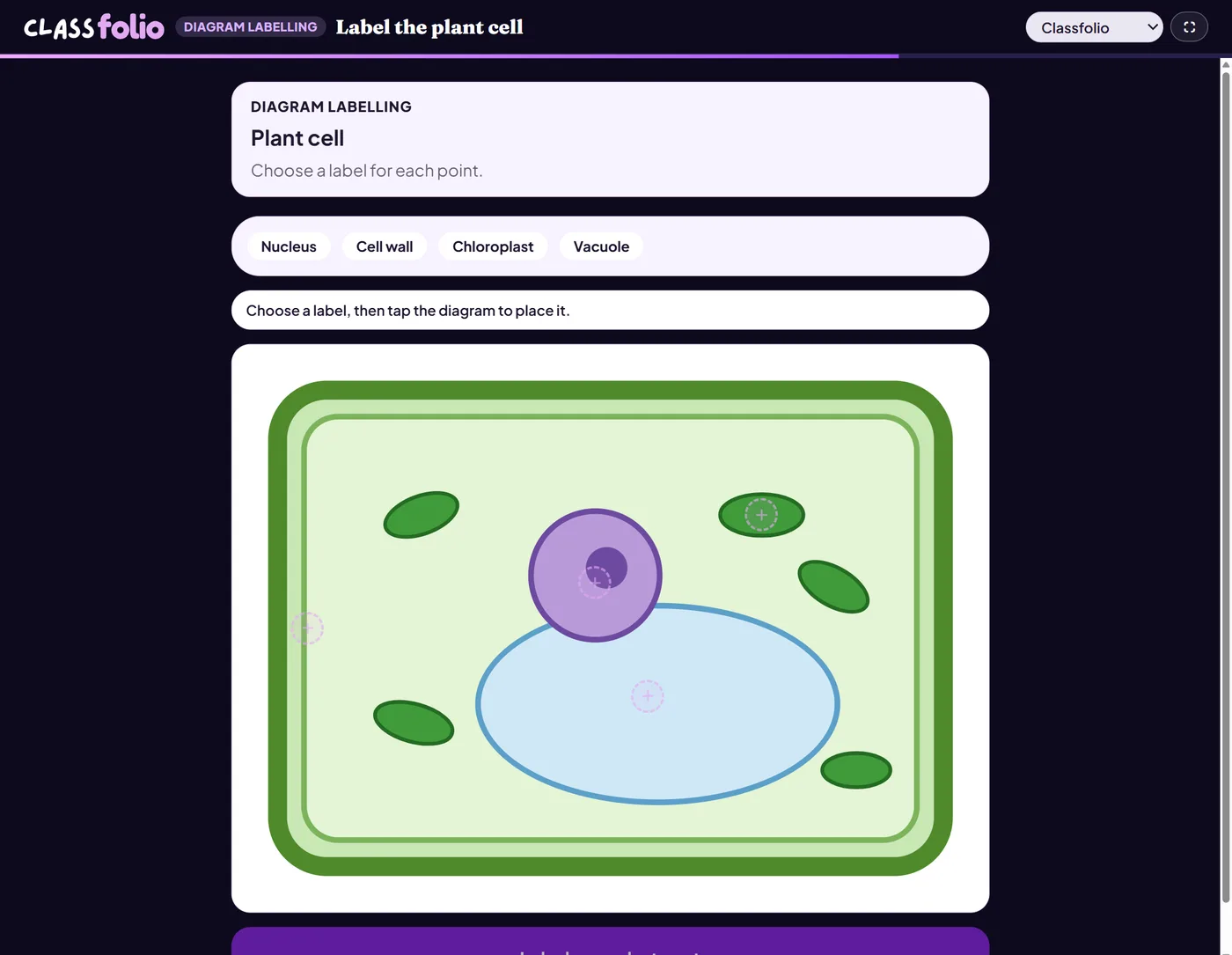
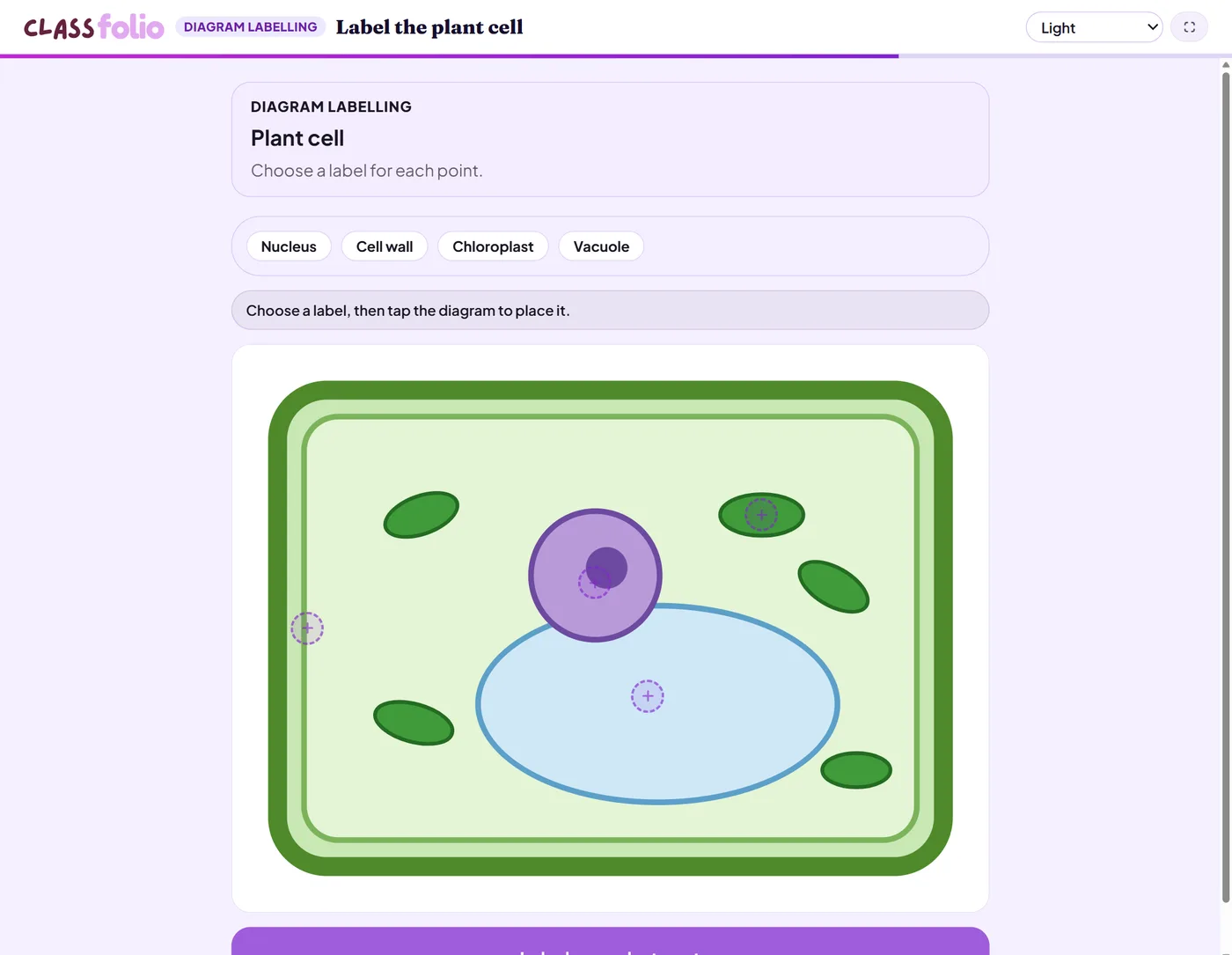
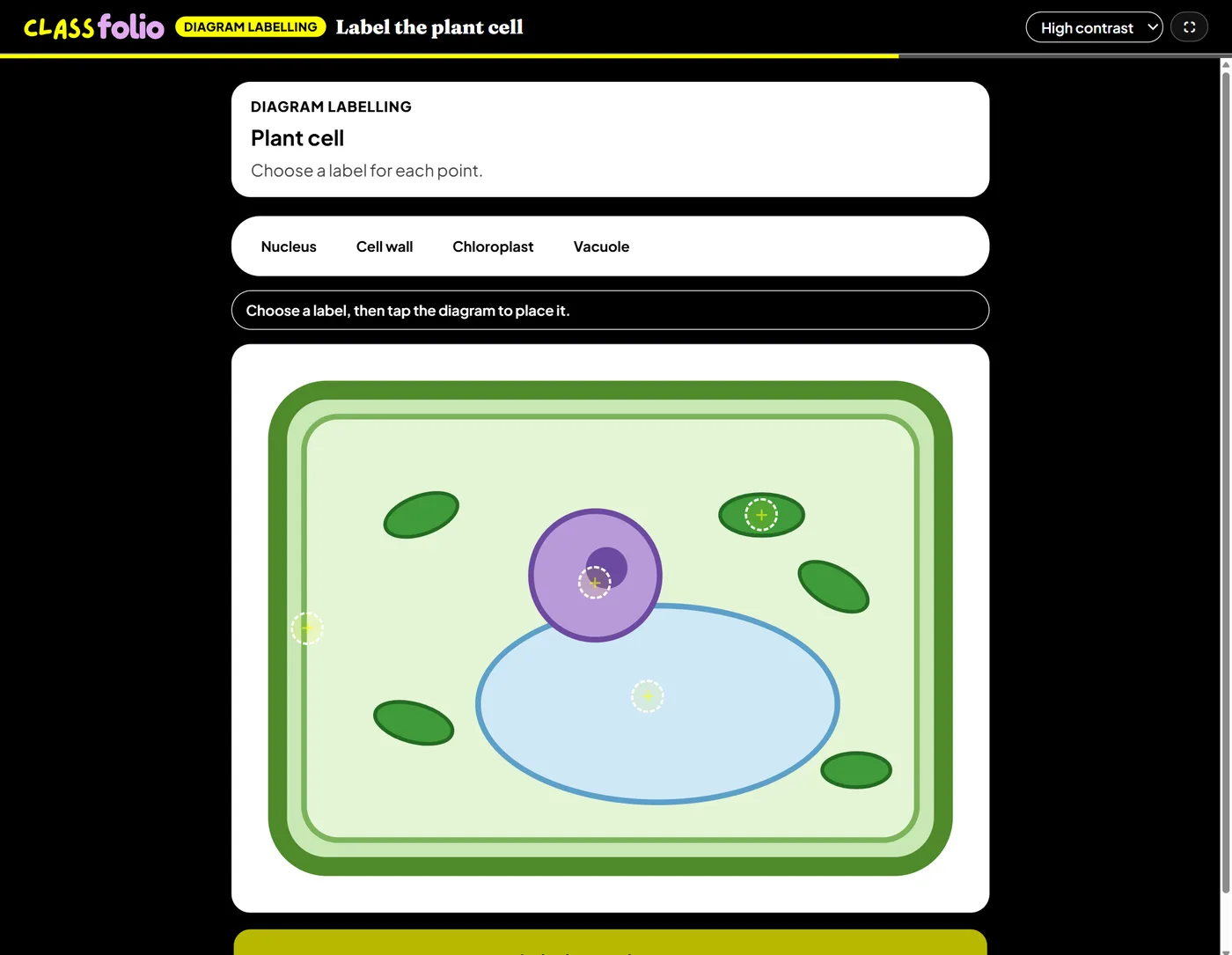
Good for
The parts of a cell, the components of a computer, the features of a river.
How to set it up
- 1In the lesson editor, choose Add slide and pick Interactive activity, then choose Diagram labelling.
- 2Add the diagram, then place a point on each part to label and give its label.
- 3Add other labels you accept for each point, if any.
- 4Preview it as a pupil, then run the Readiness check before you launch: it flags anything still missing.
Tips from the classroom
- Place every point on the picture itself: the Readiness check blocks points that were never placed.
- On the evidence sheet the diagram prints with its points numbered.