
Match, order and complete
Table fill
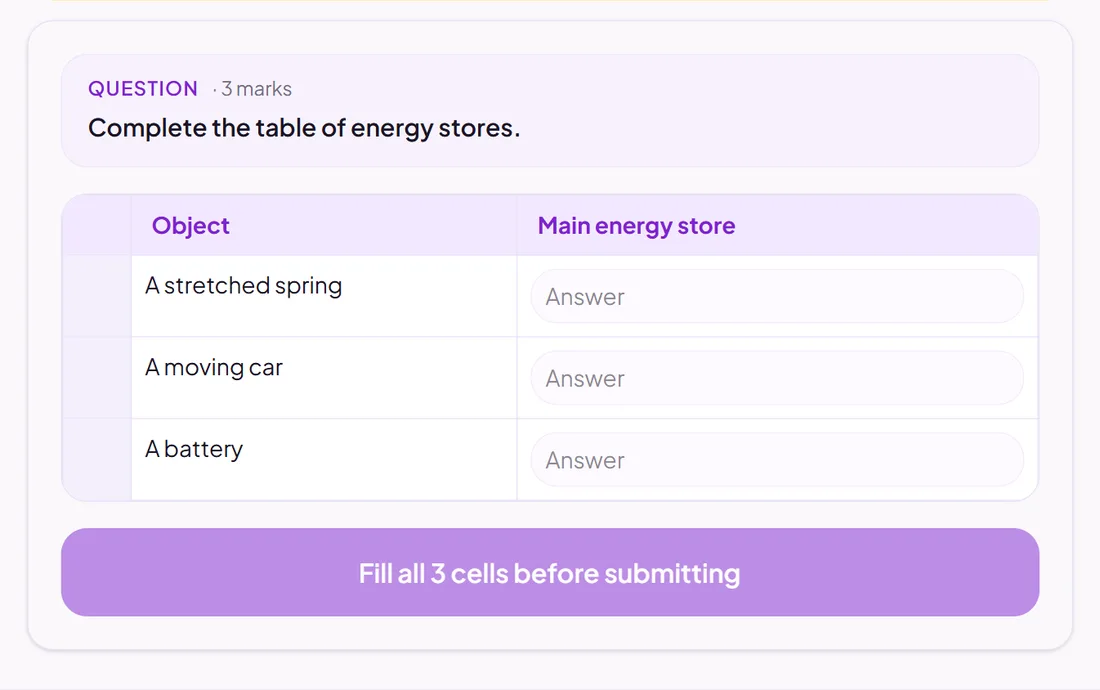
A table with some cells for pupils to complete.
Marked automatically
Good for
Comparing things side by side: properties, features, examples and non-examples.
How to set it up
- 1Open the assessment in the editor and choose Add question.
- 2Pick Table fill.
- 3Build the table, then choose which cells pupils fill in and the answers you accept.
- 4Open Practice Preview to answer it as a pupil would, then run the readiness check before you set it.
Tips from the classroom
- Give the row and column headings yourself, so pupils spend their time on the content.