
Match, order and complete
Match pairs
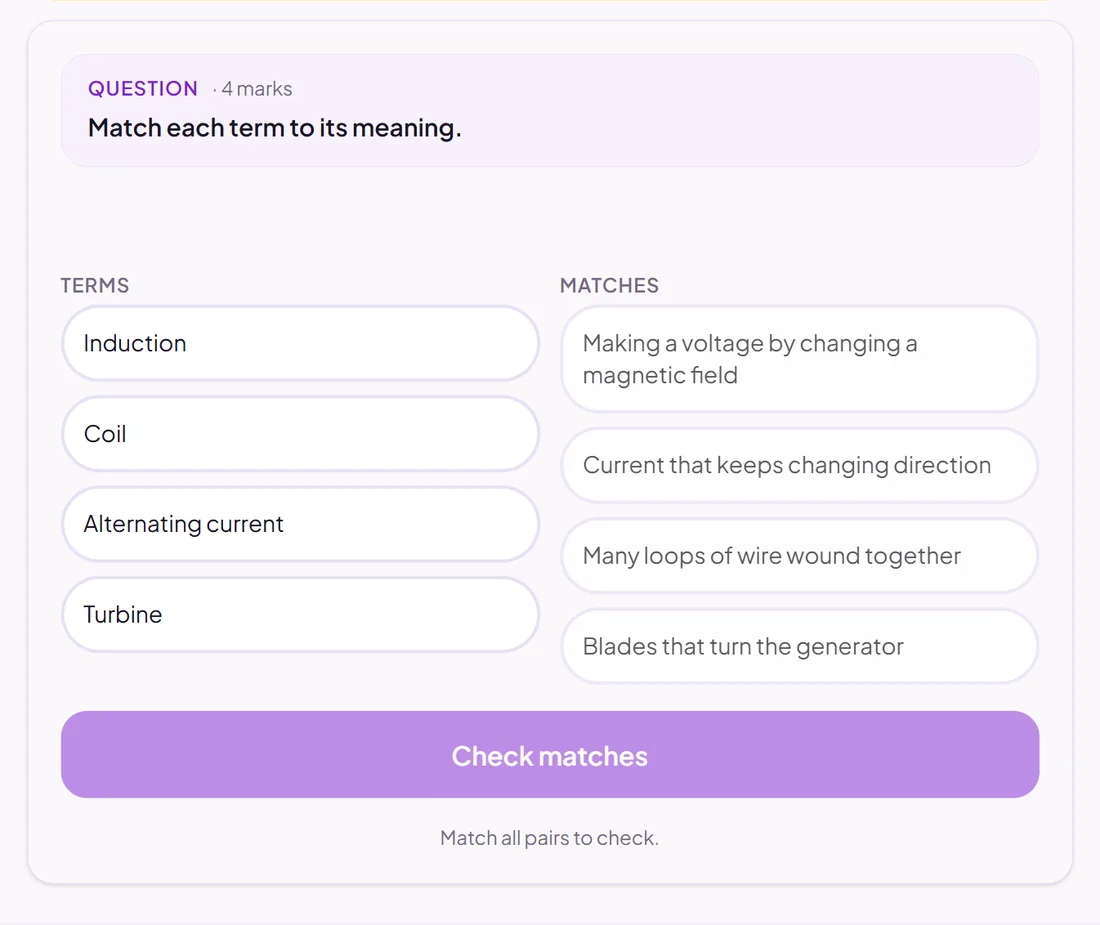
Pupils match each item on the left to its partner on the right.
Marked automatically
Good for
Terms and definitions, causes and effects, quotations and speakers.
How to set it up
- 1Open the assessment in the editor and choose Add question.
- 2Pick Match pairs.
- 3Add each pair. Pupils see the right-hand side shuffled.
- 4Open Practice Preview to answer it as a pupil would, then run the readiness check before you set it.
Tips from the classroom
- Four to six pairs is plenty: more becomes a test of patience.
- Make the definitions similar in length so pupils have to read them.