
Match, order and complete
Interactive activities
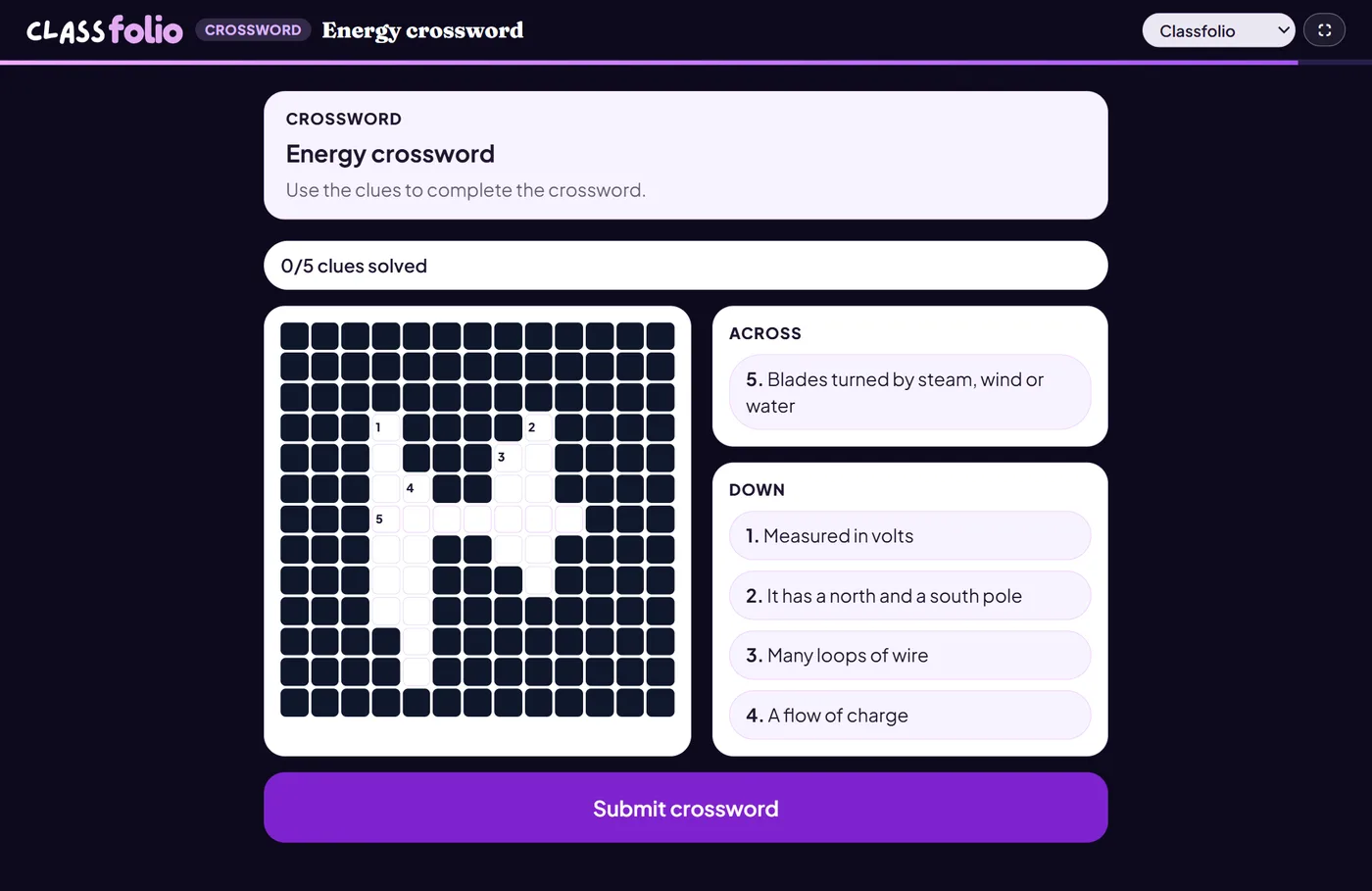
The lesson editor's marked activities inside an assessment: crosswords, word searches, sorting, sequences, timelines, keyword matching and more.
Marked automatically
Good for
Variety in a longer test, and vocabulary practice that pupils enjoy.
How to set it up
- 1Open the assessment in the editor and choose Add question.
- 2Pick the activity you want.
- 3Fill it in exactly as you would on a lesson slide.
- 4Open Practice Preview to answer it as a pupil would, then run the readiness check before you set it.
Tips from the classroom
- Each activity is explained in the lesson activities guide, with a picture of what pupils see.