
Talk (oracy)
Talk like an expert
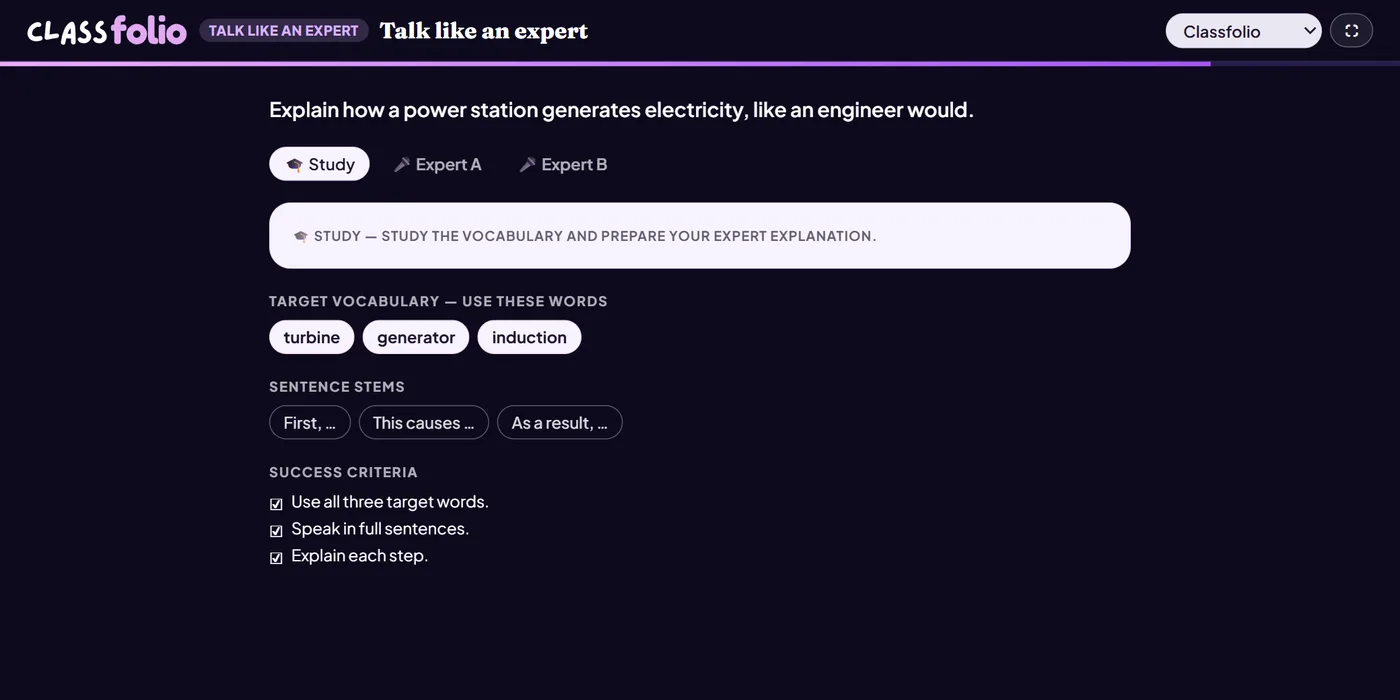
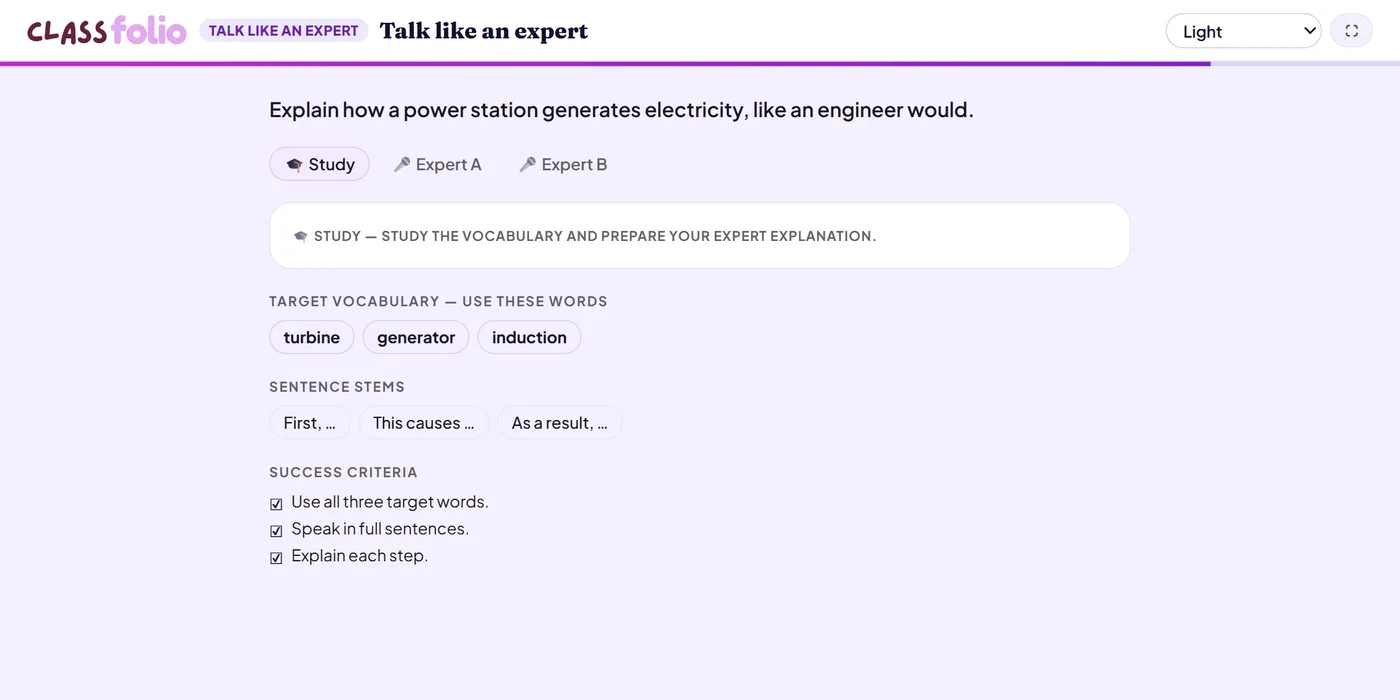
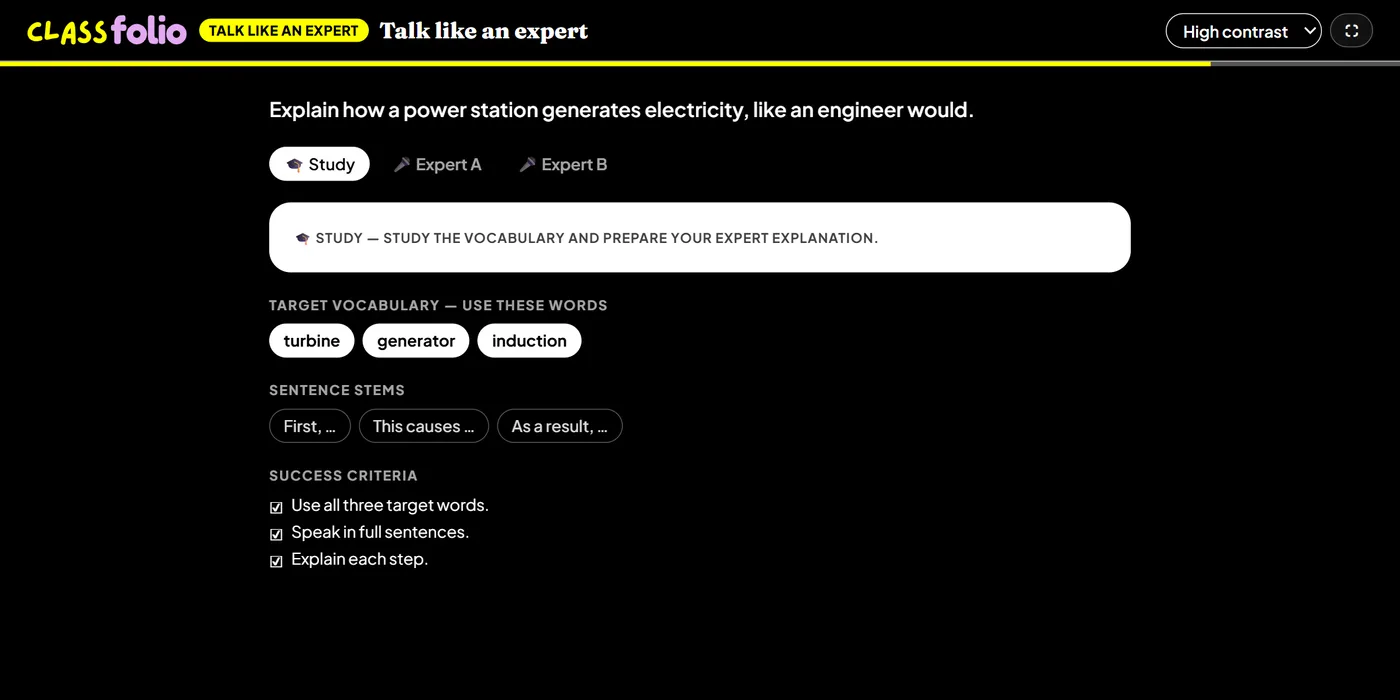
Pupils explain a topic as an expert would, using the vocabulary you set.
You review itOn paper: read, you mark
Pupils choose a theme:
Good for
Practising subject vocabulary in full sentences.
How to set it up
- 1In the lesson editor, choose Add slide and pick Oracy activity, then choose Talk like an expert.
- 2Write the topic, and add the vocabulary and sentence stems pupils must use.
- 3Set the timers and the success criteria.
- 4Preview it as a pupil, then run the Readiness check before you launch: it flags anything still missing.
Tips from the classroom
- Ask pupils to tick off each target word as they use it.
- Swap roles so both partners are the expert once.