
Talk (oracy)
Exam question walkthrough
The class plans an exam answer together, pupils write their own, compare two answers, then improve theirs.
You review itOn paper: read, you mark
Pupils choose a theme:
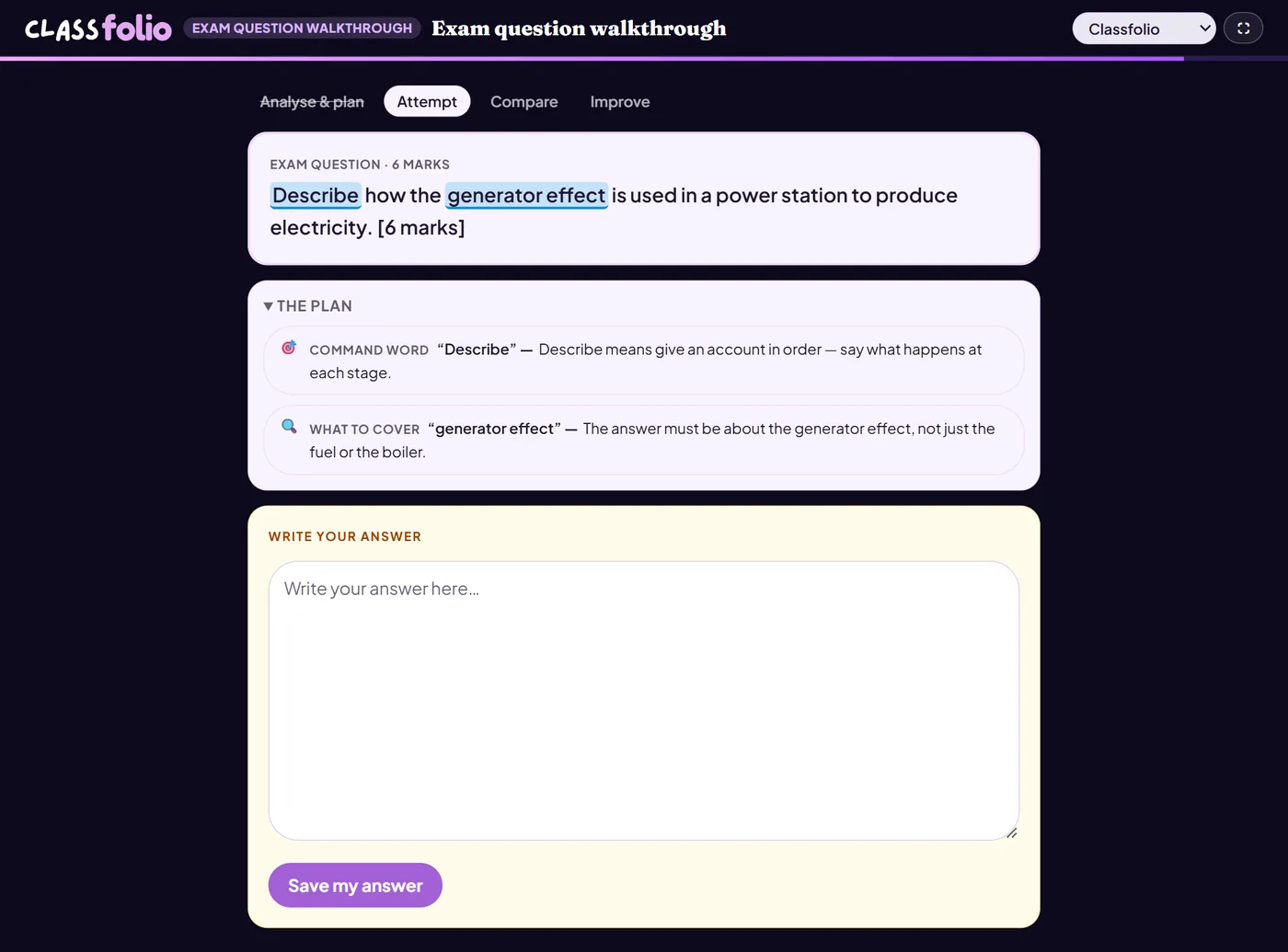
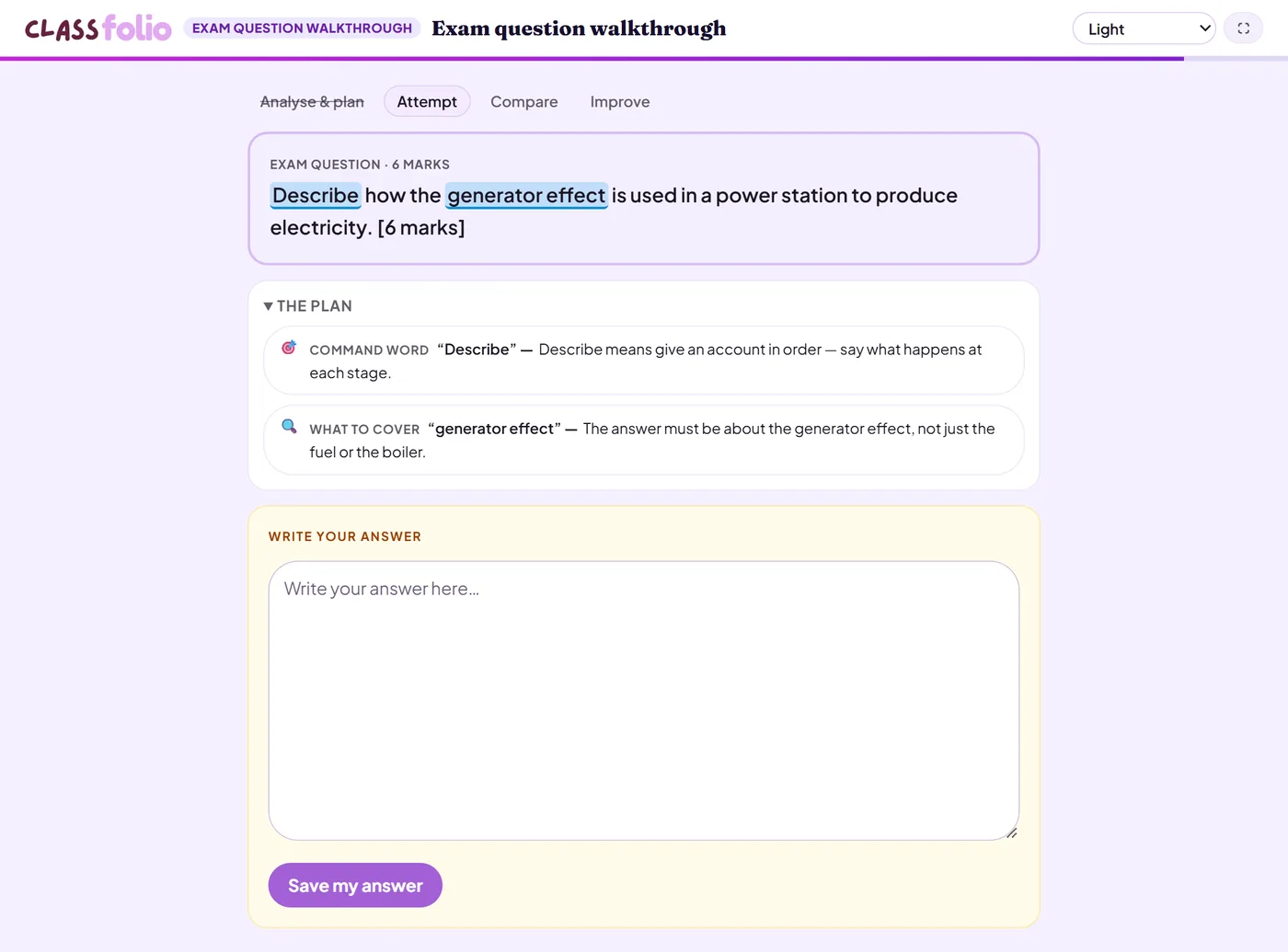
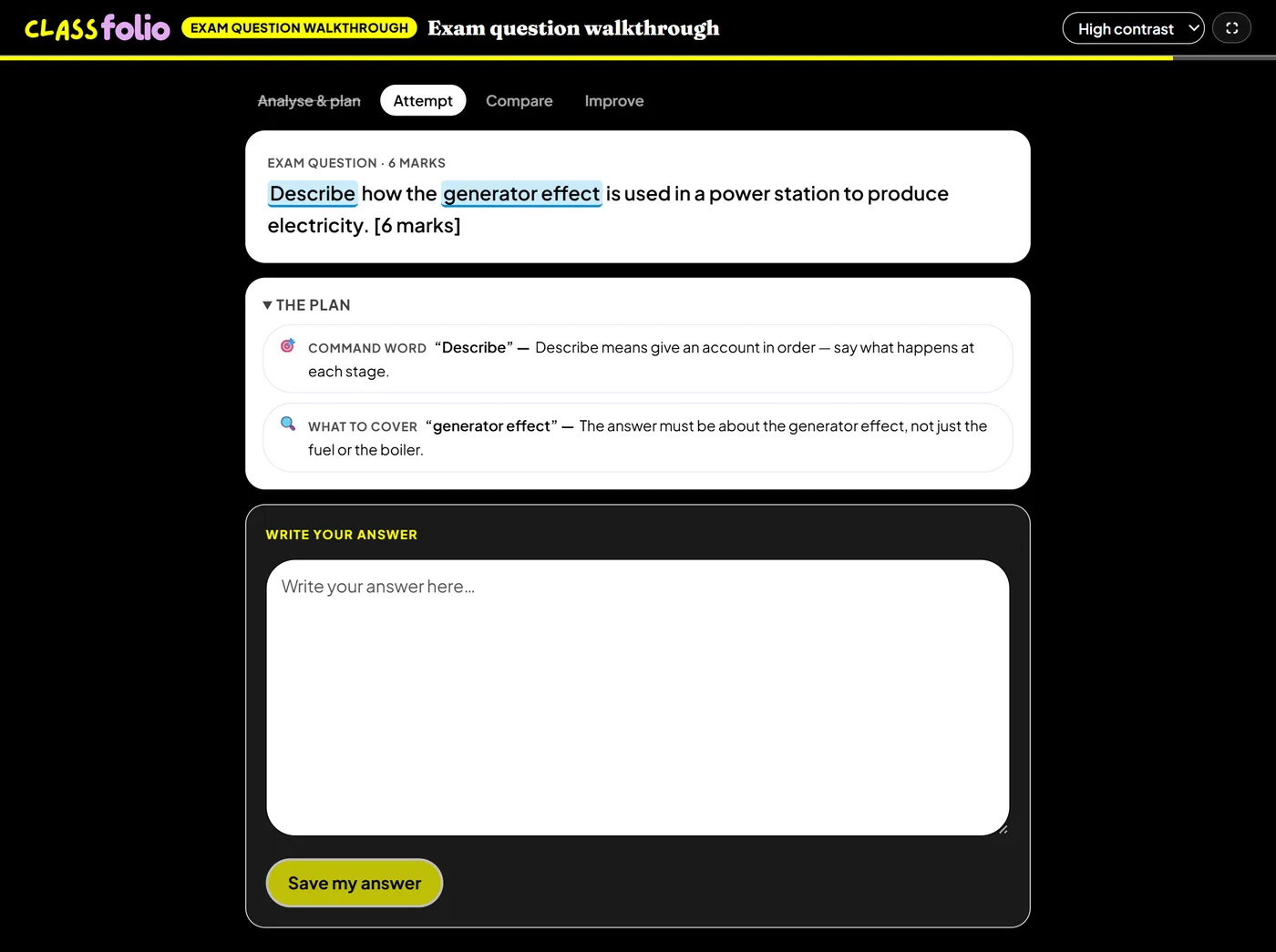
Good for
Teaching how to answer a long exam question. The pupil's first draft and improved answer are kept side by side in their Folio.
How to set it up
- 1In the lesson editor, choose Add slide and pick Oracy activity, then choose Exam question walkthrough.
- 2Paste the exam question and its marks.
- 3Let AI build the steps — what the question asks, the plan, two answers to compare — then check them.
- 4Preview it as a pupil, then run the Readiness check before you launch: it flags anything still missing.
Tips from the classroom
- Use a question from a real past paper, so pupils meet the exam's own wording.
- Pupils keep their first draft beside their improved answer in their Folio, so they can see the difference.