
Check understanding
Short answer
Pupils write a word, a sentence or a paragraph.
Keywords, or AI with your mark schemeOn paper: read and marked
Pupils choose a theme:
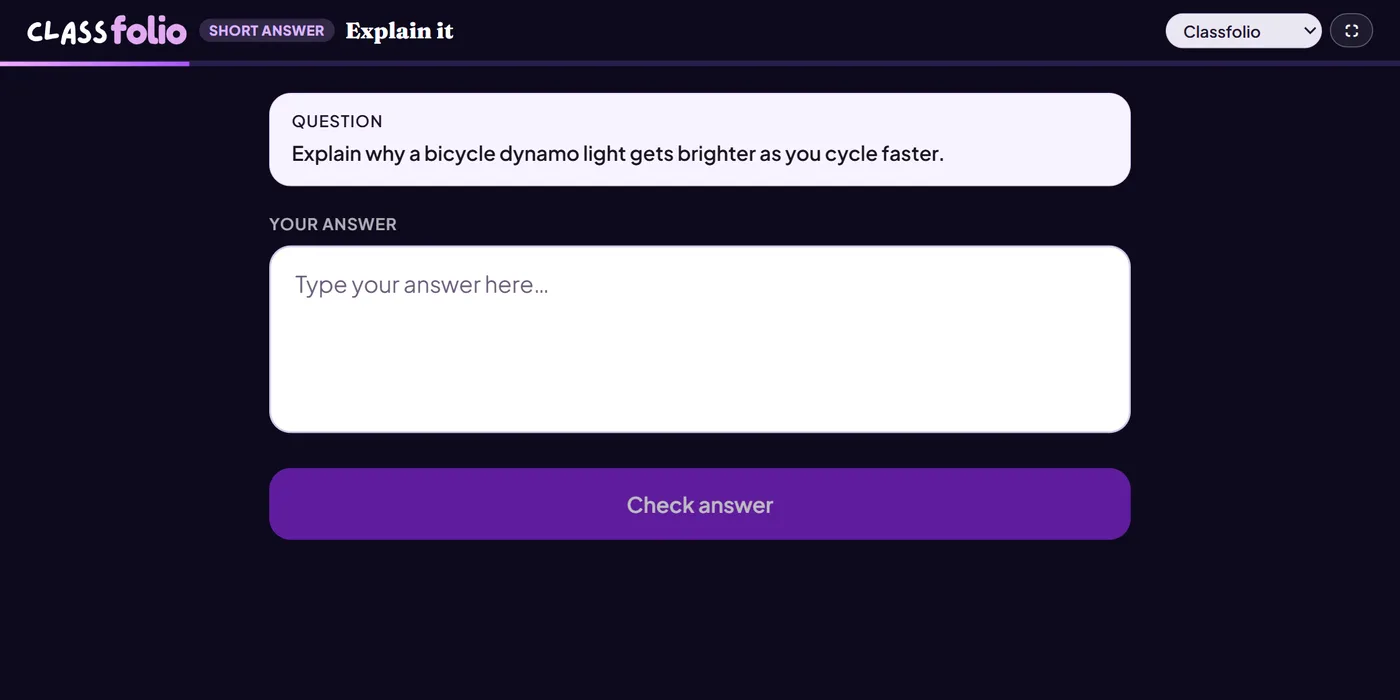
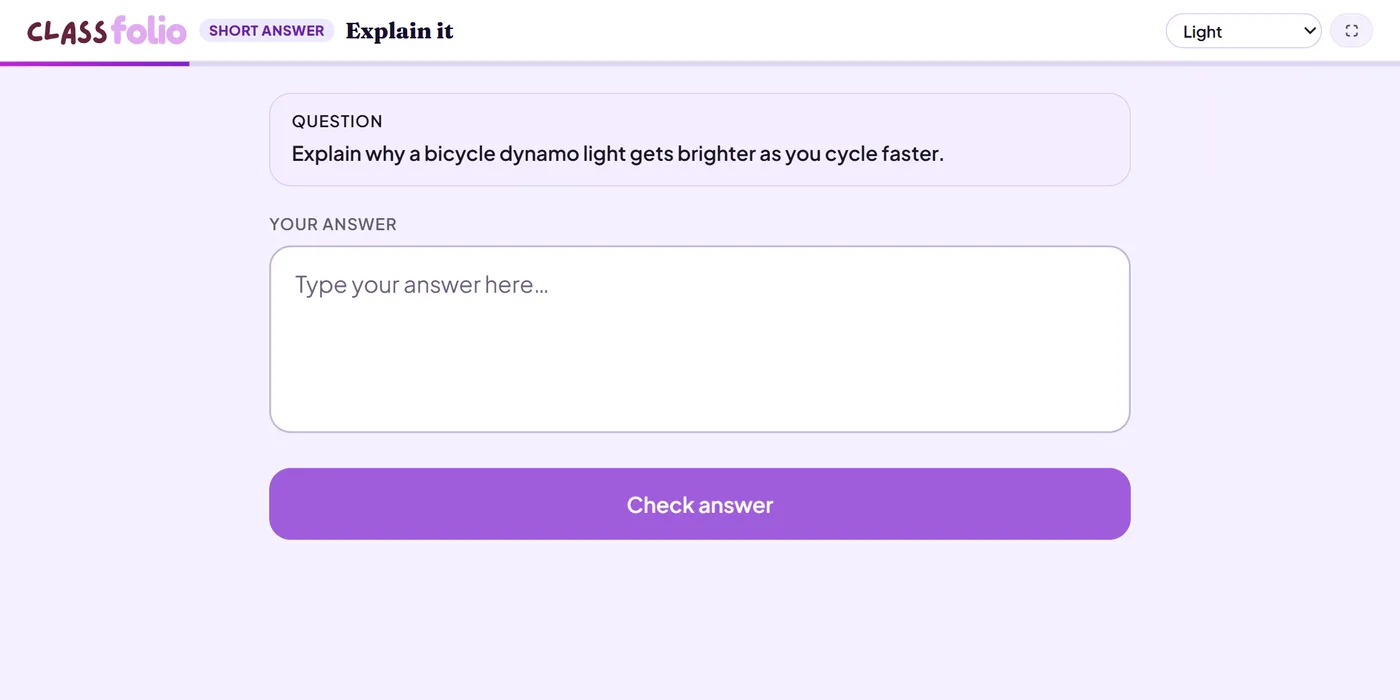
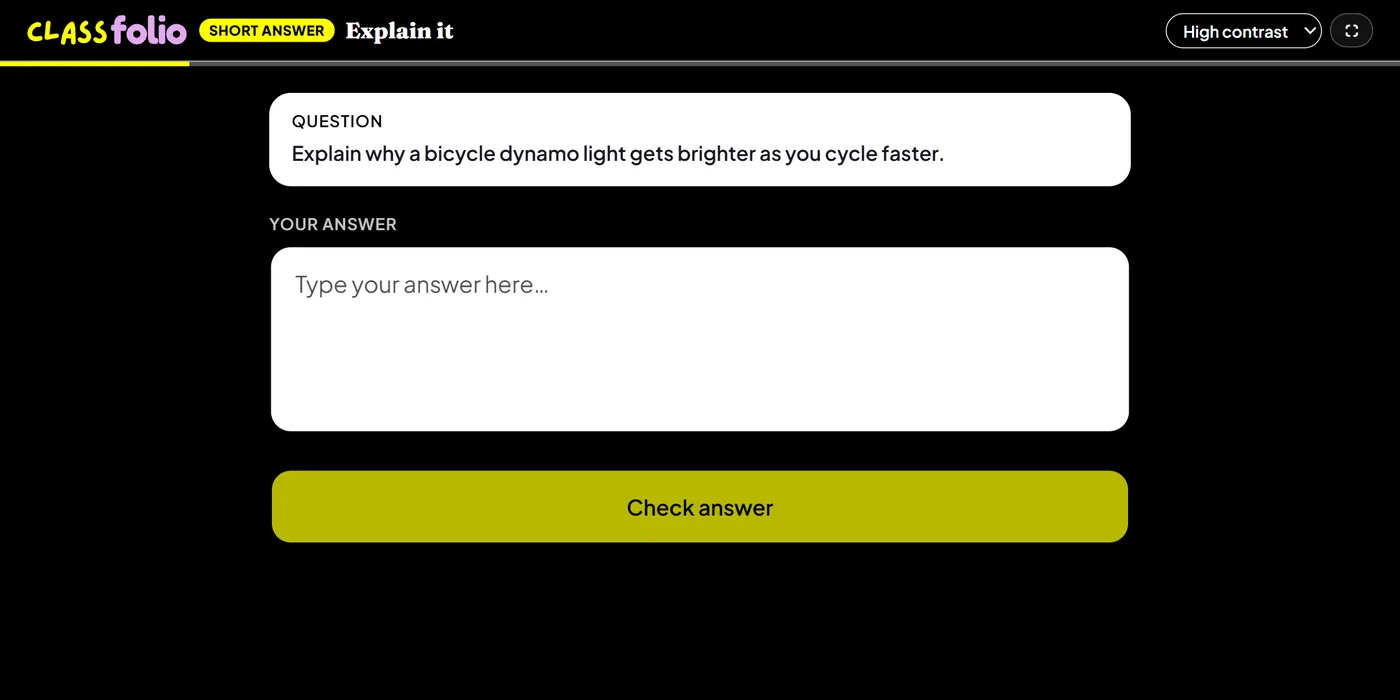
Good for
“Explain why…” questions. Approve the AI mark scheme before the lesson and pupils get a mark and feedback straight away.
How to set it up
- 1In the lesson editor, choose Add slide and pick Short answer.
- 2Write the question, and set the marks.
- 3Add a model answer or the points you want to see, generate the AI mark scheme, and approve it — or mark by keywords instead.
- 4Preview it as a pupil, then run the Readiness check before you launch: it flags anything still missing.
Tips from the classroom
- Approve the mark scheme before the lesson: without it, answers are collected but not AI-marked.
- Ask for one idea per question; long multi-part questions are harder to mark and to answer.