
Check understanding
Multiple choice
Pupils choose from options you write; you can allow more than one correct answer.
Marked automaticallyOn paper: read and marked
Pupils choose a theme:
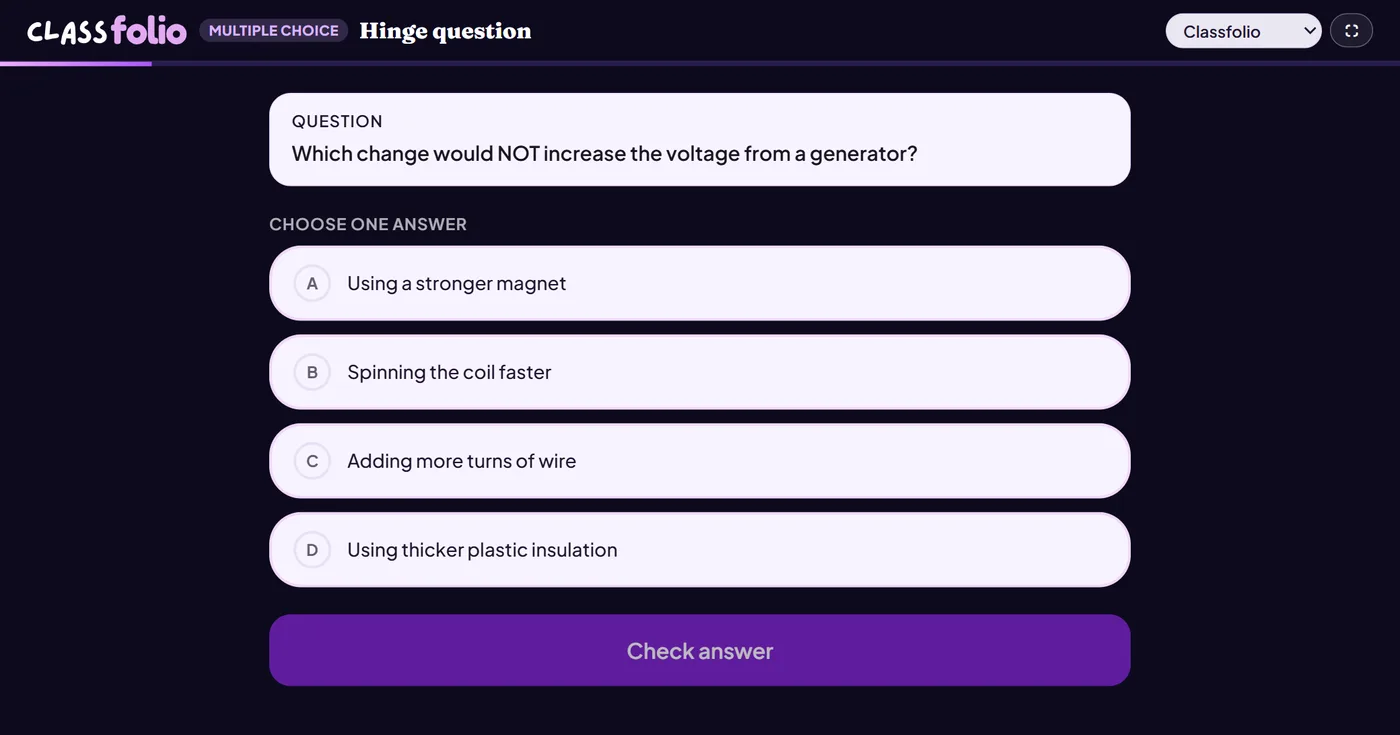
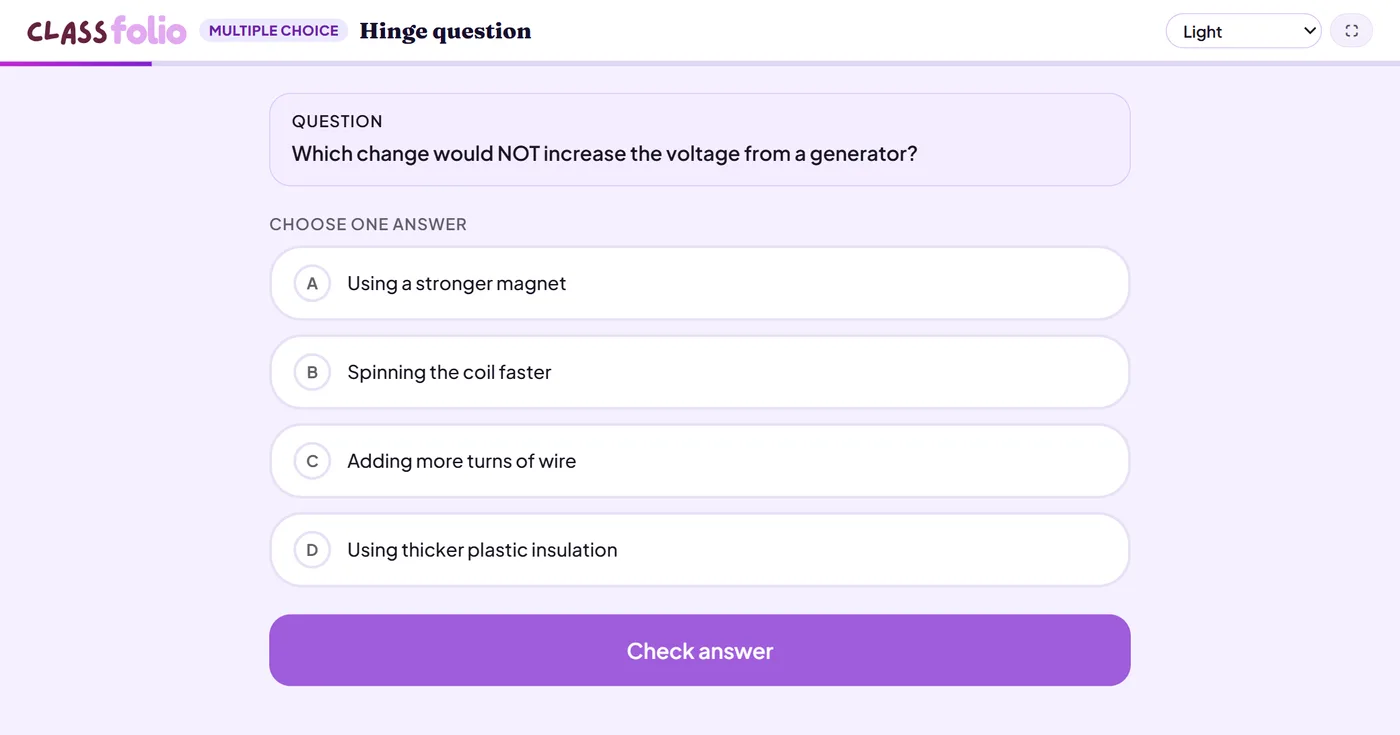
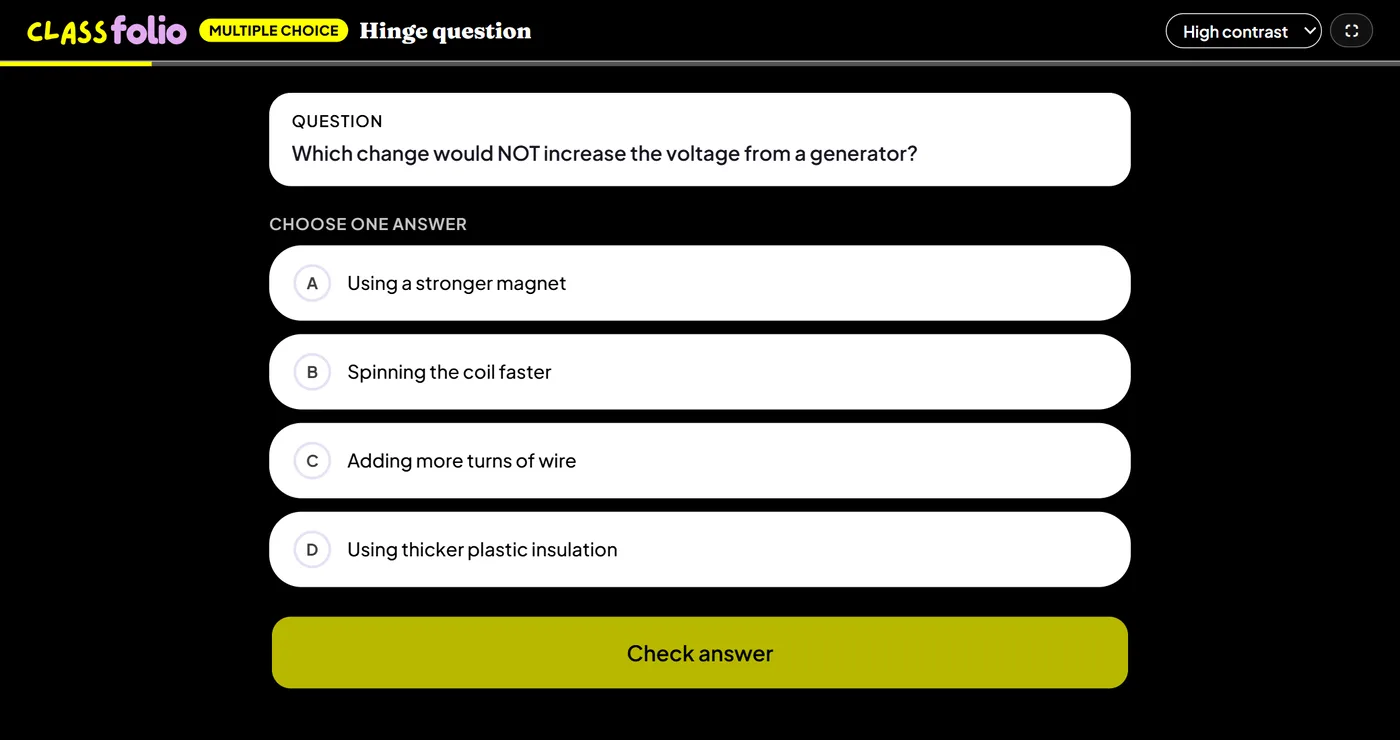
Good for
Retrieval at the start of a lesson, or a hinge question halfway through: the live bar chart shows at a glance who has the misconception.
How to set it up
- 1In the lesson editor, choose Add slide and pick Multiple choice.
- 2Write the question and at least two options.
- 3Choose the correct answer — or allow more than one correct answer.
- 4Preview it as a pupil, then run the Readiness check before you launch: it flags anything still missing.
Tips from the classroom
- Make every wrong option a real misconception, so the results tell you something.
- Ask a hinge question part-way through, and decide what to do next from the bar chart.