
Topic Hubs
Every block in a Topic Hub
A Topic Hub is a revision page for one topic, pinned to the top of a class space. Build it from these blocks, by hand or with an AI draft, and pupils come back to it on their own.
Watch: Topic Hubs in Classfolio (1:05, YouTube)- blocks
- 16blocks
- groups
- 3groups
blocks · 5
Words
The explanation, the key ideas and the vocabulary.
Heading
A heading that splits the page into sections.
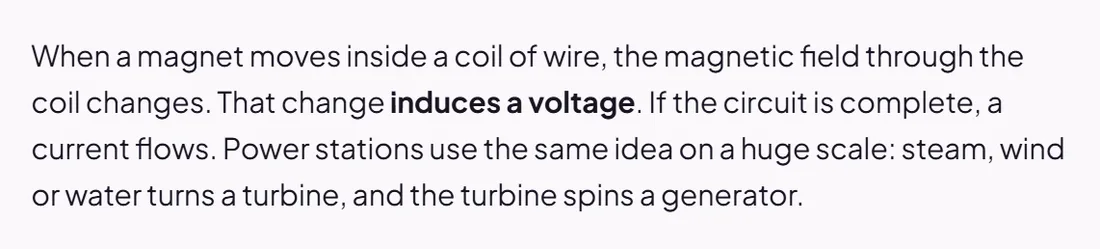
Text
A passage of explanation, with bold, lists and links.
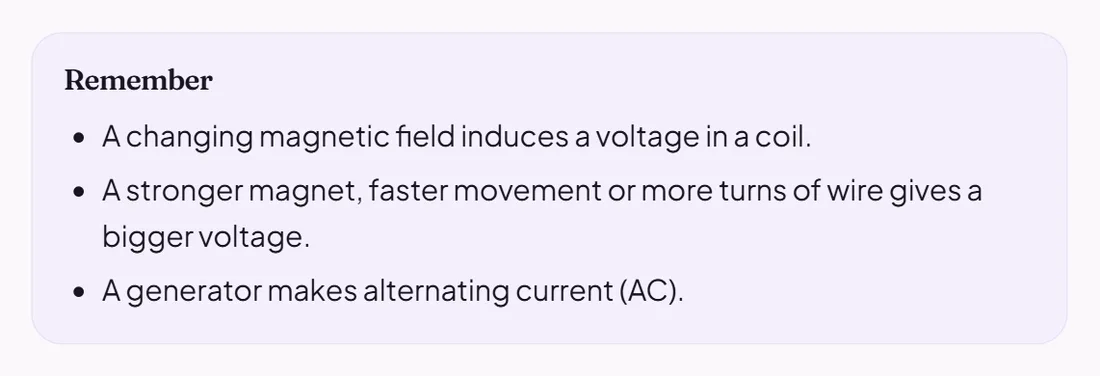
Key points
The handful of things pupils must remember, as a list.
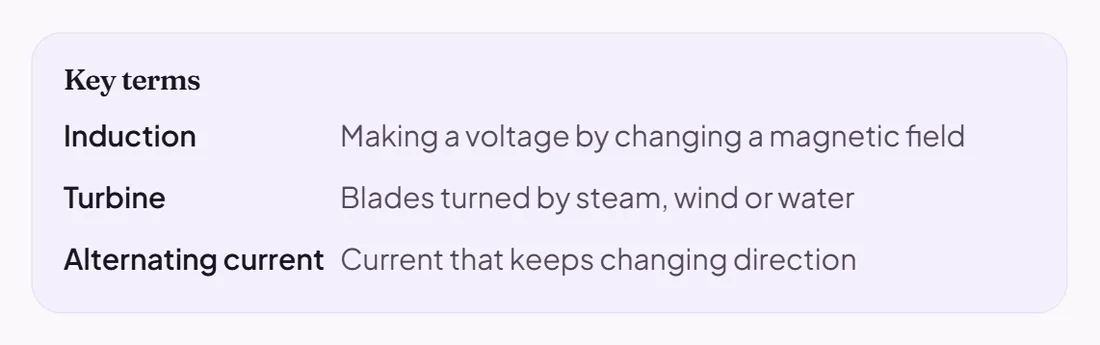
Key terms
Words and their definitions.
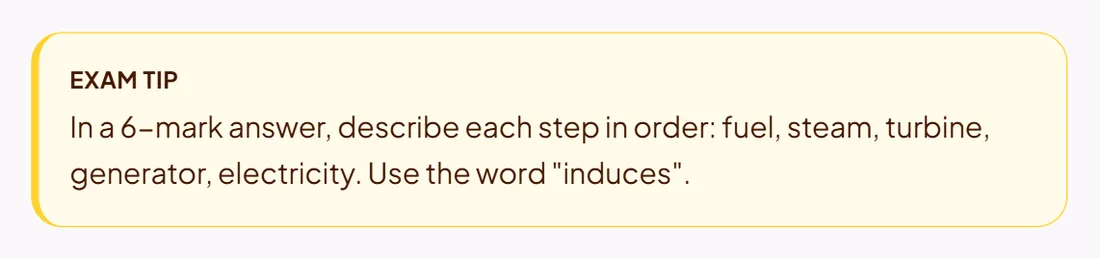
Callout
A boxed exam tip, key idea or warning about a common mistake.
blocks · 5
Pictures, video and links
Everything pupils watch, listen to or open.
Image
A picture or diagram.
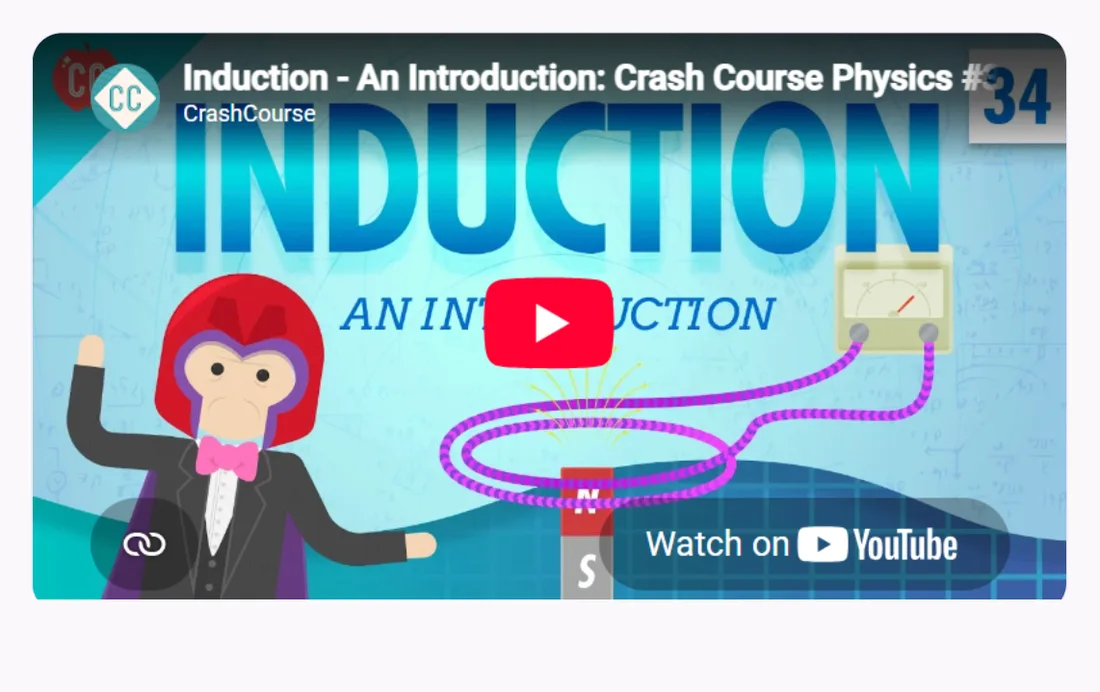
Video
A YouTube or Vimeo video, played on the page.
Audio
A sound clip pupils play on the page.

Link
A link to a website, a NotebookLM notebook or a Google Drive file.
Download
A file pupils download: a worksheet, a knowledge organiser, past papers.
blocks · 6
Practise and check
The blocks pupils do, not just read.
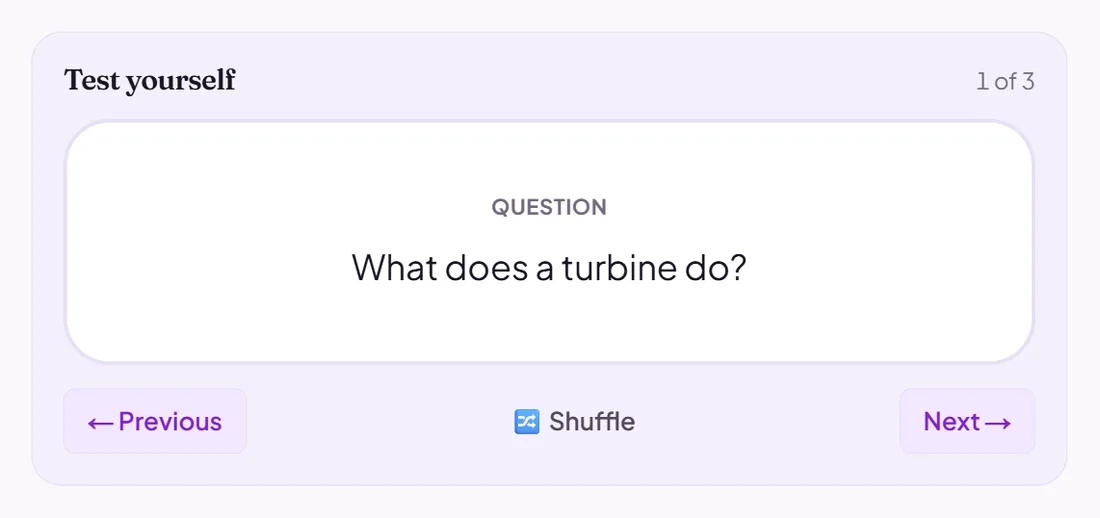
Flashcards
A deck of flashcards pupils flip through on the page.
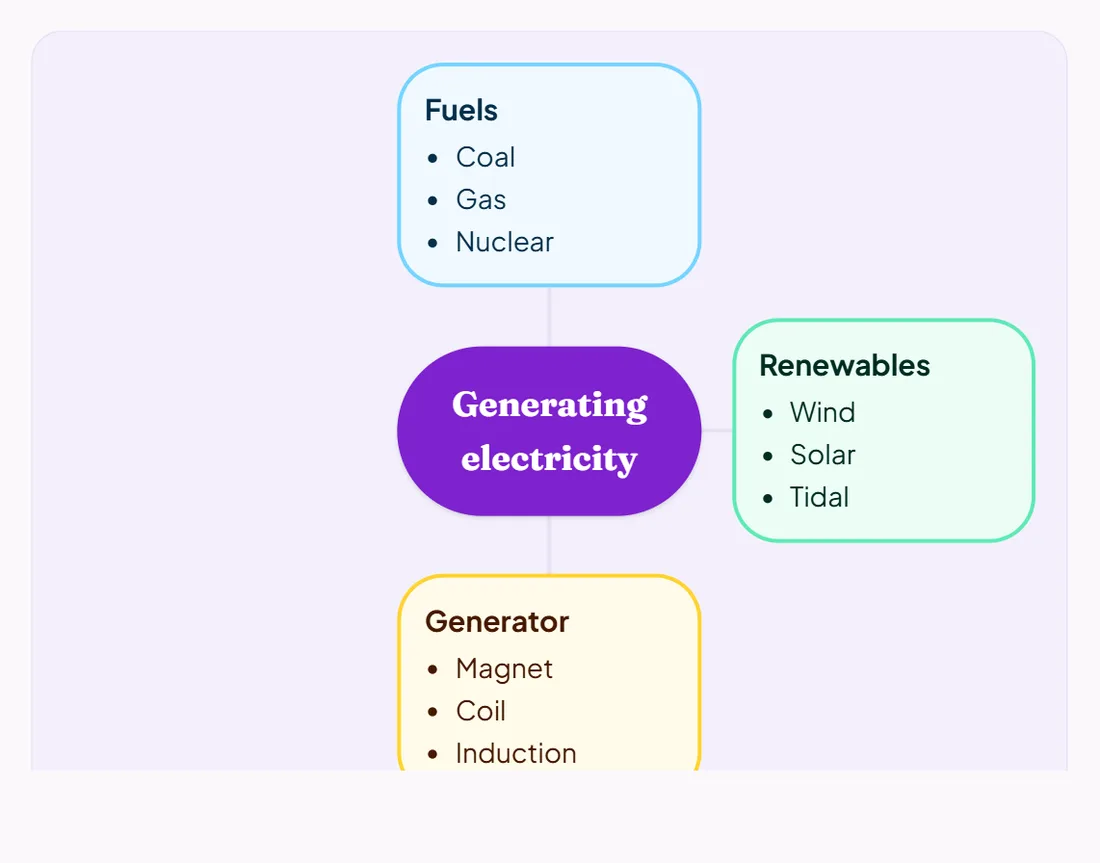
Mind map
A mind map of the topic, which pupils can explore.
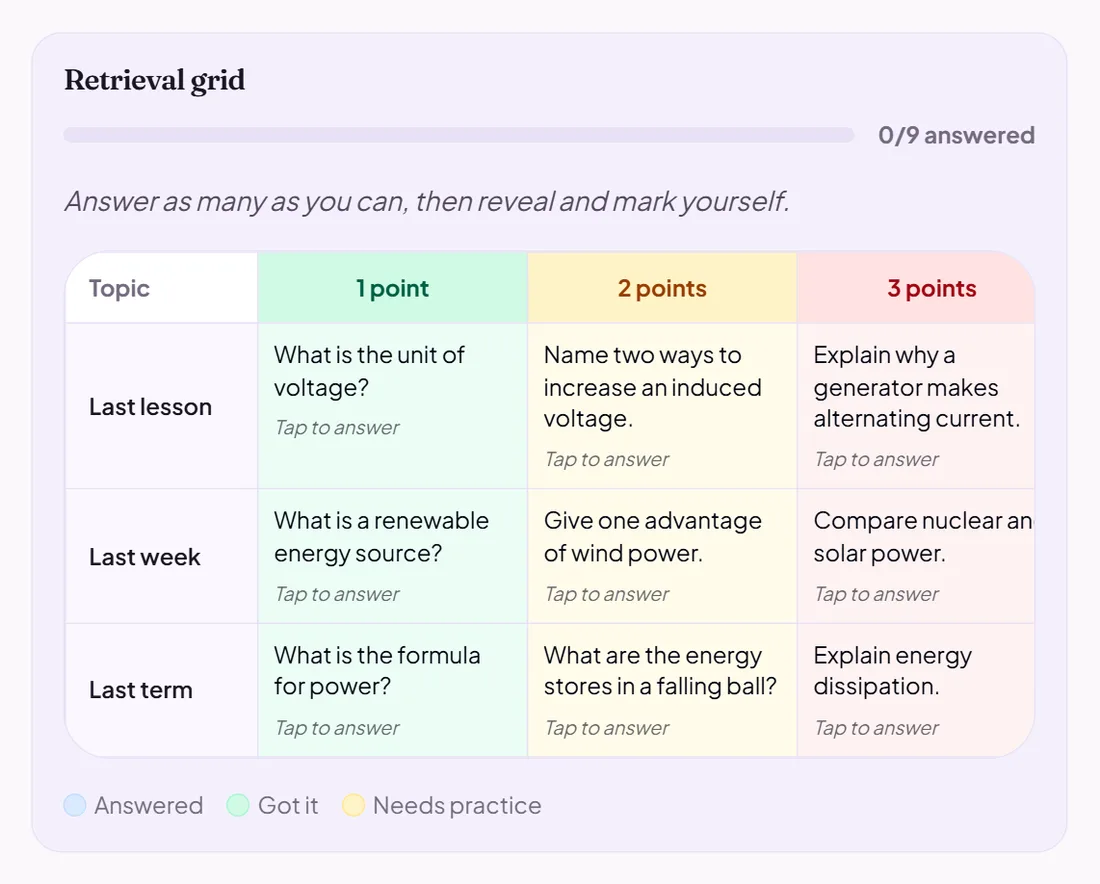
Retrieval grid
A grid of recall questions at different levels, played on the page.
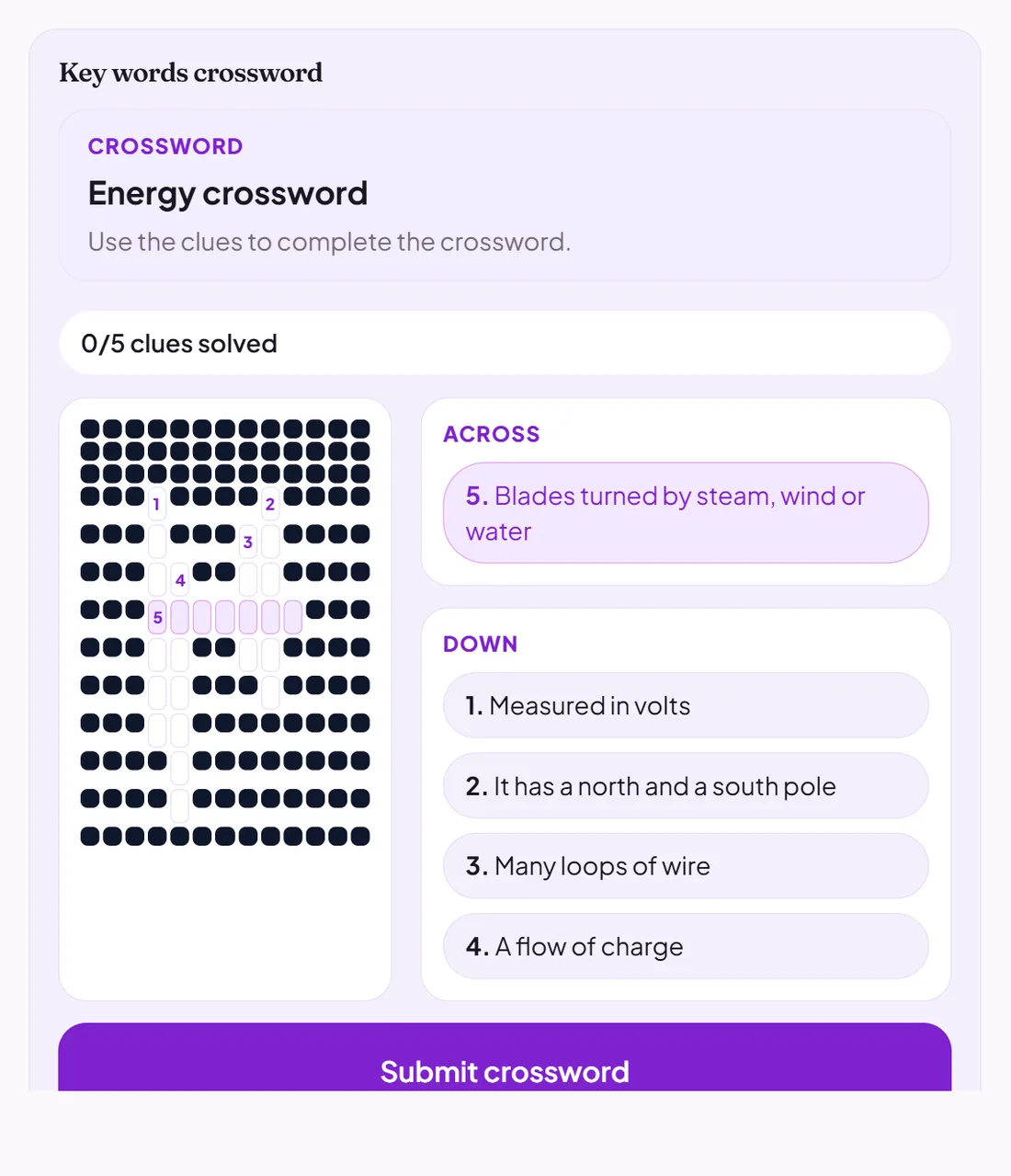
Game
One of the lesson activities, played on the page: a crossword, a word search, a sort and more.
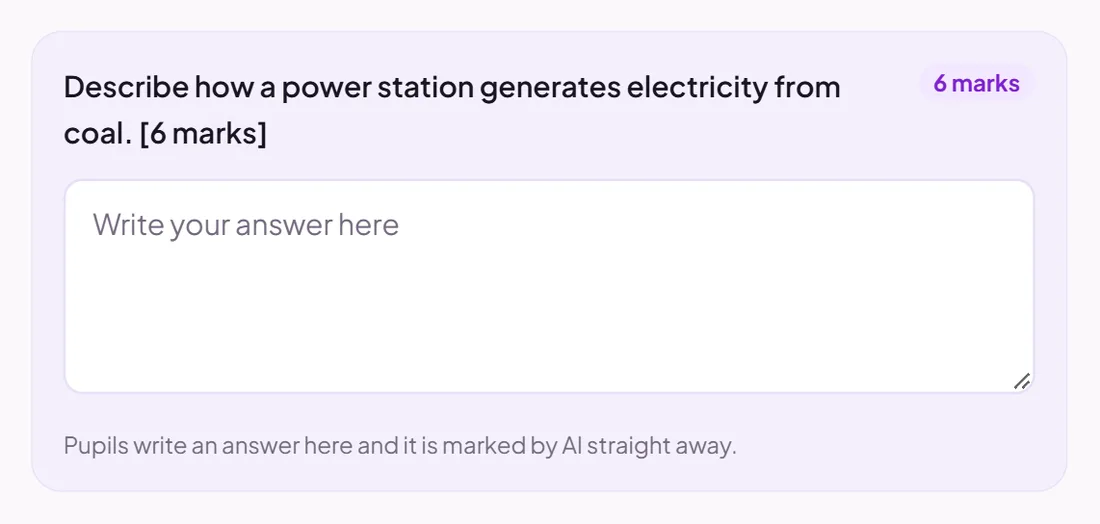
Exam practice
An exam-style question pupils answer on the page, marked by AI against your mark scheme.
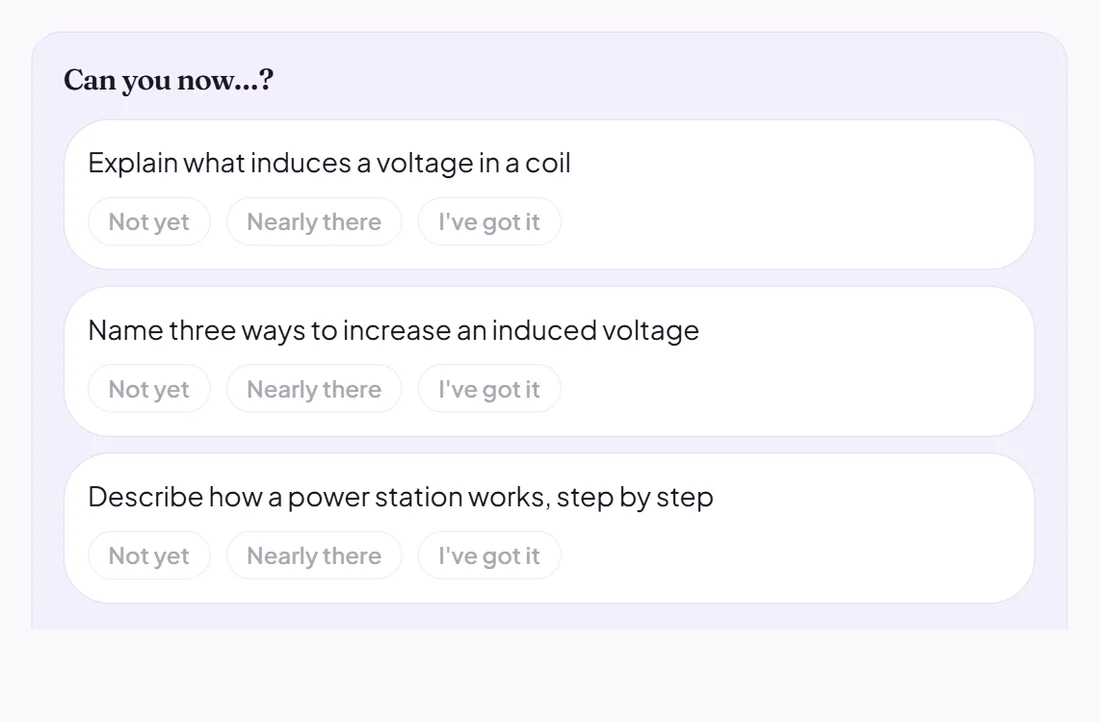
Checklist
A "Can you now…?" list. Pupils rate each statement: not yet, nearly there, or I've got it.
Write it, or let AI draft it
Start from a blank page, or let AI write a full draft from a topic, your notes, the curriculum or lessons you have taught. You read and edit it before anything reaches a class.
Pin it to a class
Choose Pin to classes and the hub sits at the top of each class space until you unpin it. Put several hubs in a collection to pin a whole unit as one card.
More about Topic Hubs