
Pictures, video and links
Link
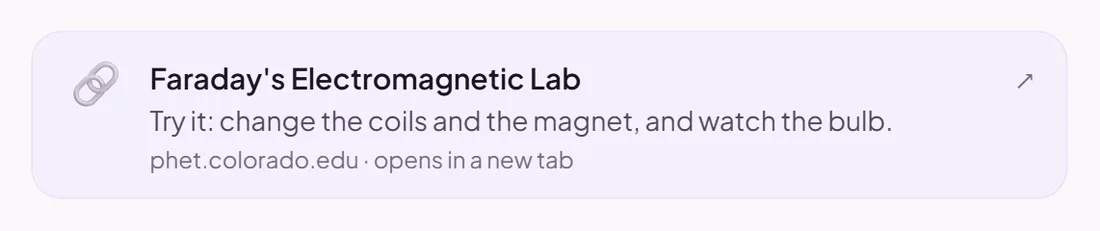
A link to a website, a NotebookLM notebook or a Google Drive file.
To read or watch
Good for
Resources that live somewhere else.
How to set it up
- 1Open the Topic Hub in the editor and choose Add a block.
- 2Choose Link.
- 3Paste the link and give it a title.
- 4Check the preview: it shows exactly what pupils will see.
Tips from the classroom
- Set NotebookLM and Drive links to "Anyone with the link", or pupils cannot open them.