
Quick questions
True or false
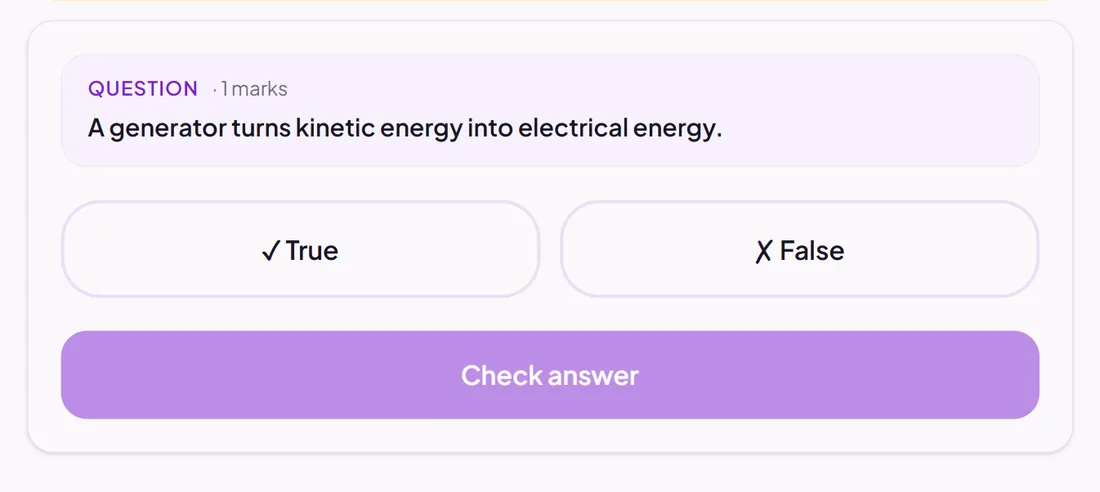
A statement pupils decide is true or false.
Marked automatically
Good for
Fast checks of facts and common misconceptions.
How to set it up
- 1Open the assessment in the editor and choose Add question.
- 2Pick True or false.
- 3Write the statement and choose whether it is true or false.
- 4Open Practice Preview to answer it as a pupil would, then run the readiness check before you set it.
Tips from the classroom
- Write statements that are clearly one or the other: a statement that is "mostly true" tests reading, not knowledge.
- Use several in a row to check a whole set of facts in a minute.