
Quick questions
Multiple choice
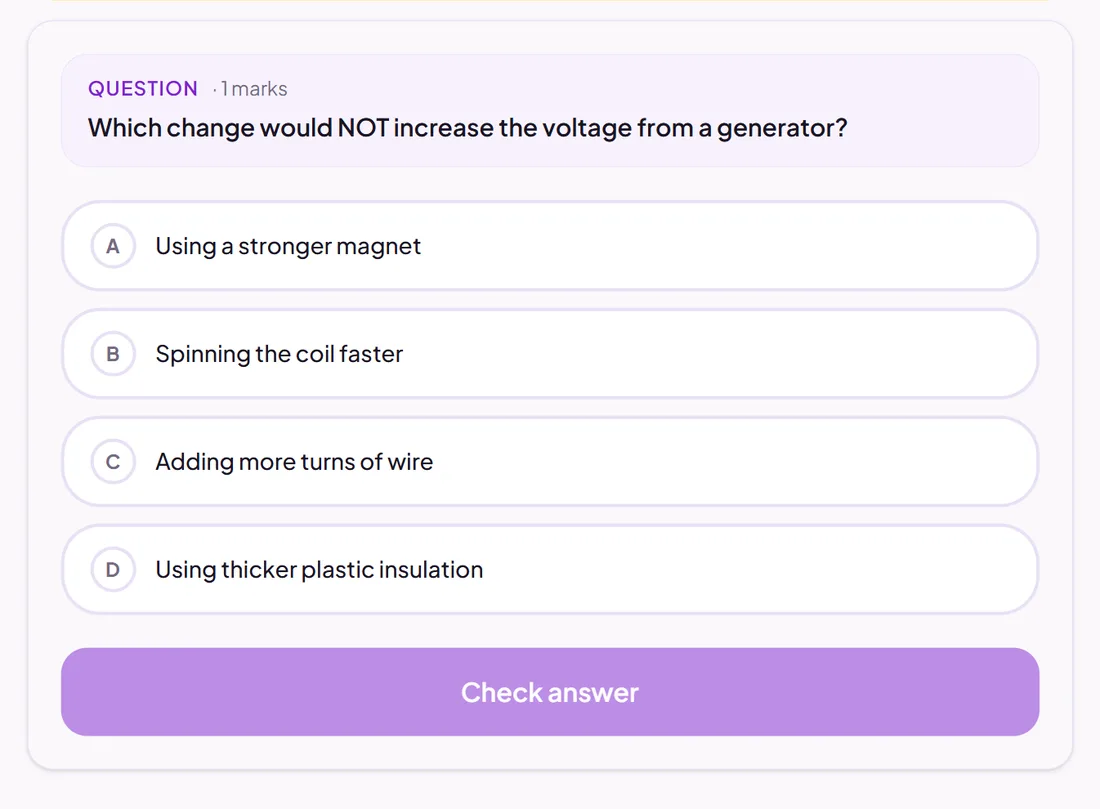
Pupils choose from the options you write. You can allow more than one correct answer.
Marked automatically
Good for
Checking knowledge quickly, and finding misconceptions with well-chosen wrong answers.
How to set it up
- 1Open the assessment in the editor and choose Add question.
- 2Pick Multiple choice.
- 3Write the question and the options, and tick the correct one (or more than one).
- 4Open Practice Preview to answer it as a pupil would, then run the readiness check before you set it.
Tips from the classroom
- Make each wrong answer a mistake pupils really make: the results then tell you what to reteach.
- Keep the options about the same length, so the longest one is not a giveaway.