
Teach and show
YouTube video
A YouTube video played inside the lesson, so pupils never leave it.
Not markedNot on paper
Pupils choose a theme:
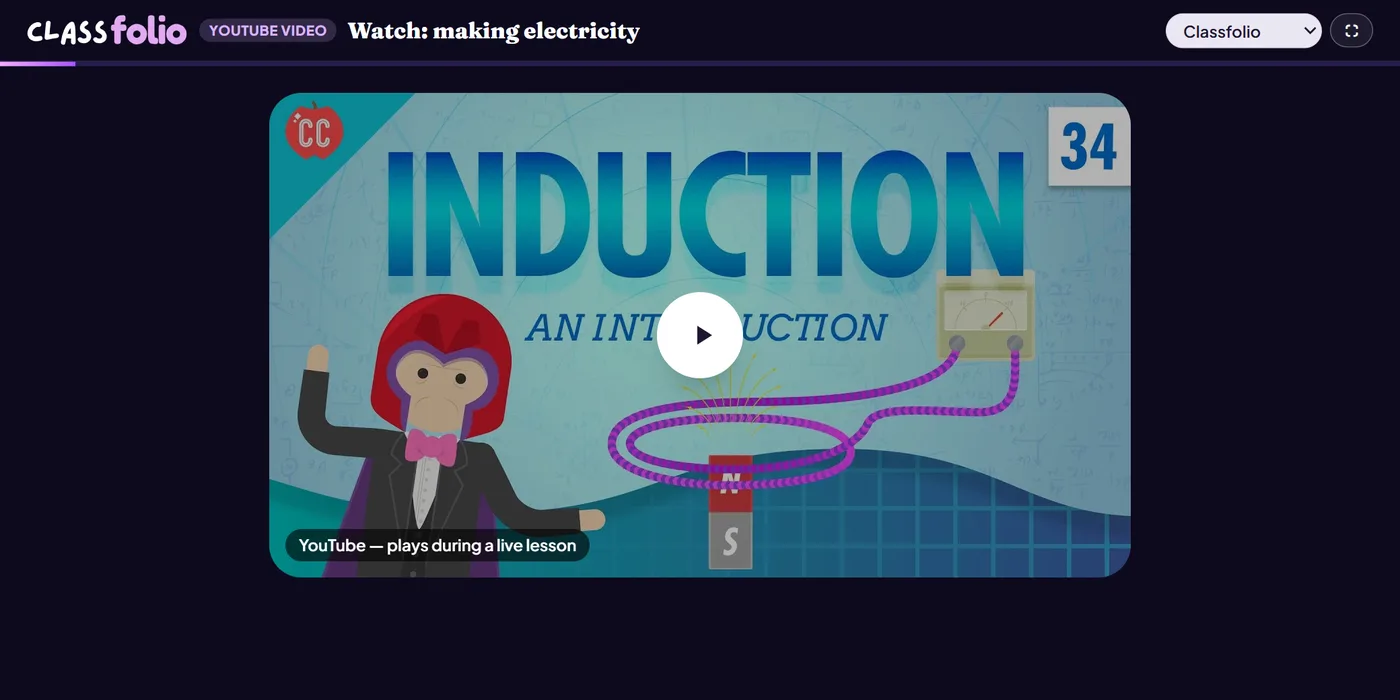
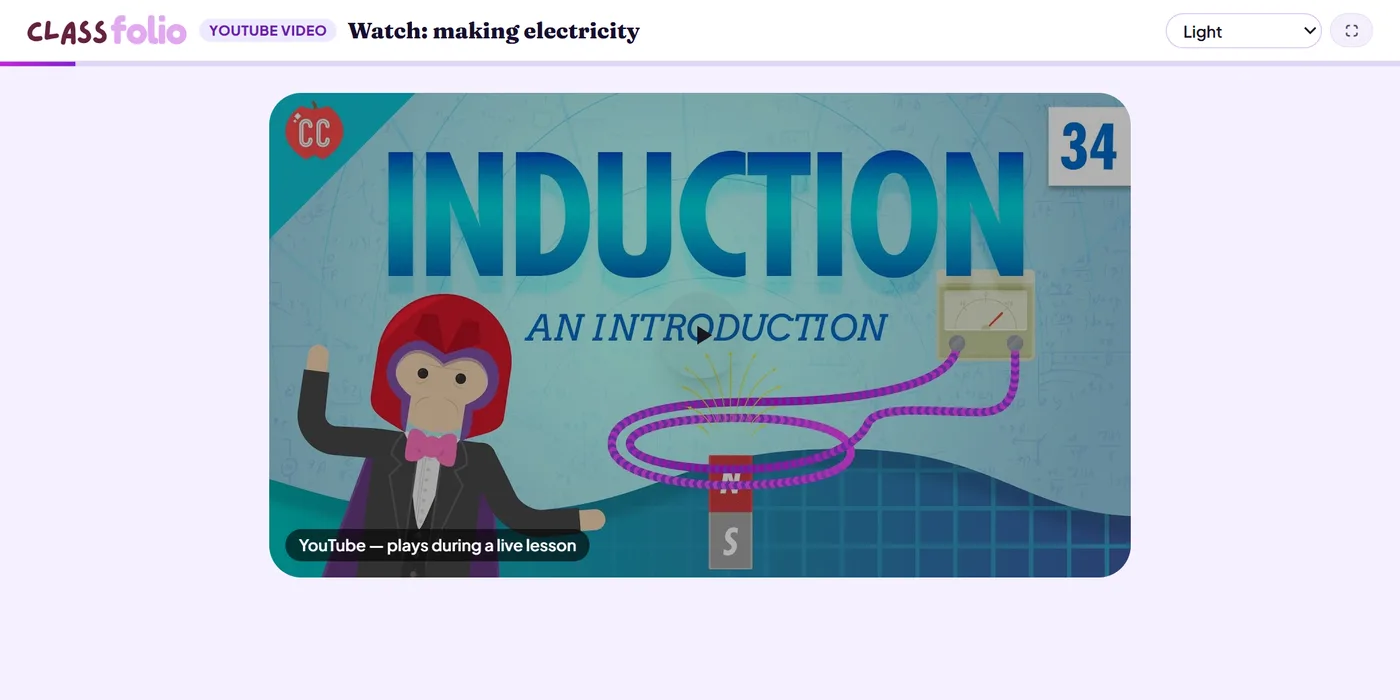
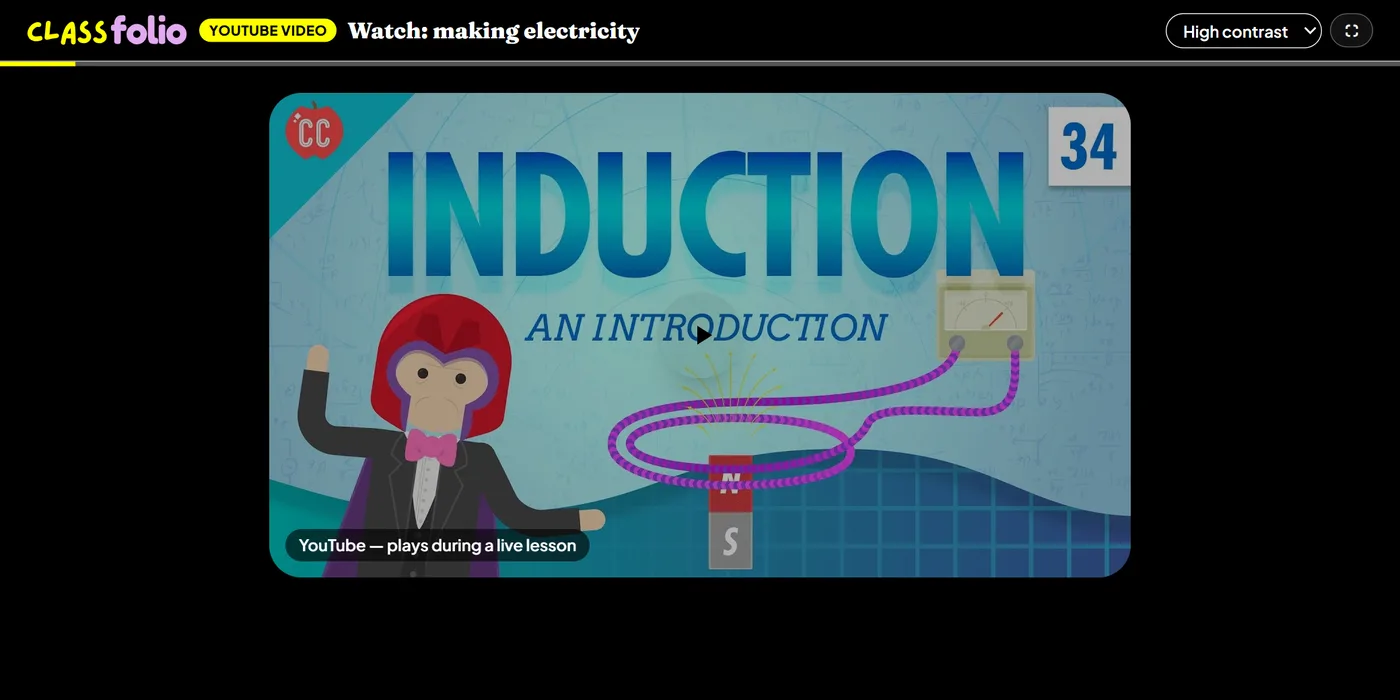
Good for
A short demonstration or explainer — a chemistry practical, a poem read aloud — followed by a question about it.
How to set it up
- 1In the lesson editor, choose Add slide and pick YouTube video.
- 2Paste the video's YouTube link and choose how it plays.
- 3Add a short question for pupils to answer about the video, if you want one.
- 4Preview it as a pupil, then run the Readiness check before you launch: it flags anything still missing.
Tips from the classroom
- Choose clips of a few minutes rather than whole programmes.
- Set the question before pupils watch, so they watch for something.