
Teach and show
External resource
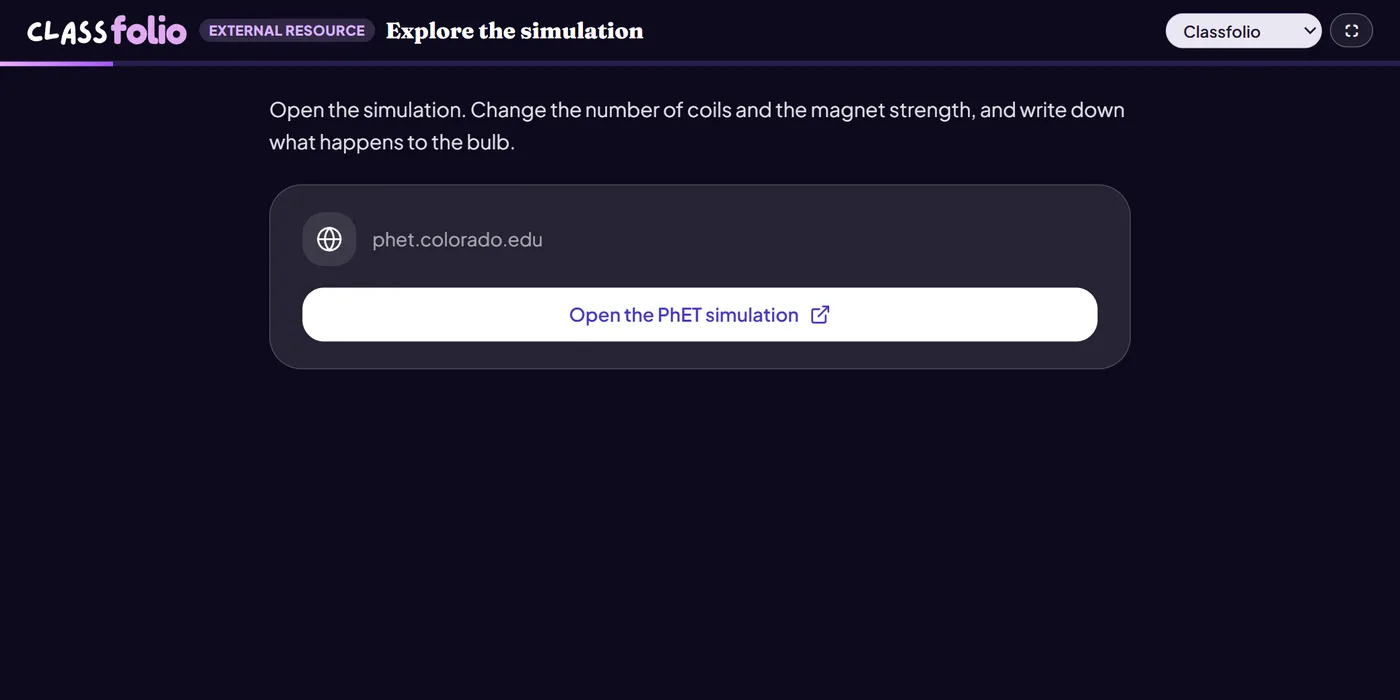
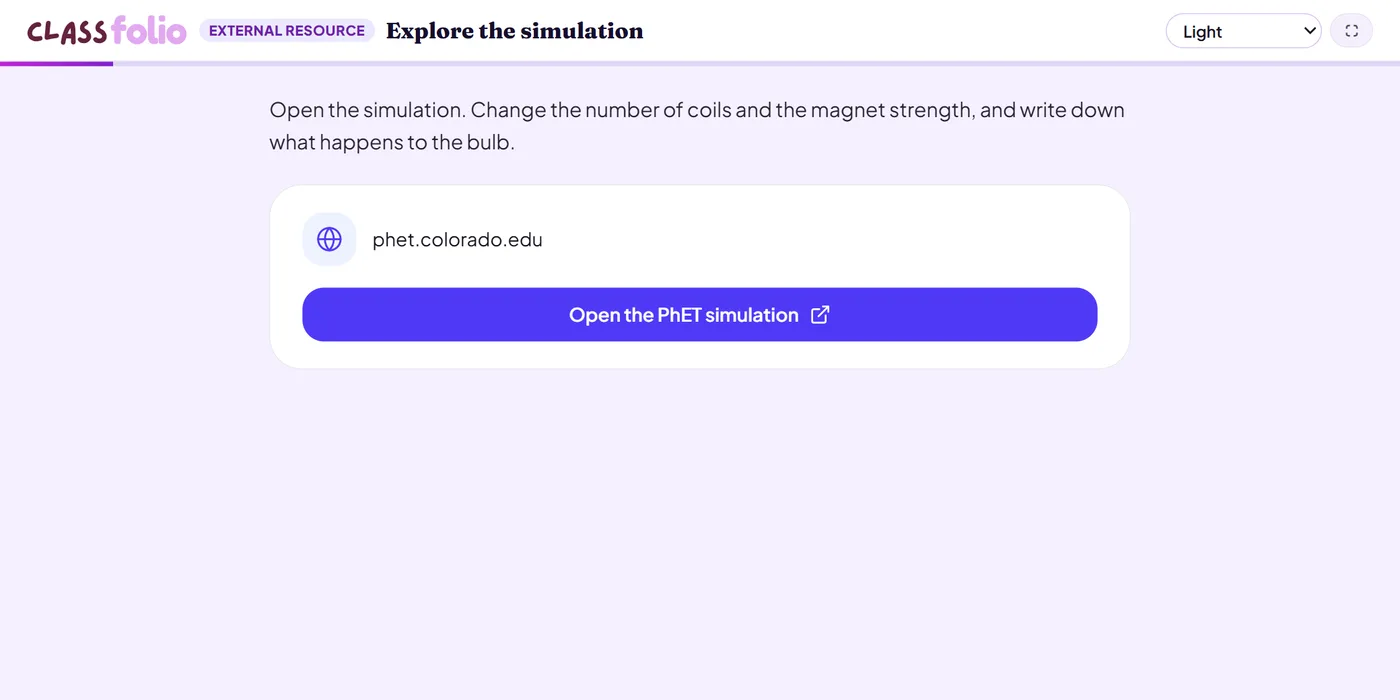
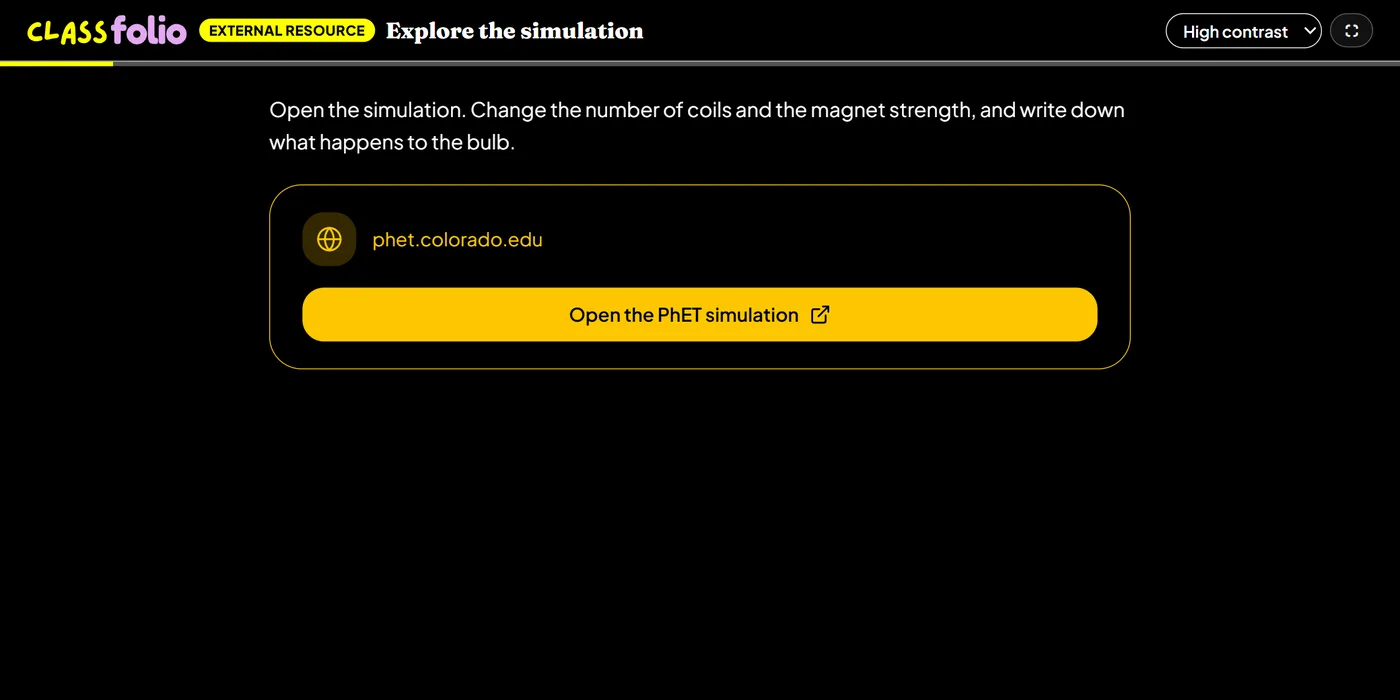
A link to a website, simulation or online tool, with your instructions beside it.
Not markedNot on paper
Pupils choose a theme:
Good for
A PhET simulation, a code editor or a primary source archive pupils explore for a set task.
How to set it up
- 1In the lesson editor, choose Add slide and pick External resource.
- 2Paste the link to the website, simulation or tool, and change the button text if you like.
- 3Write clear instructions: what pupils should do there, and what to come back with.
- 4Preview it as a pupil, then run the Readiness check before you launch: it flags anything still missing.
Tips from the classroom
- Follow it with a question slide, so the time on the other site leaves evidence in the lesson.
- Check the site works on pupils' devices and through your school's filtering.