
Teach and show
Explanation slide
Text, images and media to teach from, with your own notes for the presenter view.
Not markedNot on paper
Pupils choose a theme:
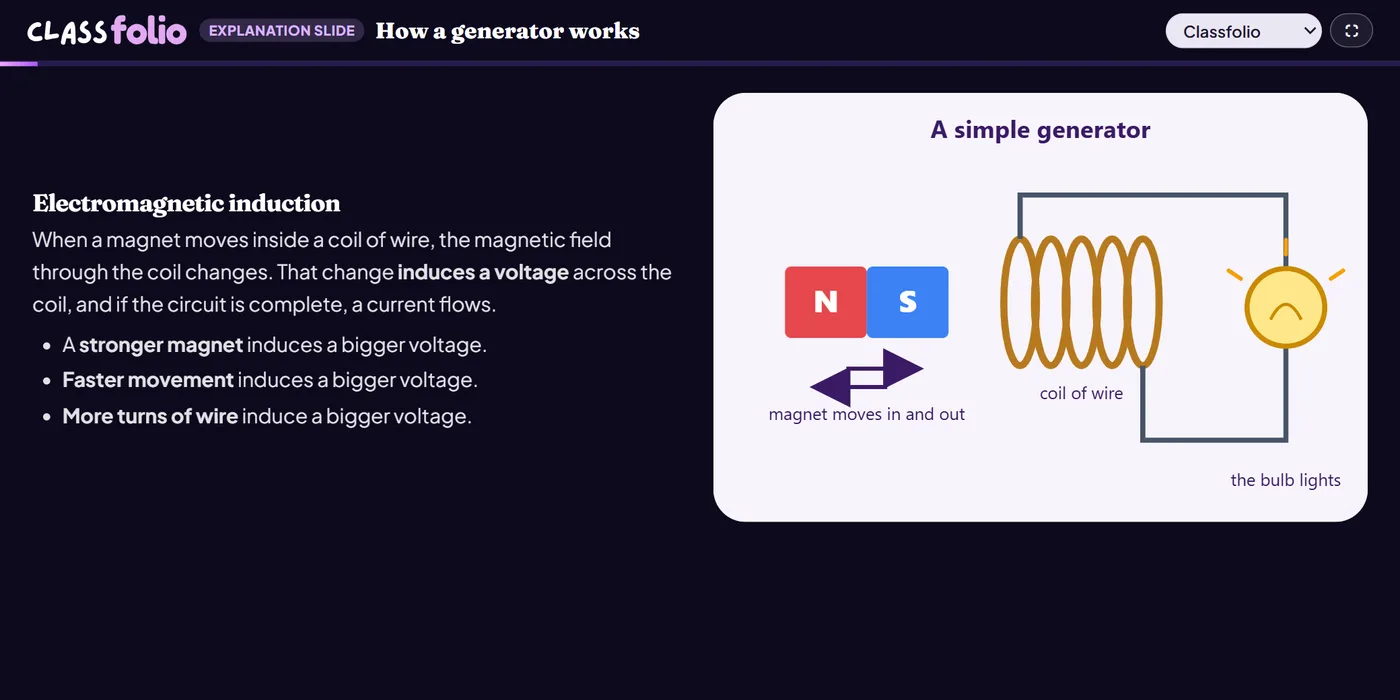
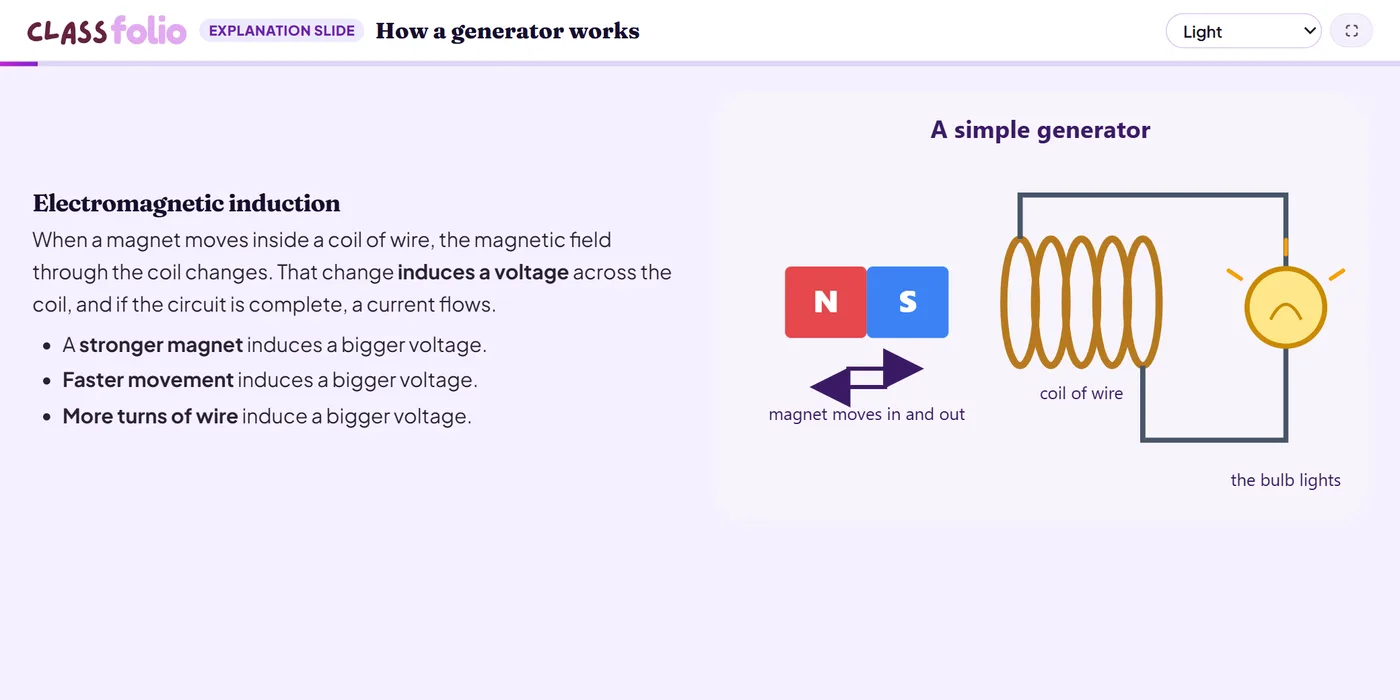
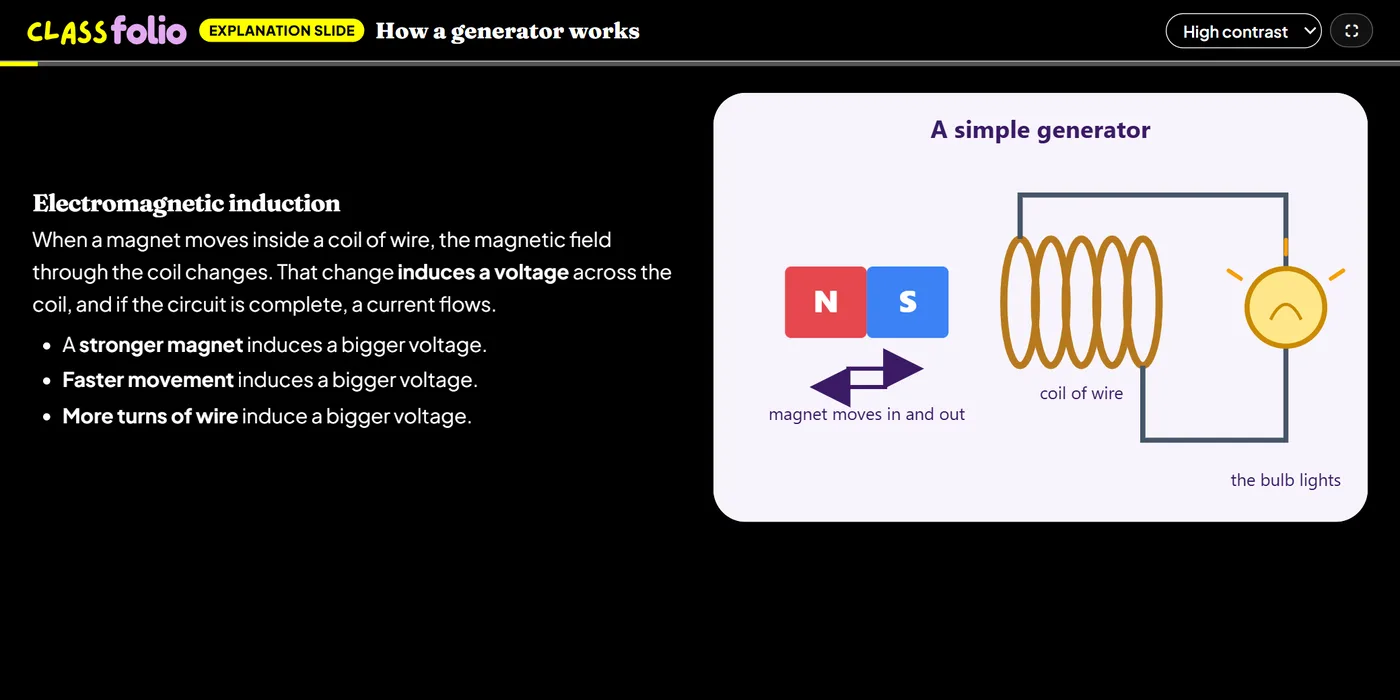
Good for
Introducing a new idea, a worked example, or the success criteria before a task.
How to set it up
- 1In the lesson editor, choose Add slide and pick Explanation slide.
- 2Give it a title and the content you will teach from; add an image and choose a layout if you like.
- 3Write presenter notes: only you see them, in the presenter view.
- 4Preview it as a pupil, then run the Readiness check before you launch: it flags anything still missing.
Tips from the classroom
- Keep each explanation short and follow it with a question: pupils remember what they have to use straight away.
- Record narration on the slide for self-paced lessons, so pupils hear your explanation in your voice.