
Puzzles and retrieval
Word search
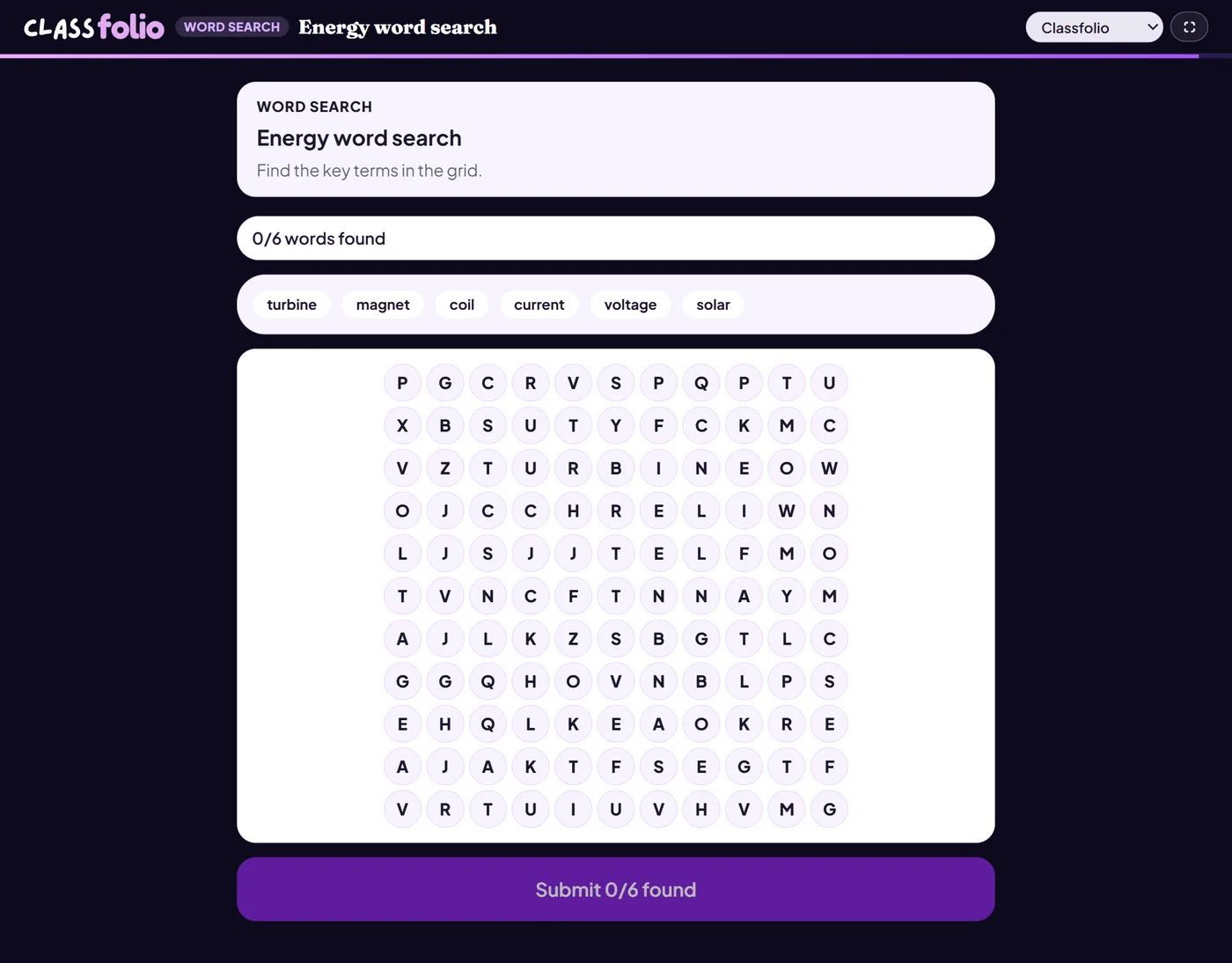
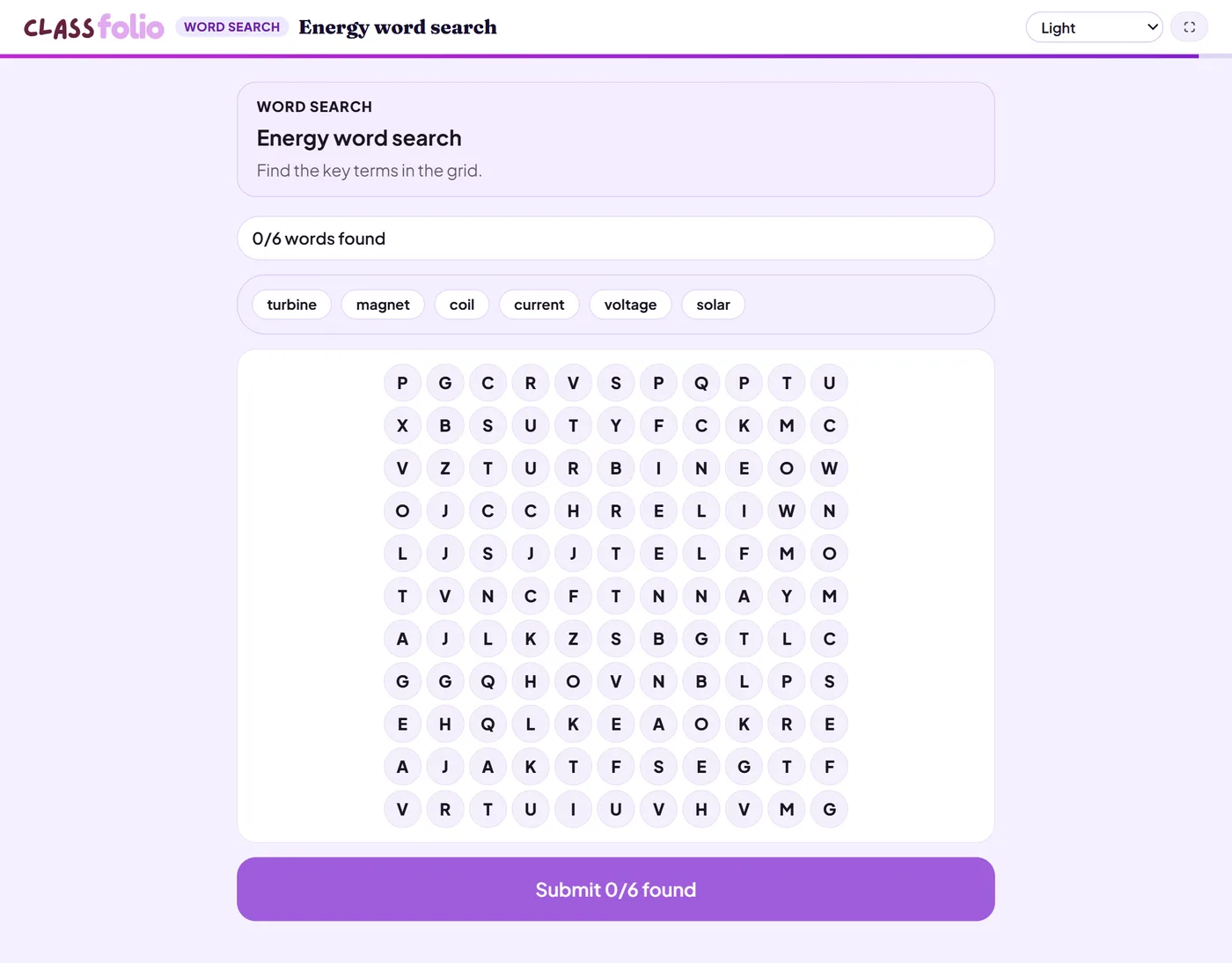
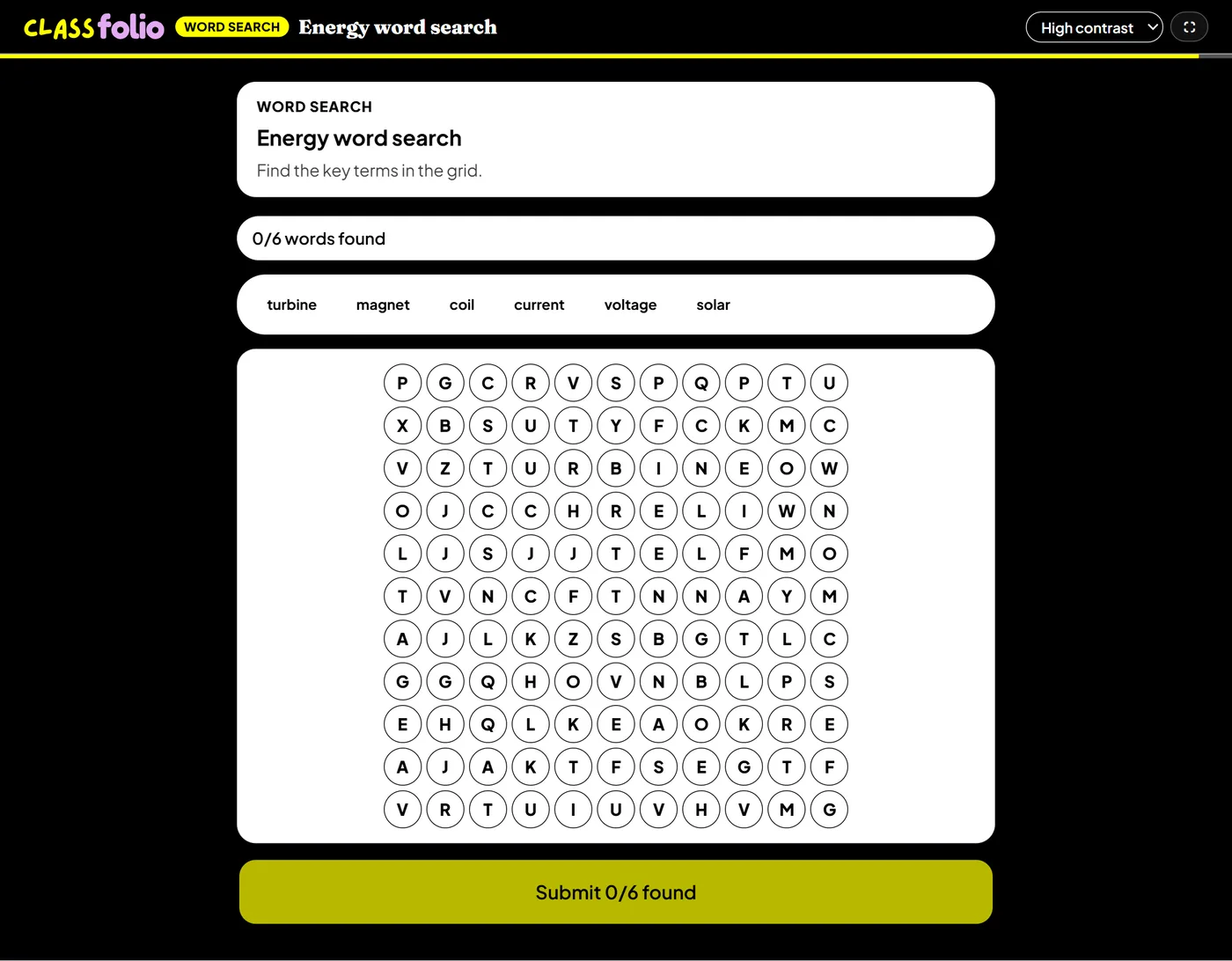
Pupils find your keywords in a grid, live or on a printable sheet.
Marked automaticallyOn paper: a picture you mark
Pupils choose a theme:
Good for
A starter or a filler for younger pupils; pair it with a definition task.
How to set it up
- 1In the lesson editor, choose Add slide and pick Interactive activity, then choose Word search.
- 2Add the words to find, and choose the difficulty: diagonals and backwards words make it harder.
- 3Preview it as a pupil, then run the Readiness check before you launch: it flags anything still missing.
Tips from the classroom
- Follow it with a definitions task: finding a word is not knowing it.
- Good as a calm starter while the register is taken.