
Maths, data and drawing
Calculation
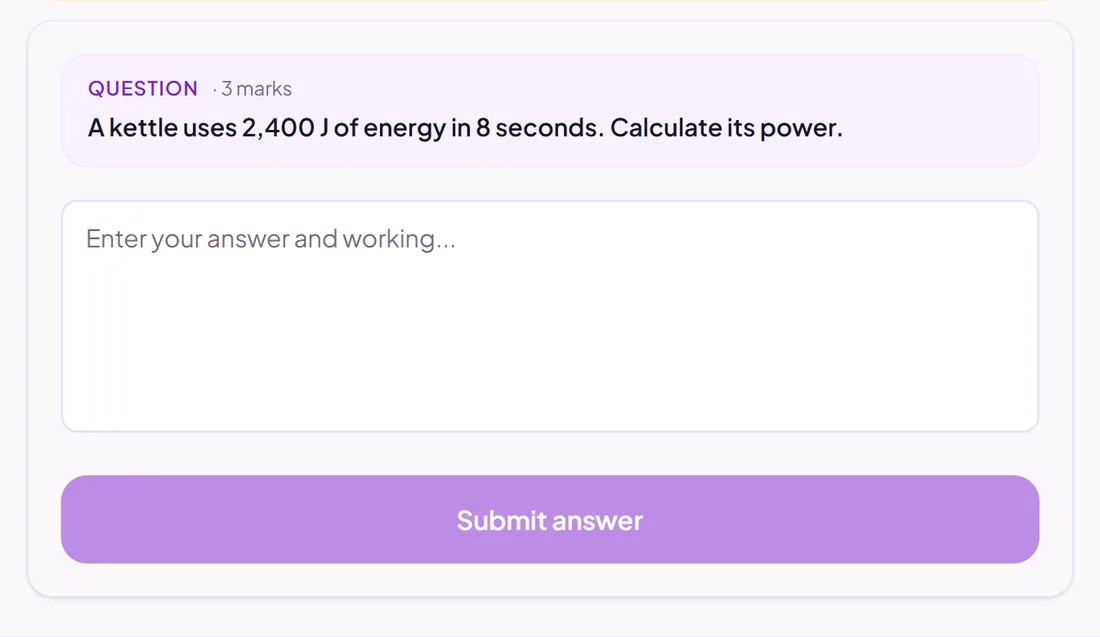
Pupils show their working and give a final answer.
Exact answer, AI or you
Good for
Maths and science calculations where the method matters as well as the answer.
How to set it up
- 1Open the assessment in the editor and choose Add question.
- 2Pick Calculation.
- 3Write the question, then the correct final answer and how close an answer must be.
- 4Open Practice Preview to answer it as a pupil would, then run the readiness check before you set it.
Tips from the classroom
- Choose AI marking when method marks matter: it reads the working steps.