
Writing and sources
Annotation
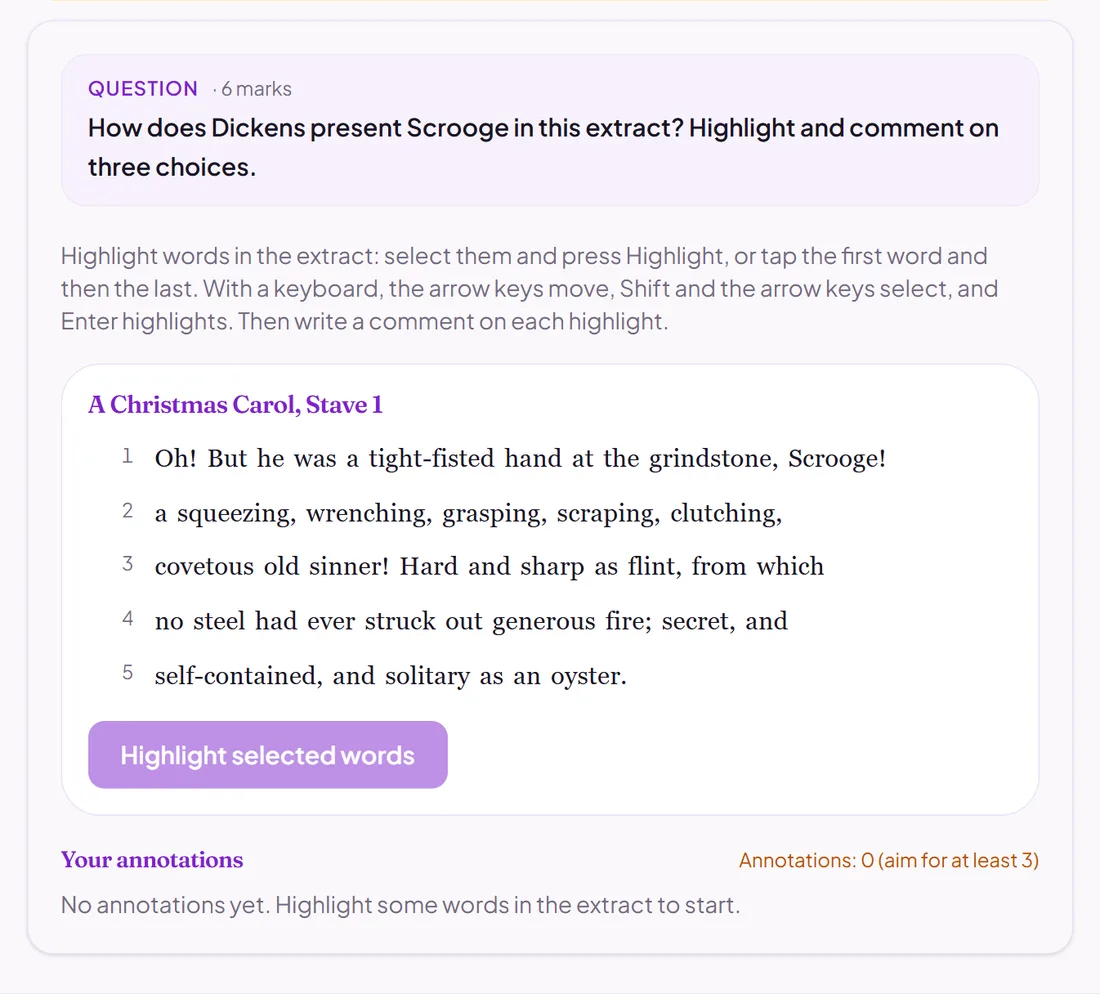
Pupils highlight words in an extract and write a comment on each.
AI, against your points
Good for
Close reading in English, and analysing a source line by line.
How to set it up
- 1Open the assessment in the editor and choose Add question.
- 2Pick Annotation.
- 3Paste the extract, then write the points a good set of annotations would make.
- 4Open Practice Preview to answer it as a pupil would, then run the readiness check before you set it.
Tips from the classroom
- Set how many annotations you expect: pupils see their count as they go.
- Write points, not model sentences: the AI looks for the idea, not your wording.