
Quick checks
Short answer
A word, a phrase or a sentence or two.
Exact answer, AI or you
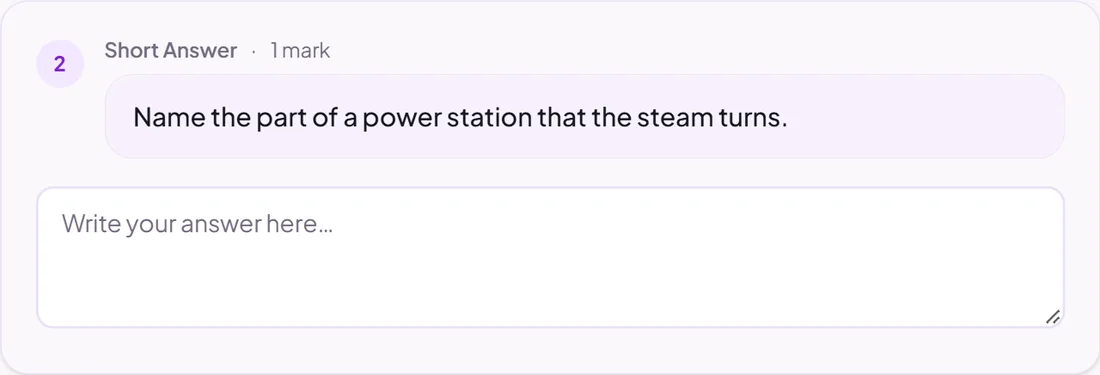
Good for
Definitions, named examples and one-step explanations.
How to set it up
- 1Open the assignment in the editor and choose Add task.
- 2Pick Short answer.
- 3Write the question and choose how it is marked: your answer and keywords, AI, or by you.
- 4Open Practice Preview to try it as a pupil, then run the readiness check before you set it.
Tips from the classroom
- Keywords suit short answers well: any answer containing one of them is marked correct.