
Quick checks
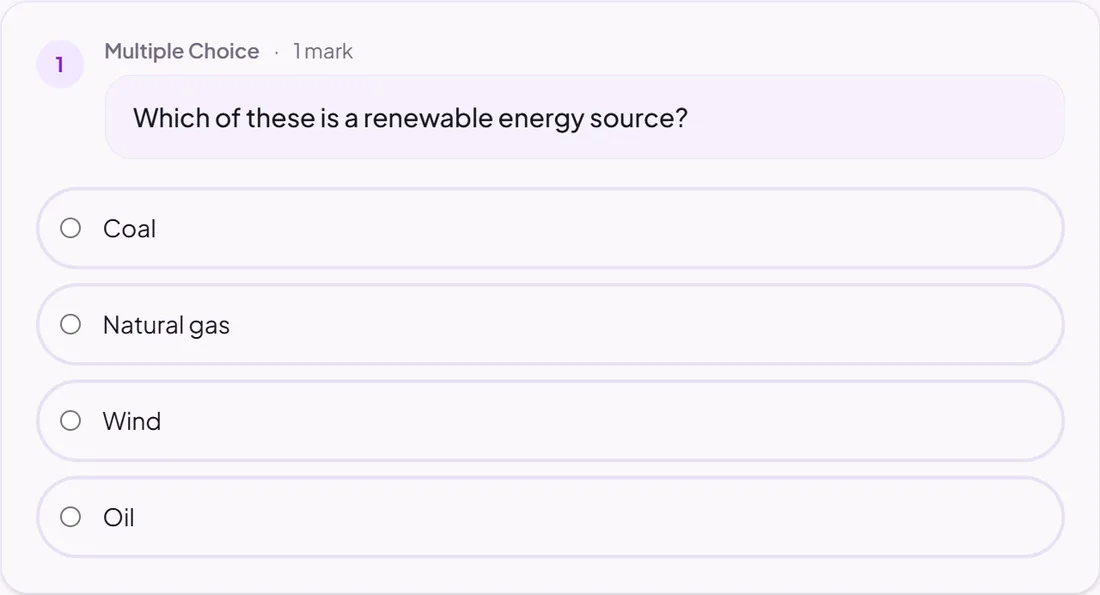
Multiple choice
Pupils choose from the options you write.
Marked automatically
Good for
Retrieval practice and quick checks of homework reading.
How to set it up
- 1Open the assignment in the editor and choose Add task.
- 2Pick Multiple choice.
- 3Write the question and the options, and tick the correct one.
- 4Open Practice Preview to try it as a pupil, then run the readiness check before you set it.
Tips from the classroom
- Use wrong answers that are real misconceptions, so the results tell you something.