
Speaking and information
Speaking
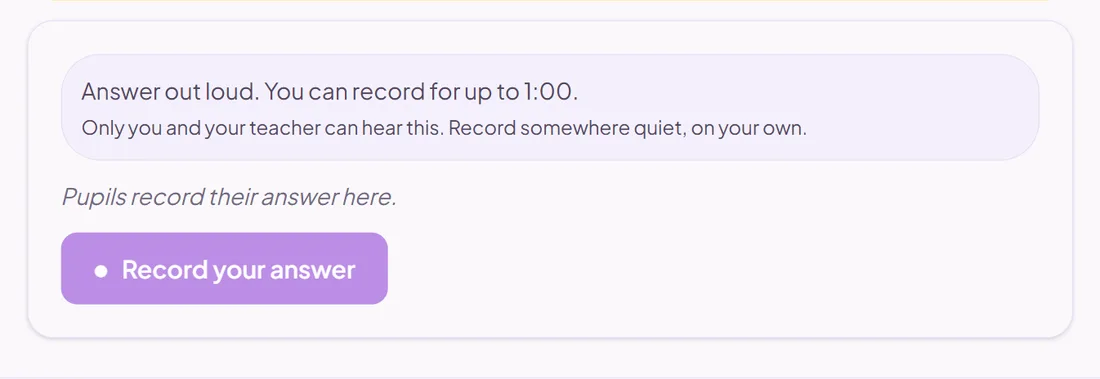
Pupils answer by recording their voice.
You mark it
Good for
Speaking practice and assessment in modern foreign languages.
Your school turns pupil recordings on in its settings.
How to set it up
- 1Open the assessment in the editor and choose Add question.
- 2Pick Speaking.
- 3Write the prompt, and choose the time limit and whether pupils may record again.
- 4Open Practice Preview to answer it as a pupil would, then run the readiness check before you set it.
Tips from the classroom
- Give pupils the vocabulary or a structure to use, in the prompt.