
Support and stretch
Plenary
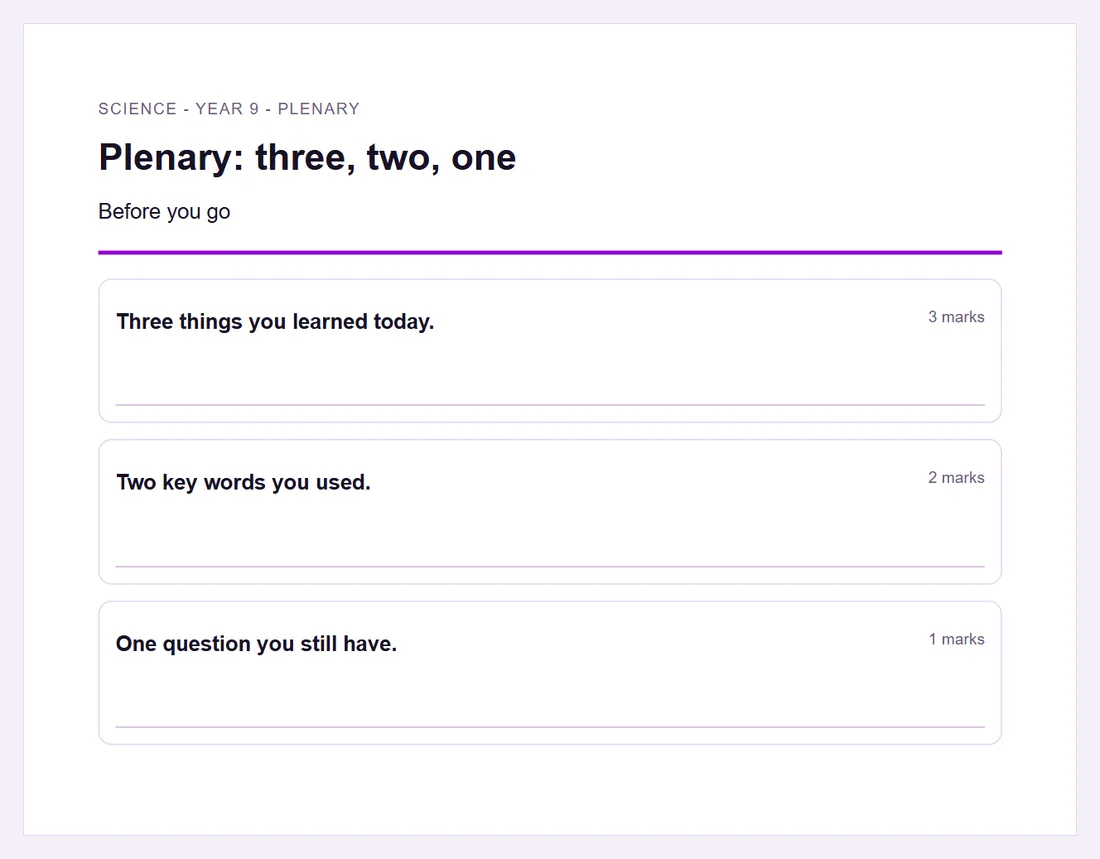
An activity for the end of a lesson that checks what was learned.
AI can draft itPrintable
Good for
The last five minutes of a lesson.
How to set it up
- 1Open Resources and choose Create with assistant, or the New button for that resource.
- 2Choose Plenary, then give the subject, year group and topic, or your own notes.
- 3Read the draft and change anything you want.
- 4Print it, or link it to a lesson so it sits with the lesson.
Tips from the classroom
- Use what pupils write to plan the start of the next lesson.