
Revision
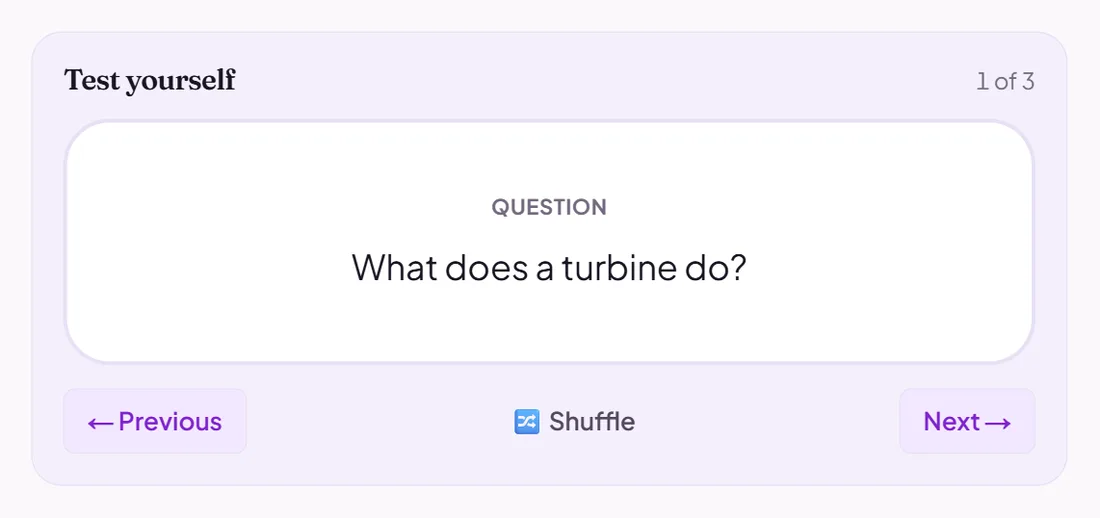
Flashcard deck
Online flashcards pupils flip through, marking each card "got it" or "still learning".
AI can draft itPupils use it online
Good for
Spaced practice of terms and facts, in pupils' own time.
How to set it up
- 1Open Revision Intel and choose Create flashcard deck.
- 2Write the cards, or let AI draft them from a topic.
- 3Read the cards and edit them.
- 4Attach the deck to a lesson or a Topic Hub so pupils can study it.
Tips from the classroom
- Short cards work best: one fact or one term on each.