
Match, sort and order
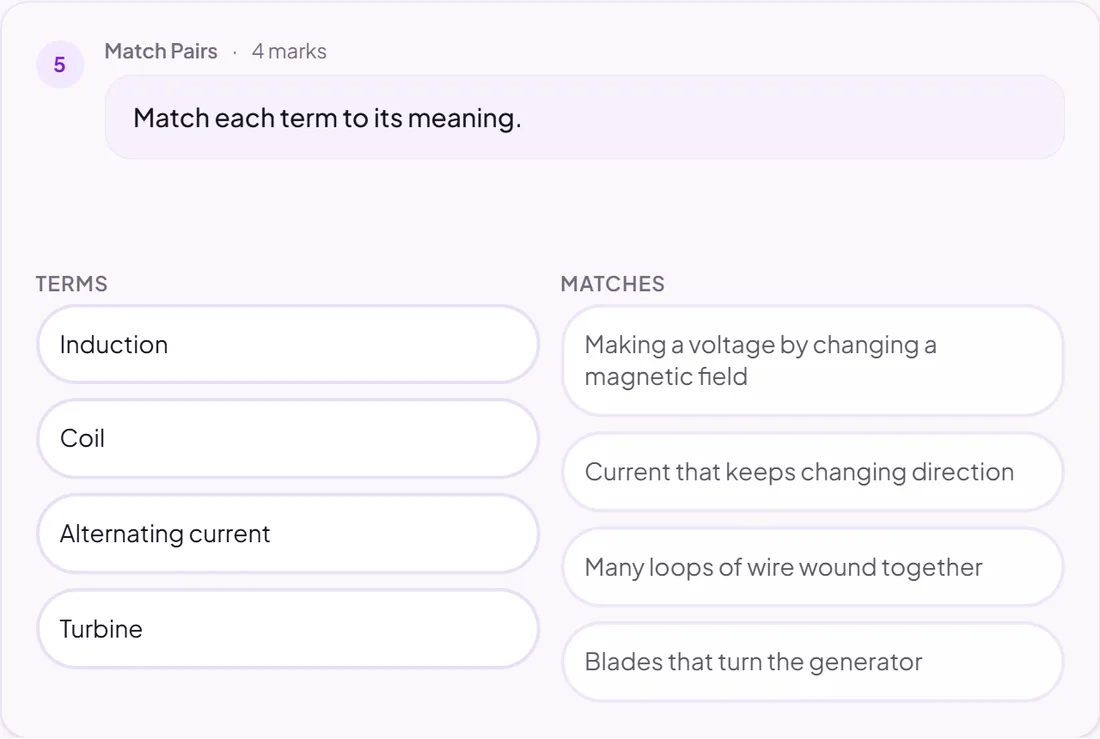
Match pairs
Pupils match each item to its partner.
Marked automatically
Good for
Terms and definitions, causes and effects.
How to set it up
- 1Open the assignment in the editor and choose Add task.
- 2Pick Match pairs.
- 3Add each pair. Pupils see them shuffled.
- 4Open Practice Preview to try it as a pupil, then run the readiness check before you set it.
Tips from the classroom
- Four to six pairs is plenty.